22 June 2026
Effortless Travel Timelapse Editing Without a Computer
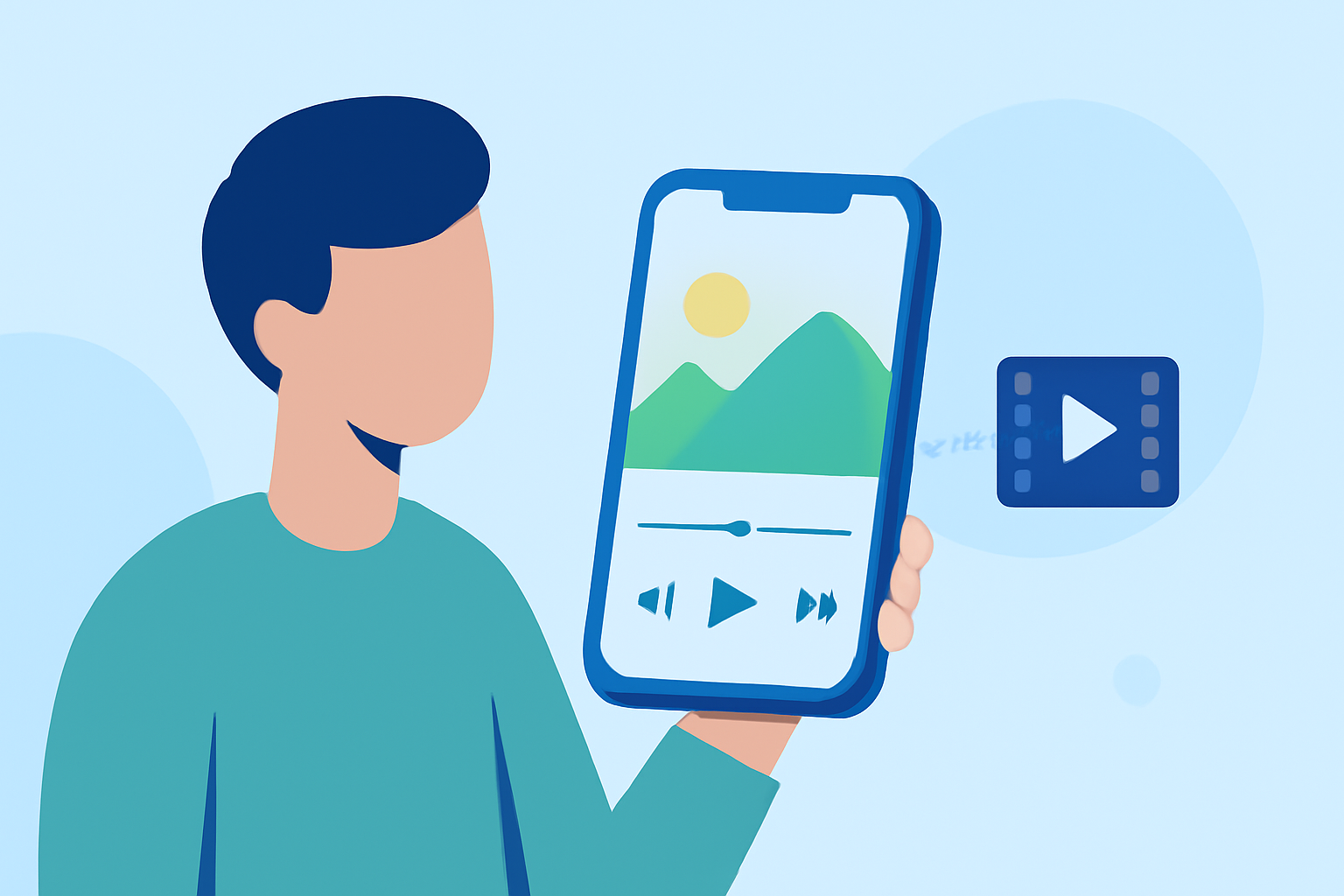
Capturing the essence of your travels through timelapse videos offers a unique perspective on your adventures. With advancements in mobile technology, it's now possible to edit these videos directly on your smartphone or tablet, streamlining the process and allowing for on-the-go creativity.
Why Choose Mobile Editing for Timelapse Videos?
Editing timelapse videos on your mobile device provides several advantages:
- Portability: Edit your footage anywhere, whether you're on a train, at a café, or relaxing at your accommodation.
- User-Friendly Interfaces: Many mobile apps are designed with intuitive interfaces, making the editing process accessible even for beginners.
- Instant Sharing: Once your video is edited, you can immediately share it on social media platforms, keeping your audience engaged in real-time.
Top Mobile Apps for Timelapse Video Editing
Several mobile applications cater specifically to timelapse video editing, offering a range of features to enhance your footage:
How to Quickly Import Audio and Video into CapCut | Envato Tuts+
CapCut
A free, user-friendly app that provides a variety of editing tools, including speed adjustments, filters, and effects. It's particularly popular among social media creators for its ease of use and robust features. (insideeditors.com)
[LumaFusion] 映像クリップのトリムや長さの調整を行う方法 | キュリオシーン
LumaFusion
A professional-grade video editor available for iOS devices, offering multi-track editing, advanced color correction, and a wide array of effects. It's ideal for users seeking a comprehensive editing suite on their mobile device. (techradar.com)
10 Best Apps for Instagram Posts (2026)
Adobe Premiere Rush
A cross-platform app that integrates seamlessly with Adobe's Creative Cloud, allowing for consistent editing across devices. It offers multi-track editing, color correction, and audio editing tools. (insideeditors.com)
10 Apps Like Video Star | Best Alternatives ( 2026 )
KineMaster
A versatile app that supports multi-layer video editing, blending modes, and a variety of effects. It's suitable for both beginners and advanced users looking to create polished videos. (insideeditors.com)
How To Color Isolate In Three Steps Using InShot
InShot
A straightforward app that offers essential editing tools like trimming, speed adjustments, and filters. It's perfect for quick edits and sharing on social media platforms. (insideeditors.com)
Tips for Effective Mobile Timelapse Editing
To make the most of your mobile editing experience:
- Plan Your Shots: Decide on the intervals and duration of your timelapse before shooting to ensure smooth editing later.
- Stabilize Your Device: Use a tripod or stable surface to minimize camera shake during recording.
- Use High-Quality Footage: Ensure your original footage is of high resolution and well-lit to achieve the best results.
- Explore App Tutorials: Many apps offer tutorials or guides to help you utilize their features effectively.
Conclusion
Editing travel timelapse videos directly on your mobile device is a convenient and efficient way to showcase your adventures. With the right app and a bit of practice, you can create professional-looking videos that capture the essence of your travels.
Highlights:
- Best video editing app of 2025: Recommended video editor apps for Android, iPhone, and iPad, Published on Monday, October 20
- The best video editing apps, Published on Thursday, May 14
- I'm a video editor and this is the best video editing software of 2026 for creative professionals and creators, Published on Wednesday, January 14