22 June 2026
Effortless Travel Video Editing Without a Computer
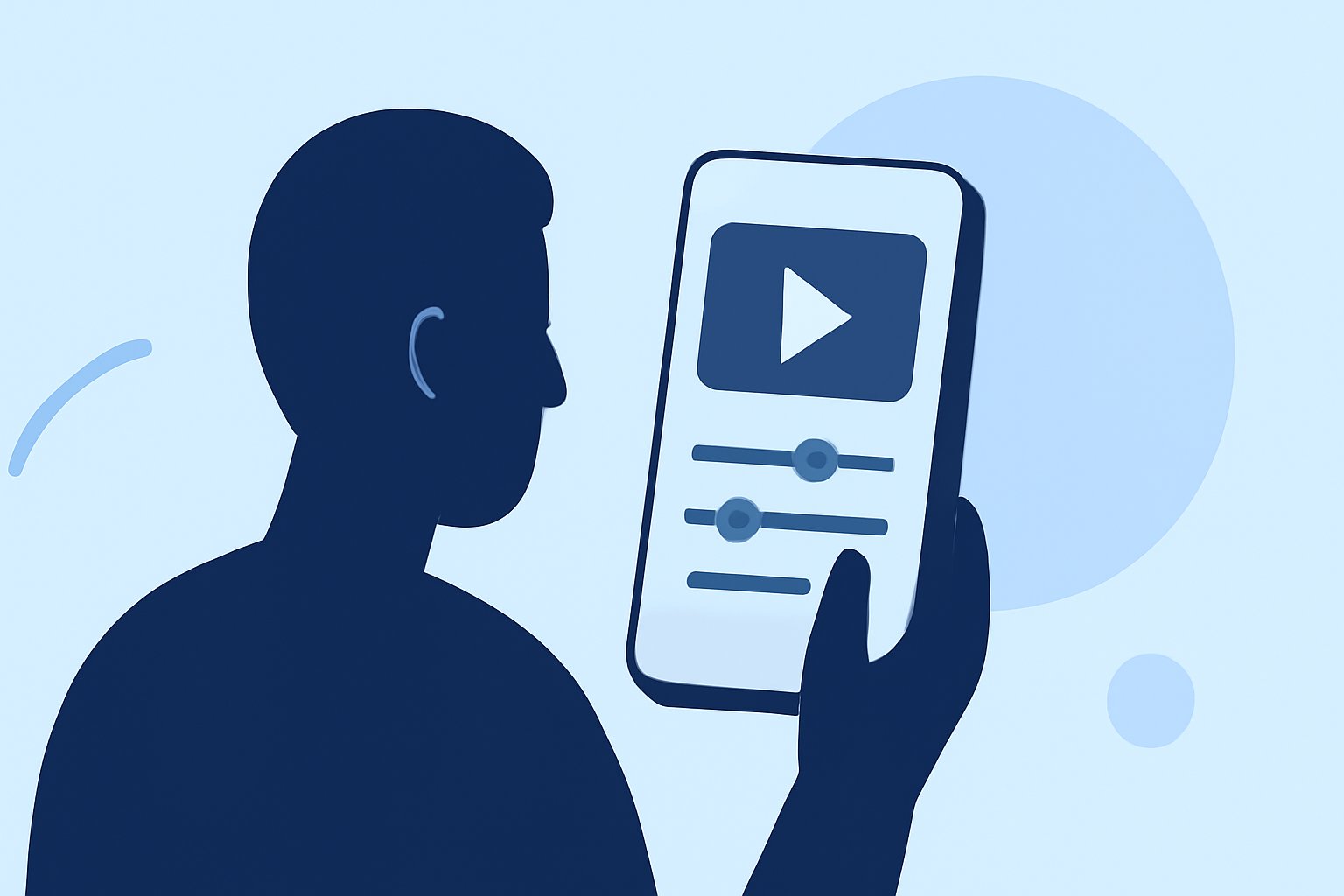
Traveling offers countless moments worth capturing, but editing these videos traditionally requires a computer. Fortunately, advancements in mobile technology have made it possible to edit high-quality videos directly from your smartphone. In this guide, we'll explore how to edit your travel videos on the go and introduce Planes Live as an excellent solution for seamless mobile editing.
Why Edit Travel Videos on Your Phone?
Editing videos on your smartphone provides several advantages:
- Portability: Edit videos anytime, anywhere, without the need for bulky equipment.
- Convenience: Quick edits allow you to share your experiences in real-time.
- Efficiency: Mobile apps often offer intuitive interfaces tailored for on-the-go editing.
Top Mobile Video Editing Apps for Travel Videos
Several mobile apps cater to the needs of travelers looking to edit their footage:
- Planes Live: A user-friendly app designed for seamless video editing on the go.
- CapCut: Offers a range of templates and effects, ideal for social media content.
- KineMaster: Provides advanced features like multi-layer editing and chroma key.
- Adobe Premiere Rush: Integrates with Adobe's ecosystem, offering a consistent editing experience across devices.
Why Choose Planes Live for Your Travel Videos?
Planes Live stands out as a top choice for mobile video editing due to its user-friendly interface and powerful features. Key benefits include:
- Intuitive Interface: Designed for ease of use, allowing quick edits without a steep learning curve.
- Comprehensive Editing Tools: Offers a range of features to enhance your videos, including filters, transitions, and text overlays.
- Seamless Sharing: Directly share your edited videos to social media platforms or save them to your device.
How to Edit Your Travel Videos Using Planes Live
Editing your travel videos with Planes Live is straightforward:
- Import Your Footage: Open the app and select the videos you want to edit.
- Trim and Arrange Clips: Use the timeline to cut and arrange your clips in the desired sequence.
- Apply Enhancements: Add filters, transitions, and text to enhance your video's visual appeal.
- Export and Share: Once satisfied, export your video and share it directly to your preferred platform.
Tips for Effective Mobile Video Editing
To make the most of your mobile editing experience:
- Plan Ahead: Organize your footage before editing to streamline the process.
- Keep It Simple: Avoid over-editing; focus on enhancing the story of your travel experience.
- Use Templates: Leverage built-in templates to create professional-looking videos quickly.
Conclusion
Editing your travel videos without a computer is entirely feasible with the right mobile app. Planes Live offers a robust solution for on-the-go editing, enabling you to create polished videos that capture the essence of your travels. Embrace the convenience of mobile editing and share your adventures with the world in real-time.