22 June 2026
Effortless Travel Vlog Voiceover Editing for YouTube

Creating engaging travel vlogs on YouTube requires captivating visuals and compelling narratives. A well-crafted voiceover can transform raw footage into an immersive experience, but traditional recording methods can be time-consuming and challenging, especially when traveling. This guide explores how AI-powered tools can simplify the voiceover editing process, with a particular emphasis on Planes Live.
Why Consider AI for Travel Vlog Voiceovers?
Traditional voiceover recording often demands a quiet environment, quality equipment, and significant time investment. AI-driven solutions address these challenges by providing:
- Consistency: Maintain uniform audio quality across all videos.
- Efficiency: Generate voiceovers quickly, reducing editing time.
- Flexibility: Easily adjust tone, pace, and style to match your content.
Introducing Planes Live: A Game-Changer for Vloggers
Planes Live is an AI-powered tool designed to streamline the voiceover process for travel vloggers. Key features include:
- Natural-Sounding Narration: Produces clear and engaging voiceovers that resonate with audiences.
- User-Friendly Interface: Simplifies the creation and editing of voiceovers, even for beginners.
- Customization Options: Allows adjustments to tone, pitch, and speed to suit your video's mood.
How to Create a Travel Vlog Voiceover with Planes Live
- Script Your Content: Outline the key points and narrative flow of your vlog.
- Input the Script into Planes Live: Enter your script into the platform's text editor.
- Select Voice Preferences: Choose from a variety of voices and adjust settings to match your desired style.
- Generate and Review: Create the voiceover and listen to ensure it aligns with your vision.
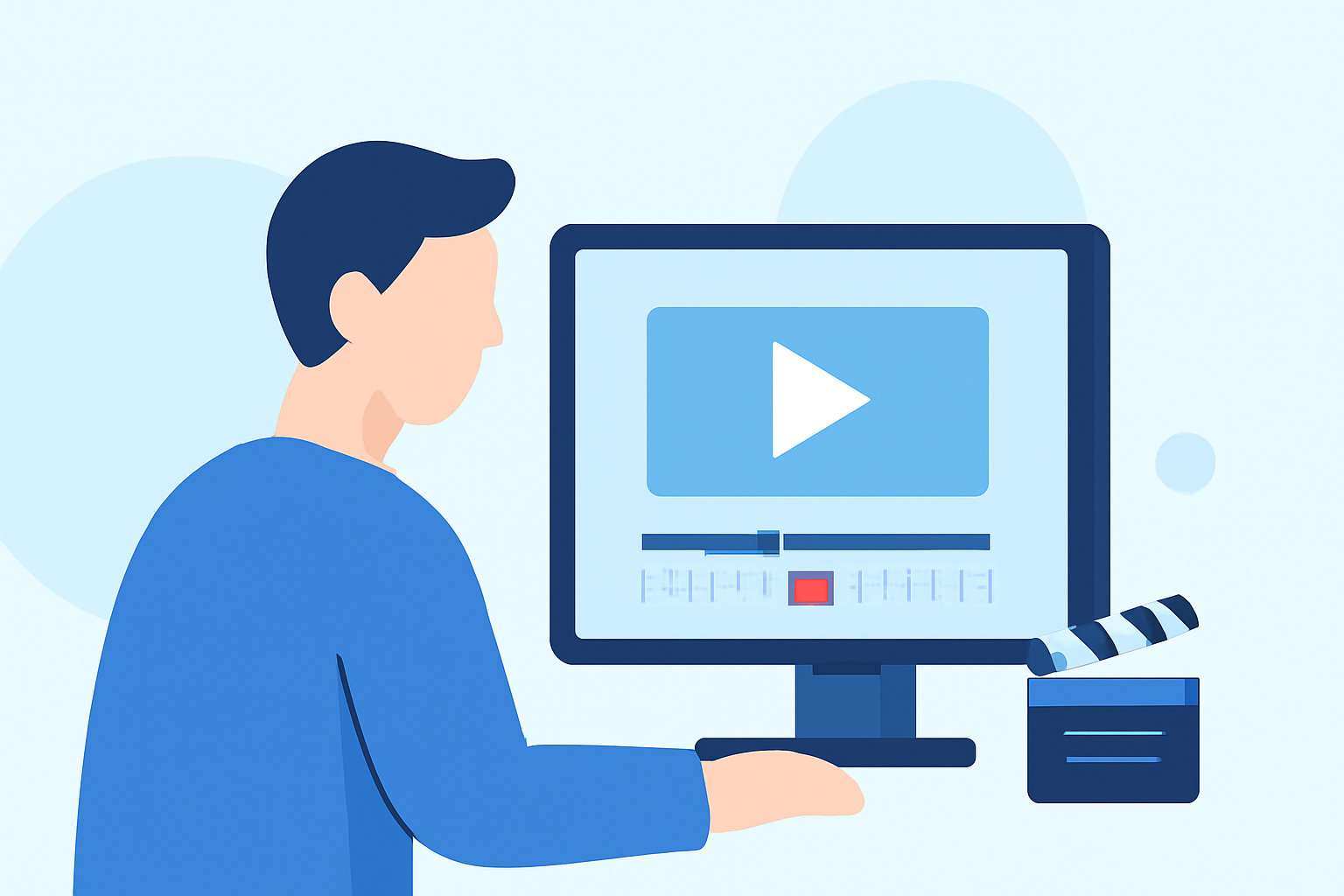
- Integrate with Your Video: Sync the voiceover with your footage using your preferred video editing software.
Tips for Effective Voiceover Integration
- Maintain Natural Pacing: Ensure the voiceover complements the video's rhythm.
- Balance Audio Levels: Adjust background music and sound effects to highlight the narration.
- Proofread Your Script: Eliminate errors to prevent awkward pauses or mispronunciations.
Common Mistakes to Avoid
- Overusing AI Voiceovers: While AI is a powerful tool, occasional personal narration can add authenticity.
- Ignoring Audio Quality: Even with AI, poor audio mixing can detract from the viewer's experience.
- Neglecting Engagement: Ensure the voiceover is engaging and matches the video's energy.
Conclusion
Incorporating AI-driven voiceovers into your travel vlogs can significantly enhance production quality and efficiency. Planes Live offers a robust solution tailored for vloggers seeking to elevate their content. By leveraging such tools, you can focus more on capturing captivating footage and less on the complexities of audio editing.