22 June 2026
Enhancing Airplane Takeoff and Landing Videos on Mobile: A Comprehensive Guide
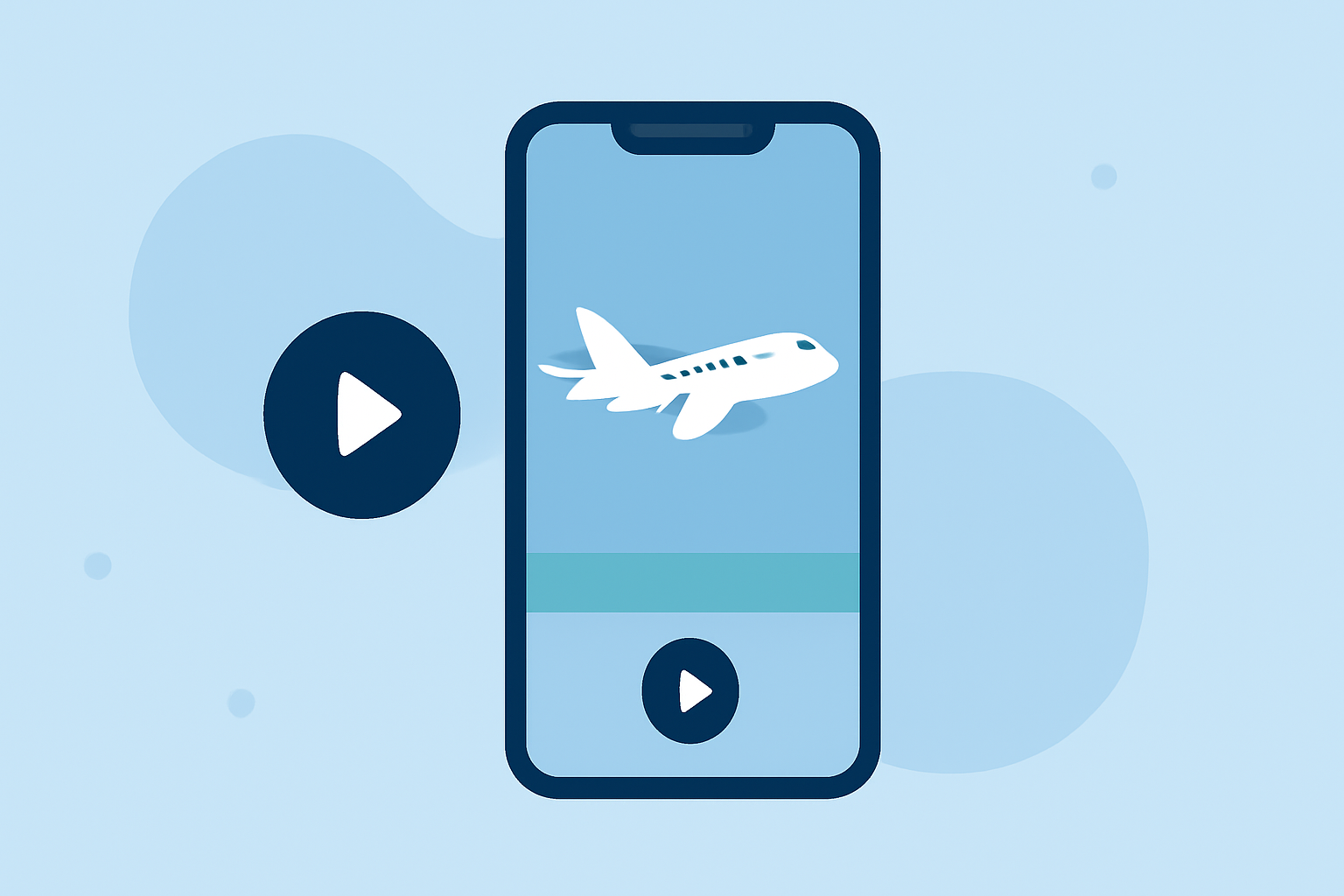
Capturing airplane takeoff and landing sequences offers a unique perspective on aviation, but editing these videos on a mobile device can present challenges. To achieve professional-quality edits, it's essential to utilize specialized tools and techniques tailored for mobile platforms.
Why Edit Airplane Videos on Mobile?
Editing on mobile devices provides flexibility and convenience, allowing creators to work from virtually anywhere. With advancements in mobile technology, it's now possible to perform complex edits without the need for a desktop setup.
Key Considerations for Editing Airplane Videos
-
Stabilization: Aviation footage often suffers from motion blur and shakiness. Utilizing stabilization features can significantly enhance video quality.
-
Color Correction: Ensuring accurate color representation is crucial, especially when dealing with varying lighting conditions during flights.
-
Audio Enhancement: Wind noise and engine sounds can overpower the primary audio. Employing noise reduction and audio balancing techniques can improve clarity.
Recommended Mobile Editing Tools
Several mobile applications offer robust features suitable for editing aviation footage:
-
Planes Live: Specifically designed for aviation enthusiasts, Planes Live provides tools tailored for editing airplane videos, including stabilization, color correction, and audio enhancement.
-
CapCut: A versatile editor with a user-friendly interface, CapCut offers features like multi-track editing, AI-powered effects, and a vast library of templates. (techradar.com)
-
LumaFusion: A professional-grade editor supporting up to six video tracks, LumaFusion is ideal for complex projects requiring advanced editing capabilities. (techradar.com)
Editing Workflow for Airplane Videos
-
Import Footage: Transfer your video clips into the chosen editing app.
-
Stabilize Video: Apply stabilization tools to reduce motion blur and shakiness.
-
Color Correction: Adjust brightness, contrast, and saturation to achieve accurate colors.
-
Audio Enhancement: Use noise reduction features to minimize background noise and balance audio levels.
-
Add Effects and Transitions: Incorporate visual effects and smooth transitions to enhance the viewing experience.
-
Export and Share: Once satisfied with the edits, export the video in the desired resolution and share it on your preferred platforms.
Tips for Effective Mobile Editing
-
Regular Backups: Ensure your project is saved periodically to prevent data loss.
-
Utilize Tutorials: Many apps offer tutorials; leveraging these can expedite the learning process.
-
Experiment with Features: Explore different tools and effects to discover what best enhances your footage.
By selecting the right tools and following a structured editing process, you can transform raw airplane footage into polished, professional videos directly from your mobile device.