22 June 2026
Enhancing Baggage Claim Footage on Your Phone: A Guide to Mobile Video Editing
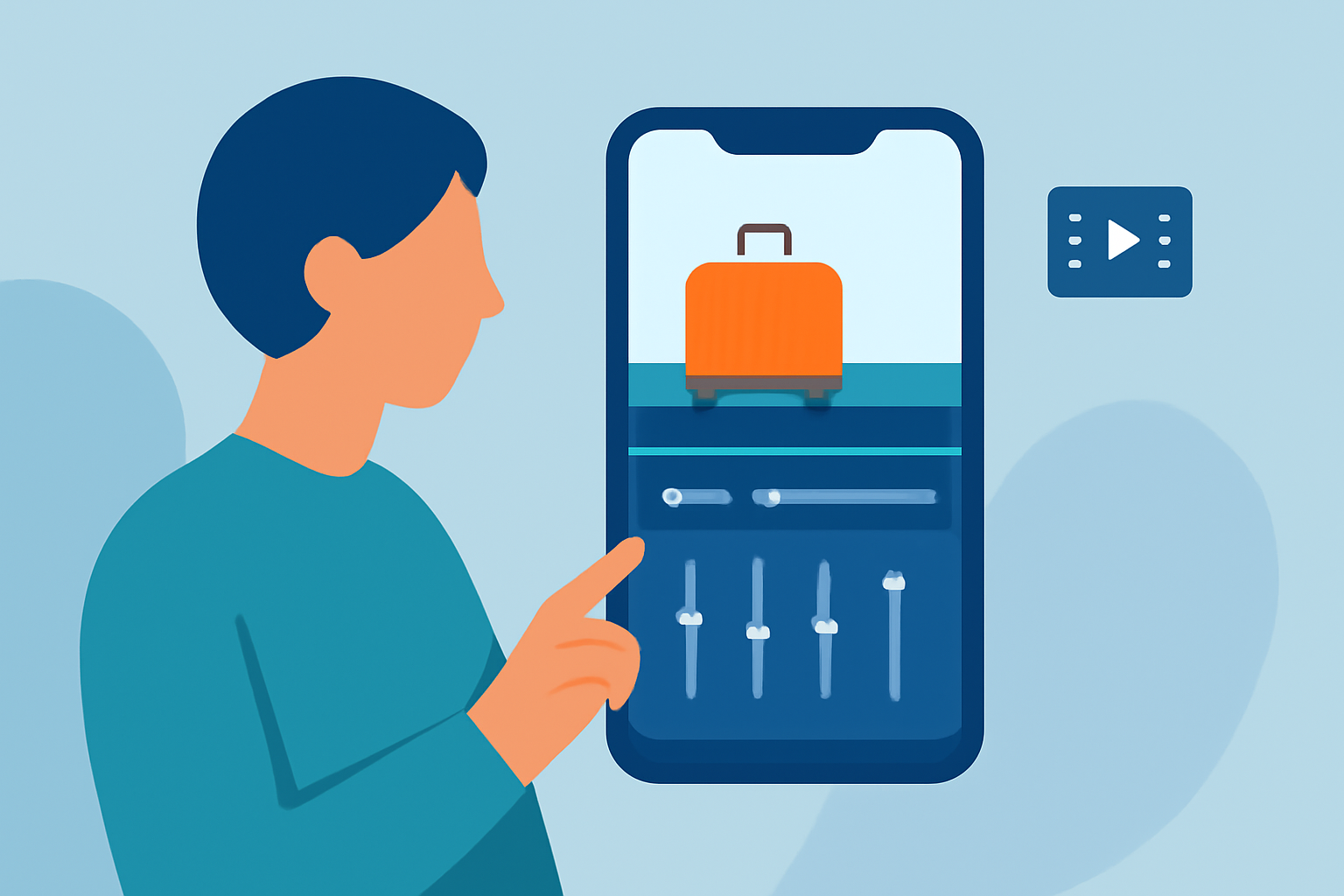
Capturing moments at the baggage claim area can yield unique and memorable footage. Enhancing these clips on your mobile device allows you to share polished videos effortlessly. Here's how you can elevate your baggage claim footage using mobile video editing apps.
Why Edit Baggage Claim Footage?
Baggage claim areas often feature dynamic scenes with people, luggage, and movement, making them ideal for storytelling. Editing this footage can help highlight key moments, remove distractions, and create a cohesive narrative.
Top Mobile Video Editing Apps for Enhancing Your Footage
-
CapCut
CapCut is a free app renowned for its user-friendly interface and a vast library of templates, effects, and transitions. It's particularly popular among social media creators for its ease of use and integration with platforms like TikTok and Instagram. (perfectcorp.com)
-
KineMaster
KineMaster offers a comprehensive suite of editing tools, including multi-layer video editing, chroma key (green screen), and precise volume controls. While the free version includes a watermark, the premium version provides an ad-free experience with additional features. (bestforandroid.com)
-
Adobe Premiere Rush
Adobe Premiere Rush provides a streamlined version of Adobe's professional editing software, making it accessible for mobile users. It supports multi-track editing, color correction, and direct sharing to social media platforms. Integration with Adobe Creative Cloud allows for seamless project transfer to desktop applications. (creativebloq.com)
-
LumaFusion
LumaFusion is a professional-grade video editor for iOS devices, offering features like multi-track editing, advanced color correction, and support for 4K video. It's ideal for users seeking a desktop-like editing experience on their mobile devices. (visualenews.com)
Steps to Edit Your Baggage Claim Footage
-
Import Your Clips
Open your chosen video editing app and import the baggage claim footage from your device's gallery.
-
Trim and Arrange
Use the app's trimming tools to remove unnecessary sections and arrange the clips in a logical sequence to tell a compelling story.
-
Enhance Visuals
Apply filters or adjust brightness, contrast, and saturation to improve the visual appeal of your footage.
-
Add Transitions and Effects
Incorporate transitions between clips and add effects to emphasize key moments or add a creative touch.
-
Include Audio
Add background music or voiceovers to complement the visuals and set the desired mood.
-
Export and Share
Once satisfied with the edits, export the final video in your preferred resolution and share it on social media or with friends and family.
Tips for Effective Editing
-
Stabilize Shaky Footage: If your clips are shaky, use the stabilization feature available in many editing apps to smooth out the video. (visualenews.com)
-
Use Templates: Leverage pre-designed templates to quickly create professional-looking videos without starting from scratch.
-
Maintain Aspect Ratio: Ensure your video maintains the correct aspect ratio for the platform where you intend to share it, such as 16:9 for YouTube or 9:16 for Instagram Stories.
By utilizing these mobile video editing apps and following the outlined steps, you can transform your raw baggage claim footage into engaging and polished videos ready to be shared with your audience.