22 June 2026
Enhancing Your City Journey Hyperlapse Edits on the Go
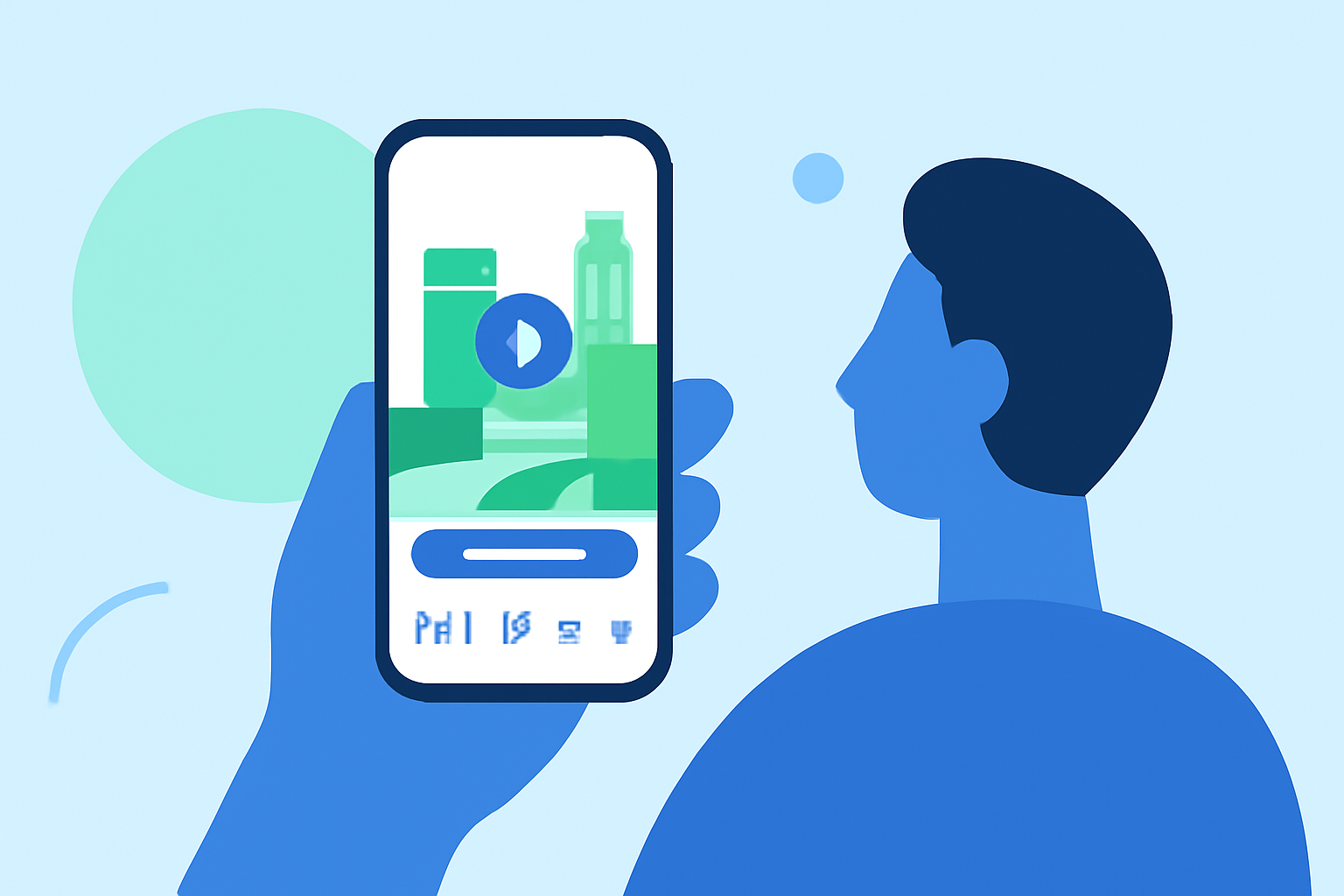
Creating captivating city journey hyperlapse videos has traditionally required a computer, but with advancements in mobile technology, it's now possible to produce impressive edits directly from your smartphone. This approach offers flexibility and convenience, allowing you to craft professional-quality videos anytime, anywhere.
Summary
- Mobile Editing Capabilities: Modern smartphones are equipped with powerful processors and high-resolution cameras, enabling sophisticated video editing tasks.
- Dedicated Apps: There are specialized mobile applications designed for hyperlapse creation, offering user-friendly interfaces and advanced features.
- Cloud Integration: Many mobile editing apps support cloud storage, facilitating seamless access and backup of your projects.
- Limitations: While mobile editing is convenient, it may have limitations in processing power and screen size compared to desktop setups.
Mobile Editing Capabilities
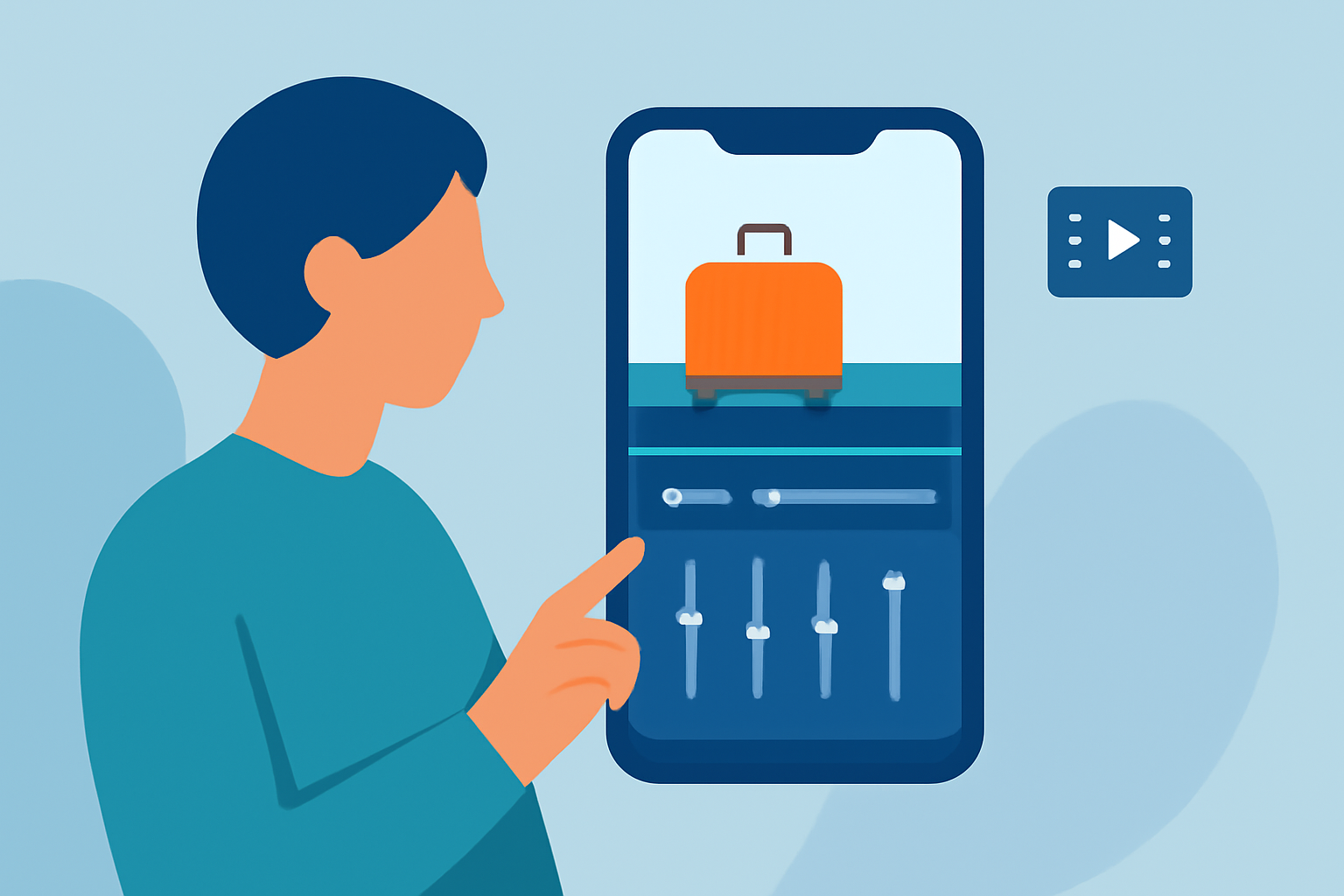
Today's smartphones boast impressive processing power and high-resolution cameras, making them suitable for video editing tasks. This hardware advancement allows for the creation of hyperlapse videos directly from your device, eliminating the need for a computer.
Dedicated Apps for Hyperlapse Creation
Several mobile applications are tailored for hyperlapse and time-lapse video creation, offering features such as adjustable frame rates, stabilization, and real-time preview. These apps provide intuitive interfaces, enabling users to produce professional-quality videos without extensive technical knowledge.
Cloud Integration and Project Management
Many mobile editing apps integrate with cloud storage services, allowing for seamless backup and synchronization of your projects across devices. This ensures that your work is accessible and secure, even if you switch devices or need to recover your projects.
Limitations of Mobile Editing
Despite the capabilities of modern smartphones, mobile editing may have limitations compared to desktop setups. These include smaller screen sizes, less processing power, and potential challenges in managing complex projects. However, for on-the-go editing and simpler projects, mobile apps can be highly effective.
What We Recommend
- Explore Mobile Editing Apps: Experiment with various mobile applications to find one that suits your workflow and project requirements.
- Utilize Cloud Services: Take advantage of cloud integration for project management and backup.
- Understand Limitations: Be aware of the constraints of mobile editing and plan your projects accordingly.
By leveraging mobile technology and dedicated apps, you can create impressive city journey hyperlapse videos without the need for a computer, offering flexibility and convenience in your creative process.