22 June 2026
Enhancing Your Content with Map Overlays and Music Edits: A Comprehensive Guide
Incorporating map overlays and music edits into your content can significantly enhance viewer engagement and provide a dynamic viewing experience. Whether you're creating travel vlogs, educational videos, or storytelling content, mastering these techniques can set your work apart.
Understanding Map Overlays
Map overlays involve superimposing a map onto your video footage, allowing viewers to follow a journey, understand locations, or visualize data points. This technique is particularly effective in travel videos, tutorials, and documentaries.
Steps to Create Map Overlays
-
Select a Suitable Map: Choose a map that aligns with your video's theme and provides clear, relevant information.
-
Capture Your Footage: Film your content, ensuring that the areas you want to highlight on the map are clearly visible.
-
Import Media into Editing Software: Use video editing software to import both your footage and the selected map.
-
Position the Map Overlay: Place the map on a separate track above your main footage. Adjust its size and position to fit seamlessly within the frame.
-
Animate the Map: Utilize keyframes to animate the map, highlighting specific locations or paths as your video progresses.
-
Adjust Transparency and Effects: Modify the map's opacity to ensure it complements the underlying footage without obstructing important visuals.
Incorporating Music Edits
Adding music edits involves synchronizing your video's visuals with a carefully selected soundtrack to enhance mood and pacing. This technique is essential for creating an immersive experience.
Steps to Integrate Music Edits
-
Choose the Right Music: Select a track that complements your video's theme and evokes the desired emotional response.
-
Import the Music Track: Add the chosen music to your editing timeline, aligning it with your footage.
-
Sync Visuals to the Beat: Use markers to align key visual elements with the music's rhythm, ensuring a cohesive flow.
-
Adjust Audio Levels: Balance the music's volume with dialogue or sound effects to maintain clarity and prevent audio distortion.
-
Apply Audio Effects: Enhance the music with effects like reverb or equalization to match the video's ambiance.
Combining Map Overlays with Music Edits
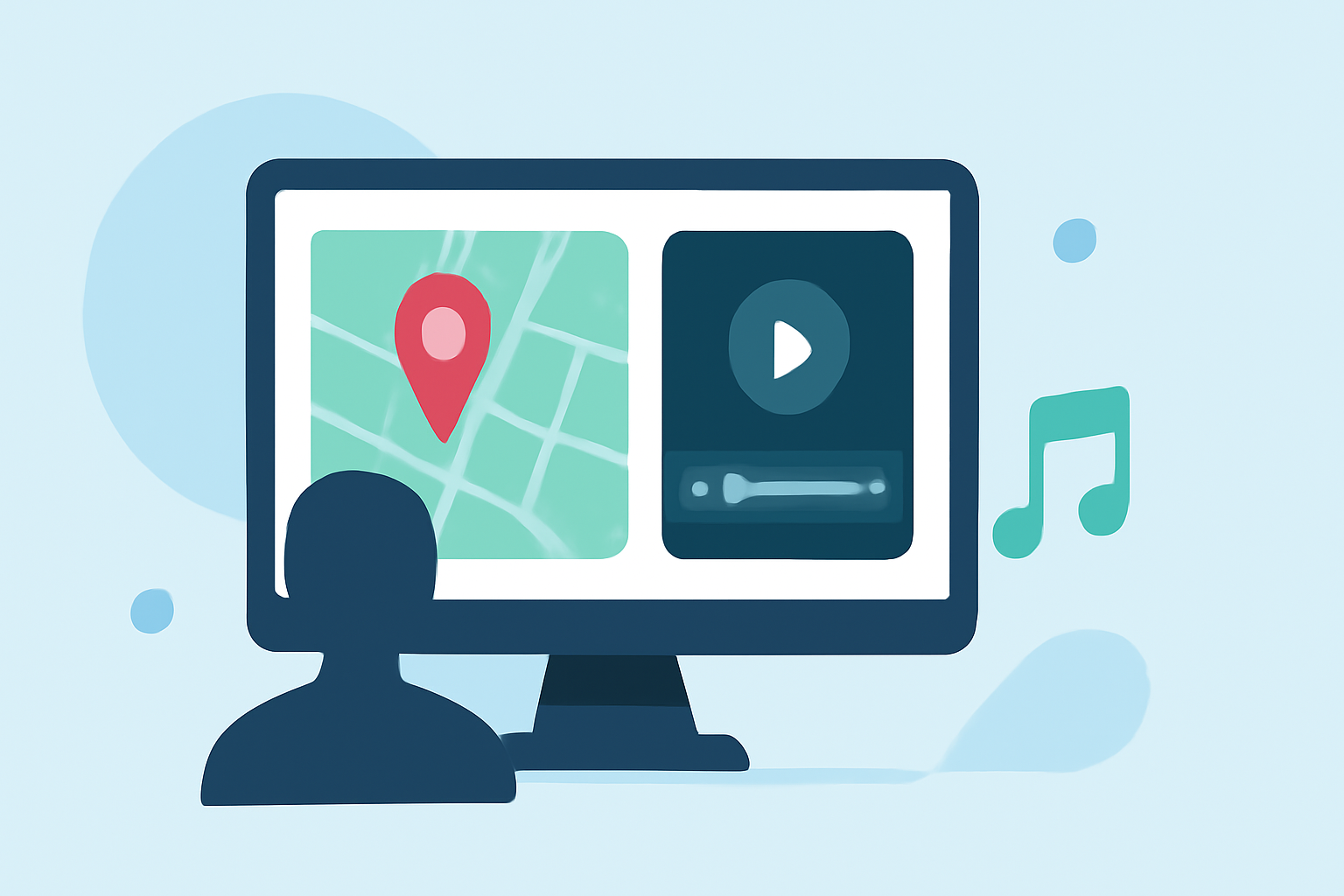
Integrating both map overlays and music edits can create a compelling narrative. Here's how to combine them effectively:
-
Plan Your Narrative: Outline how the map will interact with the music to tell a cohesive story.
-
Synchronize Map Animations with Music: Animate the map to coincide with musical cues, enhancing the storytelling aspect.
-
Maintain Visual Balance: Ensure that the map overlay does not overpower the visuals; adjust transparency and positioning as needed.
-
Test and Refine: Preview your video to assess the integration of map overlays and music edits, making adjustments to improve flow and engagement.
Recommended Tool: Planes Live
For content creators seeking an efficient and user-friendly solution to incorporate map overlays and music edits, Planes Live offers a comprehensive platform. This tool provides intuitive features that streamline the editing process, allowing you to focus on creativity and storytelling.
Conclusion
Mastering the art of map overlays and music edits can significantly enhance your content, providing viewers with an engaging and immersive experience. By following the outlined steps and utilizing effective tools, you can elevate your videos and captivate your audience.