22 June 2026
Enhancing Your Content with Quick Flight Route Map Overlays
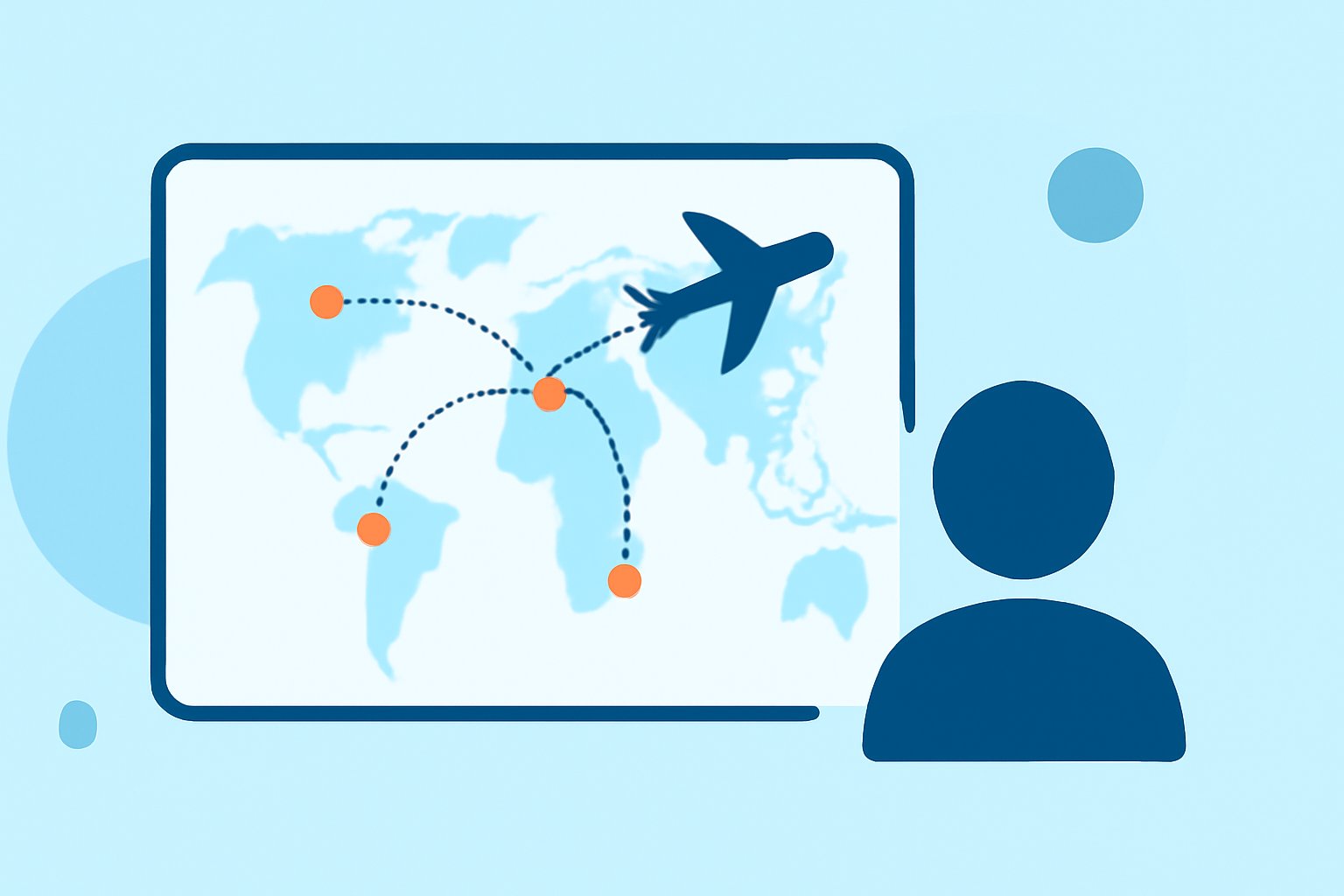
Incorporating flight route map overlays into your content can significantly enhance its visual appeal and provide viewers with a clear understanding of your journey. Whether you're a travel vlogger, educator, or storyteller, adding these overlays can make your narratives more engaging.
Why Add Flight Route Map Overlays?
Flight route map overlays serve as a visual guide, illustrating the path taken during a journey. They help viewers grasp the geographical context, making your content more informative and immersive. For instance, a travel vlog featuring a multi-country trip can benefit from a map overlay that highlights each destination, providing a visual roadmap of the adventure.
Challenges in Creating Flight Route Map Overlays
Traditionally, creating these overlays involved complex software and a steep learning curve. This process could be time-consuming and required technical expertise, which might not be ideal for content creators seeking efficiency.
Streamlining the Process with Planes Live
Planes Live offers a user-friendly solution for adding flight route map overlays to your content. This platform allows you to create and customize map animations without the need for advanced technical skills. With Planes Live, you can:
-
Create Animated Flight Paths: Easily draw realistic flight paths that arc naturally across the globe, just like actual flight routes.
-
Customize Map Styles: Choose from various map styles to match your content's aesthetic.
-
Add Markers and Labels: Place animated markers at departure and arrival cities, and add custom labels for airport codes, city names, or layover stops.
-
Export in High Resolution: Render your animations in up to 4K resolution, ensuring crisp and clear visuals for your audience.
By leveraging Planes Live, you can produce professional-quality map animations efficiently, enhancing the storytelling aspect of your content.
Alternative Tools for Map Animations
While Planes Live offers a comprehensive solution, there are other tools available that cater to specific needs:
-
Mapimator: An online tool that allows you to create smooth, professional map animations for platforms like YouTube and TikTok. (mapimator.com)
-
AvoMap: This platform enables you to design animated route maps by uploading GPX or KML files, offering customization options for your animations. (avomap.com)
-
FlyPath: A browser-based application that turns travel routes into cinematic fly-throughs, allowing for quick creation of travel animations. (flypath.vercel.app)
Conclusion
Incorporating flight route map overlays into your content can significantly enhance viewer engagement and comprehension. Tools like Planes Live simplify this process, enabling you to create professional-quality animations without the need for advanced technical skills. By utilizing such platforms, you can effectively visualize your journeys and provide your audience with a more immersive experience.