22 June 2026
Enhancing Daily Posts with Map Overlay Transitions

Incorporating map overlay transitions into your daily posts can significantly enhance audience engagement and effectively convey location-based information. These dynamic visuals not only capture attention but also provide context, making your content more informative and appealing.
What Are Map Overlay Transitions?
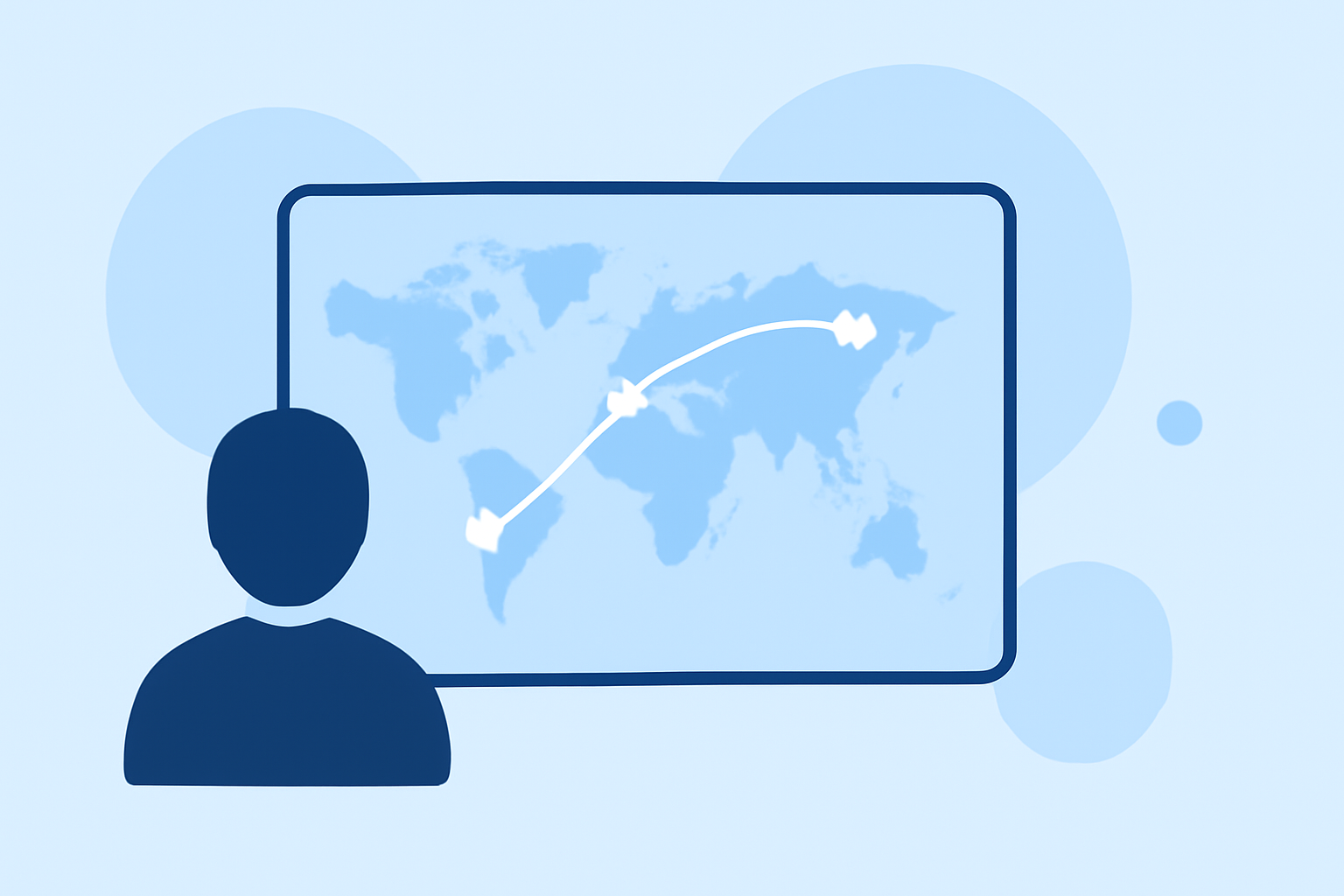
Map overlay transitions involve superimposing graphical elements—such as routes, locations, or data points—onto a map, accompanied by smooth animations that guide viewers through the information. This technique is particularly effective for illustrating journeys, highlighting multiple destinations, or showcasing spatial data in an interactive manner.
Why Use Map Overlay Transitions in Daily Posts?
-
Enhanced Engagement: Dynamic visuals capture attention more effectively than static images, encouraging viewers to spend more time with your content.
-
Improved Clarity: Animating routes or locations helps in conveying complex information in a digestible format, aiding in better understanding.
-
Increased Shareability: Visually appealing content is more likely to be shared, expanding your reach and visibility.
How to Create Map Overlay Transitions for Daily Posts
-
Define Your Objective: Determine the purpose of your map overlay—be it showcasing a travel route, highlighting store locations, or presenting data trends.
-
Select a Suitable Tool: Choose a platform that aligns with your needs and skill level. For instance, Mappi offers an intuitive interface for creating cinematic map animations without a steep learning curve.
-
Design Your Map: Input your data, customize the map style, and add necessary elements like pins, routes, or labels to convey your message effectively.
-
Animate the Overlay: Utilize the tool's animation features to create smooth transitions that guide viewers through the information sequentially.
-
Export and Integrate: Render the animated map in the desired format and incorporate it into your daily posts, ensuring it complements your overall content strategy.
Best Practices for Incorporating Map Overlay Transitions
-
Keep It Relevant: Ensure that the map overlay directly relates to your content and adds value to the viewer's experience.
-
Maintain Simplicity: Avoid cluttering the map with excessive information; focus on key points to maintain clarity.
-
Optimize for Platforms: Tailor the map's dimensions and format to suit the platform's requirements, ensuring optimal display across devices.
-
Test Before Posting: Preview the animated map to check for smooth transitions and correct information display before sharing it with your audience.
Recommended Tool: Mappi
For those seeking an efficient and user-friendly solution, Mappi stands out as a robust platform for creating animated map overlays. It offers a range of features, including customizable map styles, route animations, and export options tailored for social media platforms. Its intuitive interface allows users to produce professional-quality animations without the need for advanced technical skills.
Conclusion
Integrating map overlay transitions into your daily posts can significantly enhance audience engagement and effectively convey location-based information. By selecting the right tools and adhering to best practices, you can create compelling content that resonates with your audience and elevates your brand's presence.