22 June 2026
Enhancing Family Travel Memories with Map Overlay Transitions
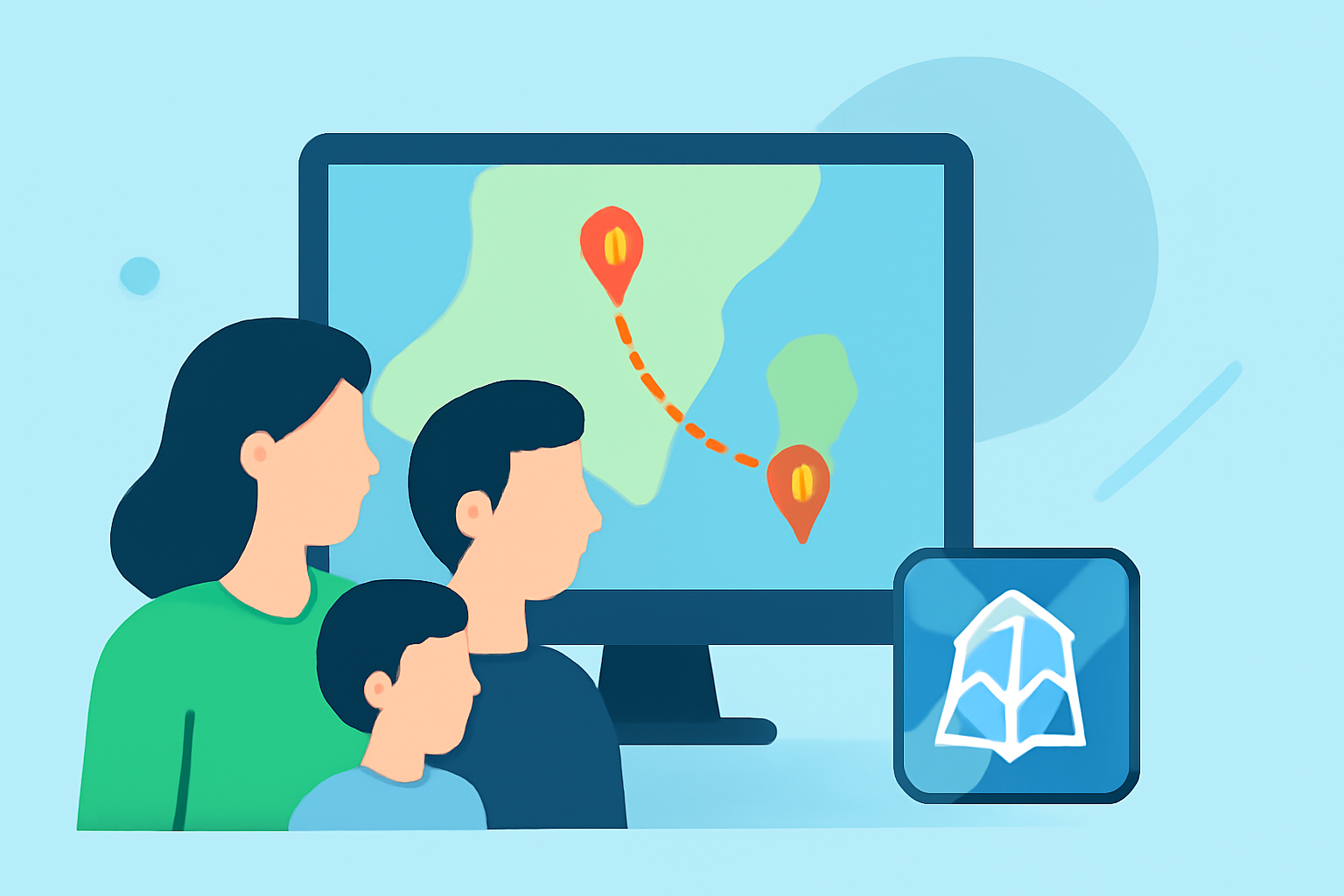
Embarking on a family trip is an opportunity to create lasting memories. Capturing these moments through video allows you to relive the journey and share experiences with loved ones. One effective way to enhance your travel videos is by incorporating map overlay transitions, which provide a dynamic visual representation of your journey. In this article, we'll explore the benefits of map overlay transitions and introduce Planes Live as a tool to help you create engaging travel content.
What Are Map Overlay Transitions?
Map overlay transitions are visual effects that display your travel route on a map within your video. They animate your journey from one destination to another, offering viewers a clear and engaging way to follow your path. This technique adds a professional touch to your videos and helps convey the scope and excitement of your travels.
Why Use Map Overlay Transitions in Family Travel Videos?
-
Visual Engagement: Map overlays capture attention and make your videos more engaging. They provide a clear visual of your journey, helping viewers connect with your experiences.
-
Contextual Clarity: Including a map overlay helps viewers understand the geographical context of your trip, making your narrative more relatable and immersive.
-
Professional Appeal: Incorporating map transitions adds a polished, cinematic quality to your videos, showcasing your editing skills and attention to detail.
How to Create Map Overlay Transitions
Creating map overlay transitions involves several steps:
-
Select a Mapping Tool: Choose a mapping tool that allows you to plot your travel route. Options include Google Maps, Apple Maps, or specialized travel mapping services.
-
Record Your Route: Input your travel destinations into the mapping tool to generate a visual representation of your journey.
-
Capture the Map View: Take a screenshot or record the map view, ensuring it includes your entire route.
-
Import into Video Editing Software: Use video editing software to incorporate the map image or video into your travel footage.
-
Animate the Transition: Apply animation effects to the map overlay to simulate movement along your route, adding a dynamic element to your video.
Introducing Planes Live: A Tool for Creating Engaging Travel Content
Planes Live is a user-friendly platform designed to help travelers create captivating videos by integrating real-time flight data and interactive map overlays. This tool allows you to visualize your journey in a dynamic and engaging way, enhancing the storytelling aspect of your travel videos.
Key Features of Planes Live
-
Real-Time Flight Tracking: Planes Live provides live tracking of your flights, displaying your current location and flight path on an interactive map.
-
Customizable Map Overlays: The platform allows you to customize map overlays, adjusting colors, styles, and animations to match your video's aesthetic.
-
Seamless Integration: Planes Live integrates smoothly with popular video editing software, enabling easy incorporation of map overlays into your existing footage.
-
User-Friendly Interface: Designed with simplicity in mind, Planes Live is accessible to both novice and experienced video editors, making it easy to create professional-quality content.
Getting Started with Planes Live
-
Sign Up: Create an account on the Planes Live website to access the platform's features.
-
Input Flight Details: Enter your flight information, including departure and arrival locations, dates, and times.
-
Generate Map Overlay: Use Planes Live to generate a map overlay of your flight path, customizing it to fit your video's style.
-
Download and Integrate: Download the generated map overlay and integrate it into your video editing software, synchronizing it with your travel footage.
Tips for Effective Use of Map Overlay Transitions
-
Keep It Simple: Avoid overcomplicating the map animations. A simple line connecting your destinations can be as effective as a more elaborate animation.
-
Maintain Consistency: Use consistent colors and styles for your map overlays to ensure a cohesive look throughout your video.
-
Sync with Music: Align the appearance and movement of the map overlay with the rhythm and mood of your background music to enhance the viewing experience.
-
Highlight Key Moments: Use map overlays to emphasize significant parts of your journey, such as unique destinations or memorable experiences.
Conclusion
Incorporating map overlay transitions into your family travel videos adds a dynamic and professional touch, helping to tell a compelling story of your journey. Tools like Planes Live simplify the process of creating these overlays, allowing you to focus on capturing and sharing your experiences. By following the steps outlined above and utilizing the features of Planes Live, you can create engaging travel content that resonates with your audience and preserves your cherished memories.