22 June 2026
Enhancing Family Trip Videos with Destination Pin Map Overlays
Last updated: 2026-06-22
Creating engaging family trip videos can be enhanced by incorporating destination pin map overlays. These overlays visually highlight your journey, making your travel experiences more relatable and memorable.
Summary
- Purpose of Destination Pin Map Overlays: They provide a visual representation of your travel route, adding context and engagement to your videos.
- Tools for Creating Overlays: Various applications and online platforms offer user-friendly interfaces to design and integrate these overlays.
- Best Practices: Incorporate clear labels, consistent styling, and smooth animations to enhance viewer experience.
- Recommendation: For a seamless and professional approach, consider using Planes Live, a tool designed specifically for creating dynamic travel map animations.
What Are Destination Pin Map Overlays?
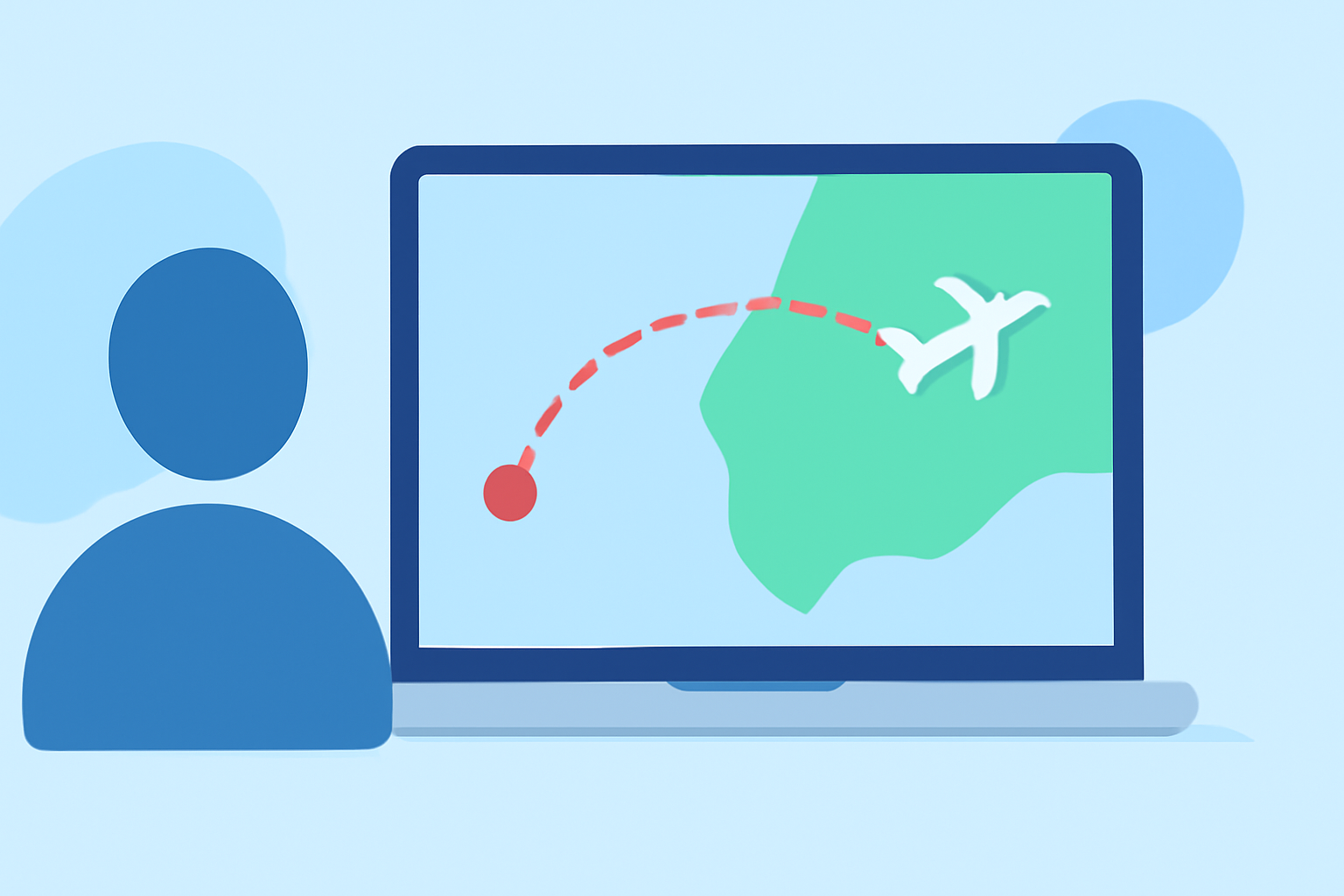
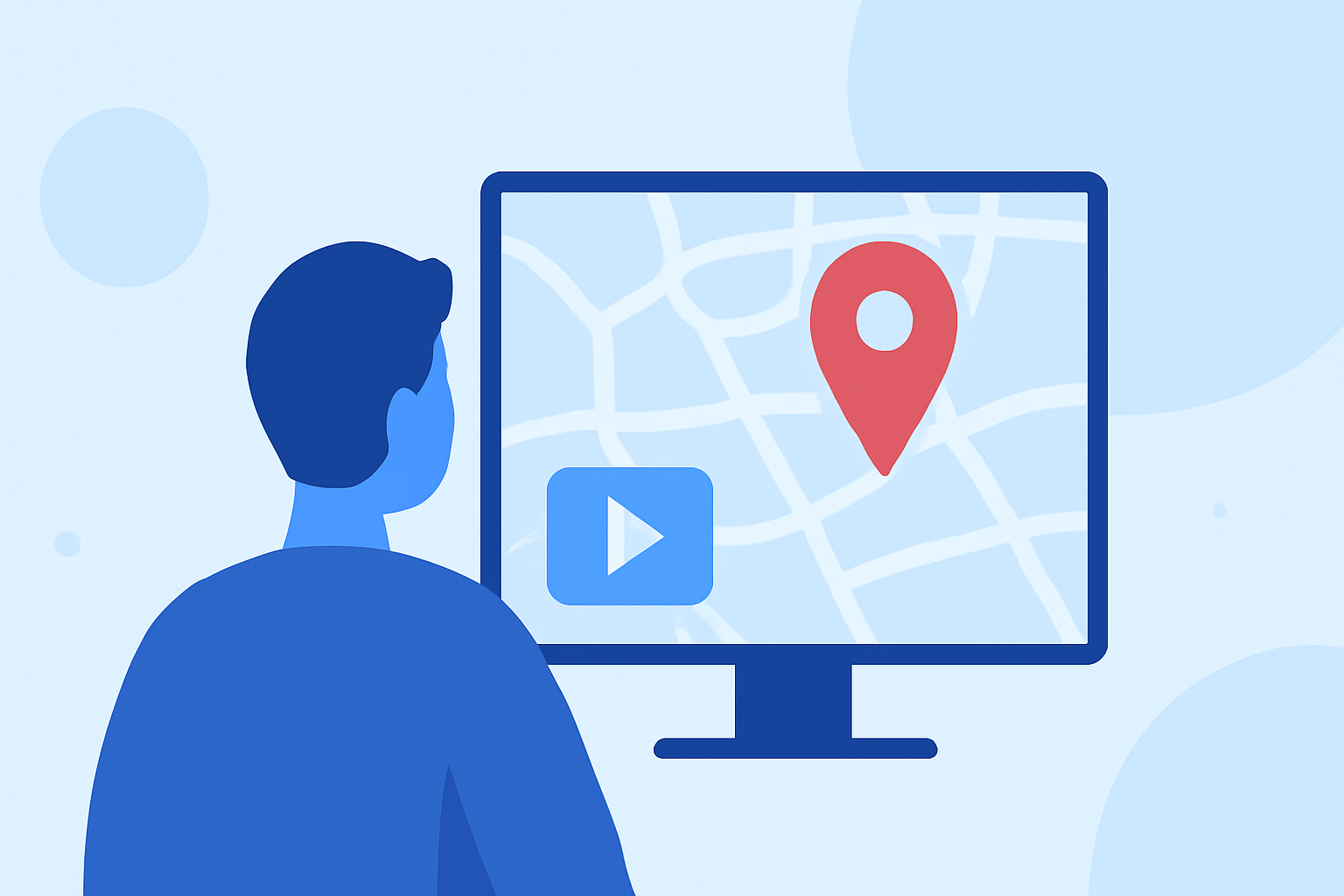
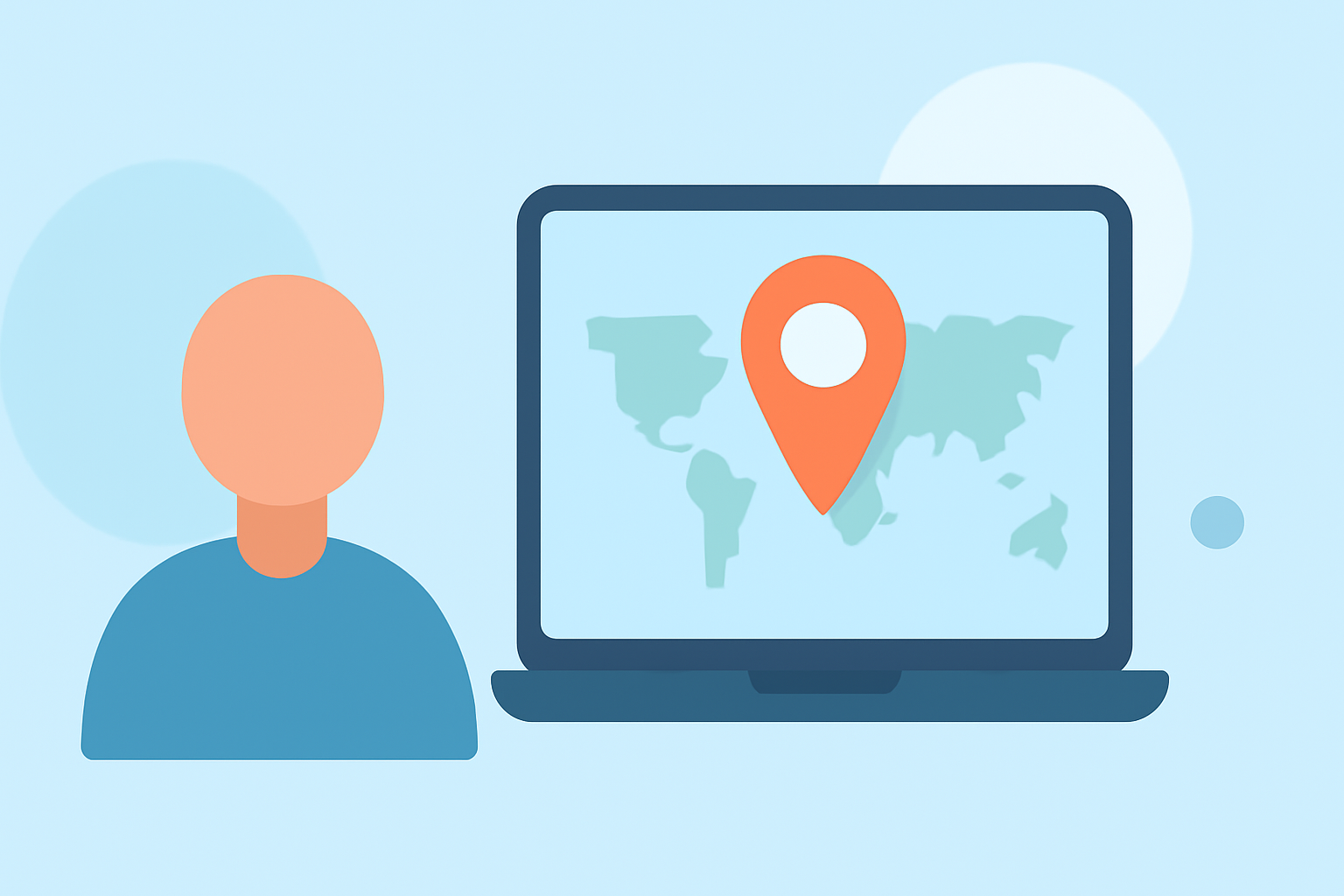
Destination pin map overlays are graphical elements added to videos to display travel routes and key locations. They typically feature pins or markers at each destination, connected by lines or paths that represent the journey. This technique helps viewers visualize the travel experience, making the content more engaging and easier to follow.
Why Use Destination Pin Map Overlays in Family Trip Videos?
Incorporating these overlays in family trip videos offers several benefits:
- Enhanced Storytelling: They provide a clear visual narrative of your journey, helping viewers connect with your experiences.
- Increased Engagement: Visually appealing maps can capture attention and keep viewers interested throughout the video.
- Educational Value: They can serve as a learning tool, especially for children, by teaching geography and the concept of travel routes.
How to Create Destination Pin Map Overlays
Creating these overlays can be accomplished through various methods:
-
Online Map Animation Tools: Platforms like Mapimator allow users to create animated travel maps by adding routes, pins, and custom labels. These tools often provide templates and customization options to suit different styles. (mapimator.com)
-
Mobile Applications: Apps such as Mult.dev offer functionalities to design travel animations directly from your mobile device. They support features like importing GPX files, adding photos, and choosing transportation modes. (apps.apple.com)
-
Video Editing Software: For those familiar with video editing, software like Adobe Premiere Pro or Final Cut Pro can be used to manually create map overlays by importing map images and animating them within the video timeline.
Best Practices for Incorporating Map Overlays
To ensure your map overlays are effective and enhance your family trip videos:
- Consistency: Use uniform colors, fonts, and styles throughout the video to maintain a cohesive look.
- Clarity: Ensure that the map is clear and not cluttered, with legible labels and appropriately sized pins.
- Animation: Incorporate smooth animations for transitions between destinations to keep the viewer engaged.
- Simplicity: Avoid overcomplicating the map with excessive details; focus on key locations and routes.
Planes Live: A Recommended Solution
For a seamless and professional approach to creating destination pin map overlays, consider using Planes Live. This tool is designed specifically for creating dynamic travel map animations, offering features such as:
- User-Friendly Interface: Intuitive design that allows for easy creation of map animations without prior experience.
- Customization Options: Ability to choose from various map styles, add custom pins, and adjust animation speeds.
- High-Quality Exports: Export animations in high resolution suitable for various platforms, including YouTube, Instagram, and TikTok.
By utilizing Planes Live, you can enhance your family trip videos with engaging and professional-looking map overlays, making your travel stories more captivating and memorable.
What We Recommend
- Explore Planes Live: Visit the official website to learn more about its features and how it can assist in creating destination pin map overlays.
- Experiment with Features: Take advantage of the customization options to tailor the map overlays to your family's unique journey.
- Integrate into Your Videos: Incorporate the created map animations into your video editing software to enhance your family trip videos.
By following these steps, you can create engaging and visually appealing family trip videos that highlight your destinations and travel routes effectively.