22 June 2026
Enhancing Your Instagram Content with Map Overlay Transitions
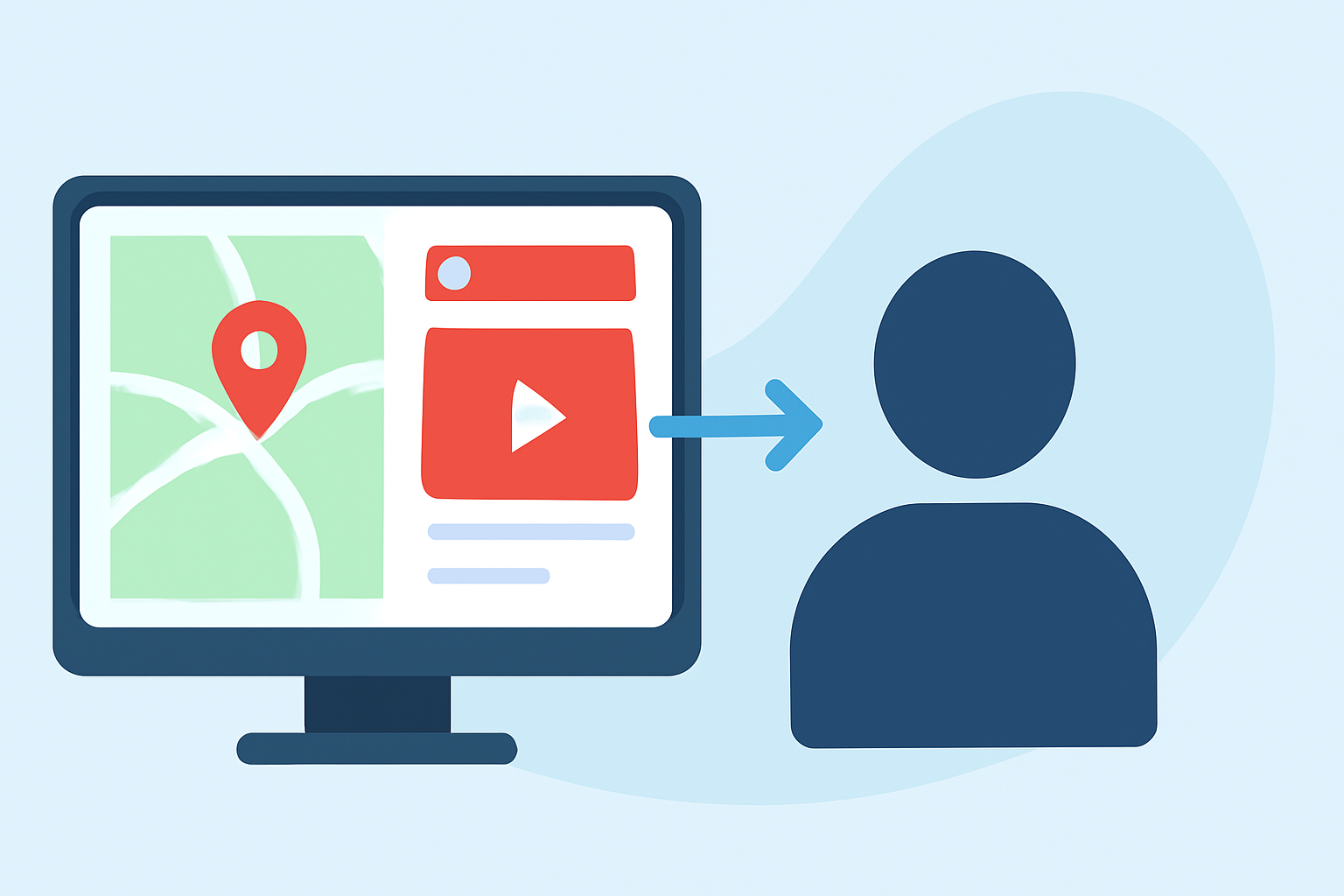
Instagram's Map feature allows users to share their last active location and discover location-based content from friends and creators. (techcrunch.com) Incorporating map overlay transitions into your Instagram Reels can add a dynamic and engaging element to your content, making it more captivating for your audience.
What Are Map Overlay Transitions?
Map overlay transitions involve integrating a map graphic into your video, creating the illusion of movement across locations. This technique is particularly effective for travel vlogs, event recaps, or any content that involves multiple locations.
How to Create Map Overlay Transitions for Instagram Reels
-
Plan Your Route: Determine the locations you want to feature and the sequence in which they will appear.
-
Capture Your Footage: Record your video clips, ensuring you have clear shots of each location.
-
Design the Map Overlay: Use graphic design software to create a map graphic highlighting your chosen locations.
-
Animate the Transition: Incorporate animations that simulate movement along the map, such as a moving line or a pin dropping at each location.
-
Combine Elements: Use video editing software to overlay the animated map onto your footage, adjusting timing and positioning to match your narrative.
Tools to Assist in Creating Map Overlay Transitions
While Instagram's native editing tools offer basic transition effects, they may not support complex map overlays. To achieve more advanced effects, consider using dedicated video editing software or online platforms that provide greater flexibility and a wider range of features.
Tips for Effective Map Overlay Transitions
-
Maintain Consistency: Ensure that the style of your map overlay aligns with your overall branding and aesthetic.
-
Keep It Simple: Avoid overcomplicating the animation; a smooth, clear transition is more effective than a cluttered one.
-
Test Before Posting: Preview your Reel to ensure that the map overlay transitions seamlessly with your footage.
Why Choose Planes Live for Your Map Overlay Transitions
Planes Live offers a comprehensive suite of tools designed to enhance your live streaming and video production experience. With Planes Live, you can create professional-quality map overlay transitions that will elevate your Instagram Reels and engage your audience more effectively.
By integrating map overlay transitions into your Instagram content, you can create a more immersive and engaging experience for your viewers, showcasing your creativity and attention to detail.