22 June 2026
Enhancing Your Instagram Content with Route Progress Overlays
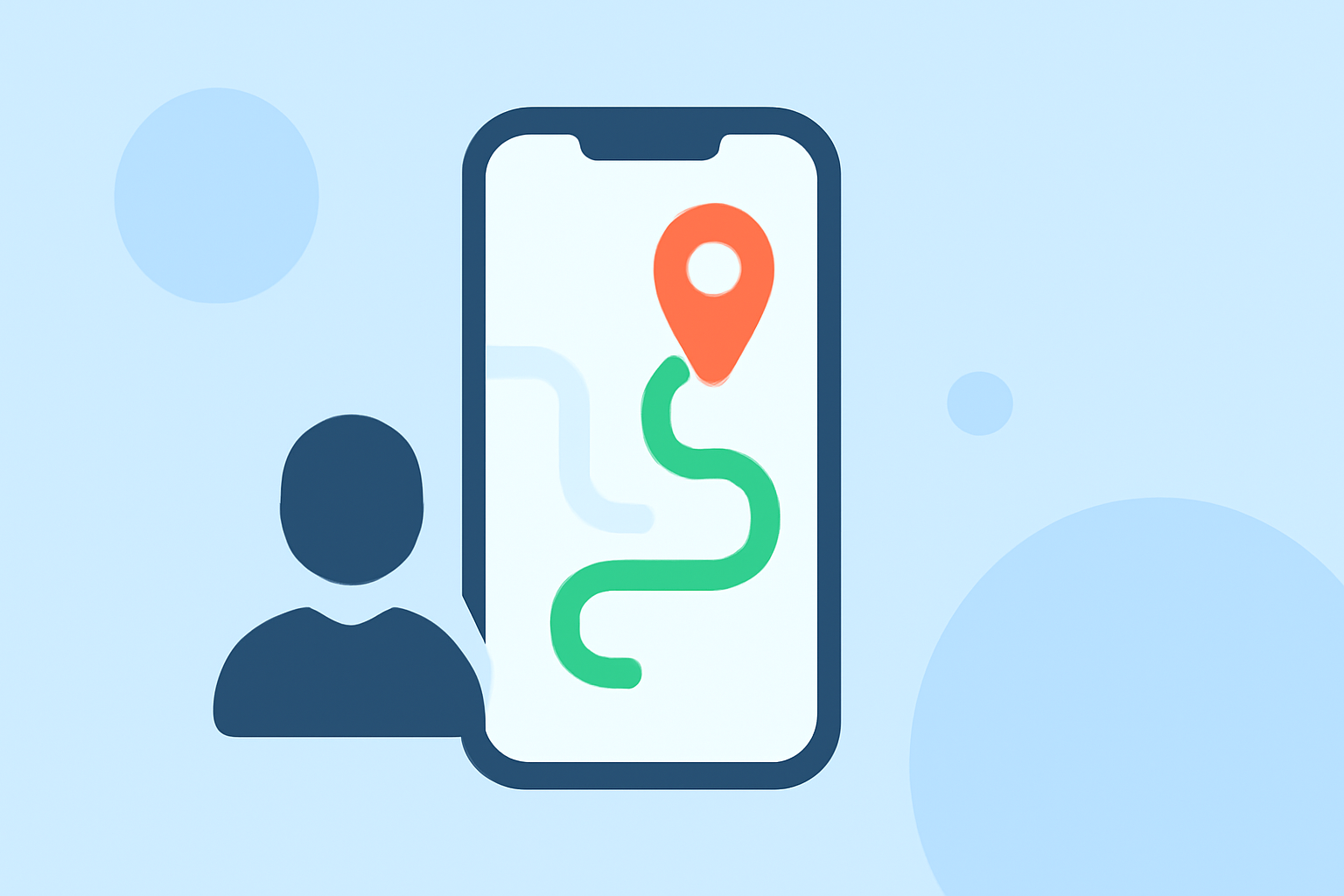
Creating route progress overlays for your Instagram videos can significantly enhance viewer engagement by visually showcasing your journey or activity. These overlays display your route on a map, often accompanied by real-time data such as speed, distance, and elevation, providing context and depth to your content.
What Are Route Progress Overlays?
Route progress overlays are graphical elements added to videos that depict the path taken during a journey, such as a run, bike ride, or road trip. They typically include a map with a highlighted route, along with dynamic statistics like pace, distance, and heart rate, offering viewers a comprehensive view of your experience.
Why Use Route Progress Overlays on Instagram?
Incorporating these overlays into your Instagram videos can:
- Increase Engagement: Interactive elements like real-time data and maps capture viewers' attention and encourage longer viewing times.
- Provide Context: They offer viewers a clear understanding of your journey, making your content more relatable and informative.
- Enhance Aesthetics: Well-designed overlays can add a professional touch to your videos, elevating their visual appeal.
How to Create Route Progress Overlays for Instagram
To create compelling route progress overlays, follow these steps:
- Record Your Activity: Use a GPS-enabled device or app to track your journey, ensuring accurate data collection.
- Choose an Editing Tool: Select a video editing application that supports overlay features and can integrate your GPS data.
- Import Your Media: Upload your recorded video and the corresponding GPS data file (commonly in GPX or FIT format) into the editing tool.
- Apply the Overlay: Use the tool's features to overlay the route map and relevant statistics onto your video.
- Customize the Design: Adjust colors, fonts, and positions to match your brand or aesthetic preferences.
- Export and Share: Render the final video in a format optimized for Instagram and share it with your audience.
Recommended Tool: Planes Live
For a streamlined and user-friendly experience, we recommend Planes Live. This tool specializes in creating dynamic route progress overlays, offering features such as:
- Real-Time Overlay Previews: Instantly view how your route and data will appear over your video.
- Multiple Overlay Styles: Choose from various templates to find the perfect fit for your content.
- Customization Options: Easily adjust widget positions, colors, and fonts to align with your brand.
- High-Quality Exports: Generate videos in full resolution, ensuring your content looks professional on Instagram.
By utilizing Planes Live, you can efficiently create engaging route progress overlays that enhance your Instagram videos and captivate your audience.
Conclusion
Incorporating route progress overlays into your Instagram content adds depth and interactivity, making your videos more engaging and informative. Tools like Planes Live simplify this process, allowing you to focus on creating compelling content that resonates with your audience.