22 June 2026
Enhancing Your Instagram Reels with Travel Map Overlays
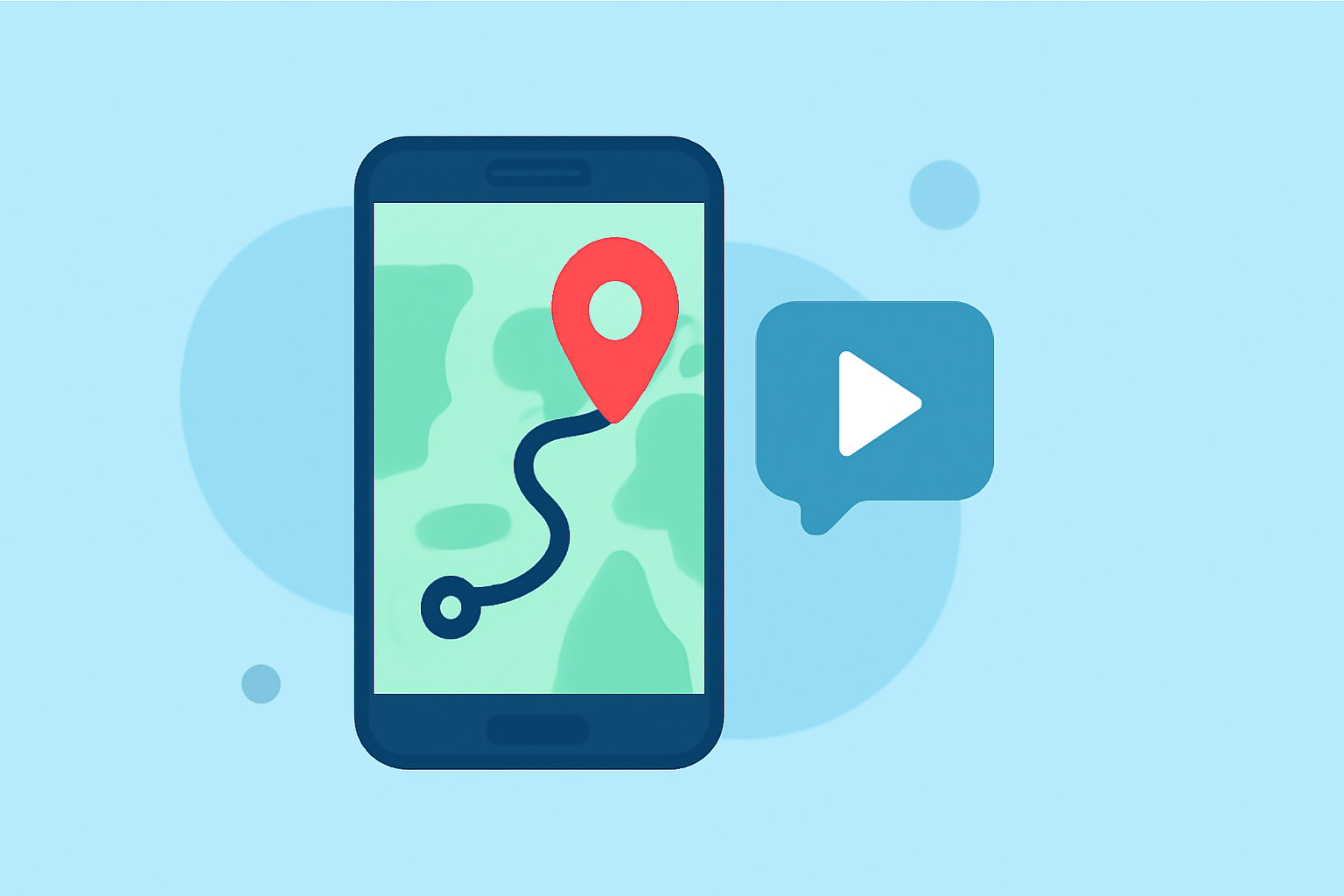
Instagram Reels have become a powerful platform for sharing travel experiences, allowing creators to engage audiences with dynamic and visually appealing content. Incorporating travel map overlays into your Reels can significantly enhance storytelling by visually mapping your journey, highlighting destinations, and adding a professional touch to your videos.
Why Add Travel Map Overlays to Your Reels?
Integrating travel map animations into your Reels offers several benefits:
-
Visual Storytelling: Maps provide a clear visual representation of your travel route, helping viewers follow your journey step by step.
-
Engagement: Dynamic map animations can capture attention and keep viewers engaged throughout your video.
-
Professionalism: Well-designed map overlays can elevate the quality of your content, making it stand out in a crowded feed.
How to Create Travel Map Overlays for Instagram Reels
Creating compelling travel map animations for your Reels involves a few key steps:
-
Plan Your Route: Outline the destinations you want to feature in your Reel.
-
Choose a Map Animation Tool: Select a tool that allows you to create animated maps with customizable routes and styles.
-
Design the Map Overlay: Input your planned route into the tool, customize the map style, add markers for each destination, and adjust animations to match your video's pacing.
-
Export and Integrate: Export the animated map as a video file and incorporate it into your Reel during the editing process.
Recommended Tools for Creating Travel Map Overlays
While there are various tools available for creating travel map animations, one standout option is Planes Live. Planes Live offers a user-friendly interface and a range of features tailored for travel content creators.
Features of Planes Live:
-
Customizable Routes: Easily plot your travel path with options to adjust colors, line thickness, and styles.
-
Multiple Map Styles: Choose from various map themes to match the aesthetic of your Reel.
-
Interactive Elements: Add interactive elements like clickable markers, pop-up information boxes, and images to enhance viewer engagement.
-
High-Quality Exports: Export your animated maps in high resolution, ensuring they look crisp and professional on all devices.
Steps to Create a Travel Map Overlay with Planes Live:
-
Sign Up and Log In: Create an account on the Planes Live website and log in to access the dashboard.
-
Create a New Project: Click on "Create New Project" and select the dimensions suitable for Instagram Reels (9:16 aspect ratio).
-
Plot Your Route: Use the map interface to add your starting point and destinations, adjusting the route as needed.
-
Customize the Design: Choose your preferred map style, adjust colors, and add markers or icons for each location.
-
Add Interactive Elements: Incorporate text boxes, images, or links to provide additional information about each destination.
-
Preview and Export: Preview your animated map to ensure it aligns with your vision, then export it in a format compatible with Instagram Reels.
-
Integrate into Your Reel: Import the exported map animation into your video editing software and position it appropriately within your Reel.
Tips for Effective Travel Map Overlays
-
Keep It Simple: Avoid cluttering the map with excessive information; focus on key destinations to maintain viewer interest.
-
Match Your Branding: Ensure the map's colors and style align with your overall brand aesthetic for a cohesive look.
-
Optimize for Mobile: Since Instagram is primarily a mobile platform, ensure that text and markers are legible on smaller screens.
-
Test Before Posting: Preview your Reel with the map overlay to check for any issues with timing, visibility, or animation smoothness.
Conclusion
Incorporating travel map overlays into your Instagram Reels can significantly enhance your content's storytelling and visual appeal. By utilizing tools like Planes Live, you can create customized, high-quality map animations that captivate your audience and effectively showcase your travel experiences.
Highlights:
- Instagram Map is giving Snapchat vibes, as 'repost' debuts for content feed, Published on Wednesday, August 06