22 June 2026
Enhancing Your Instagram Travel Posts with Map Zoom Overlays
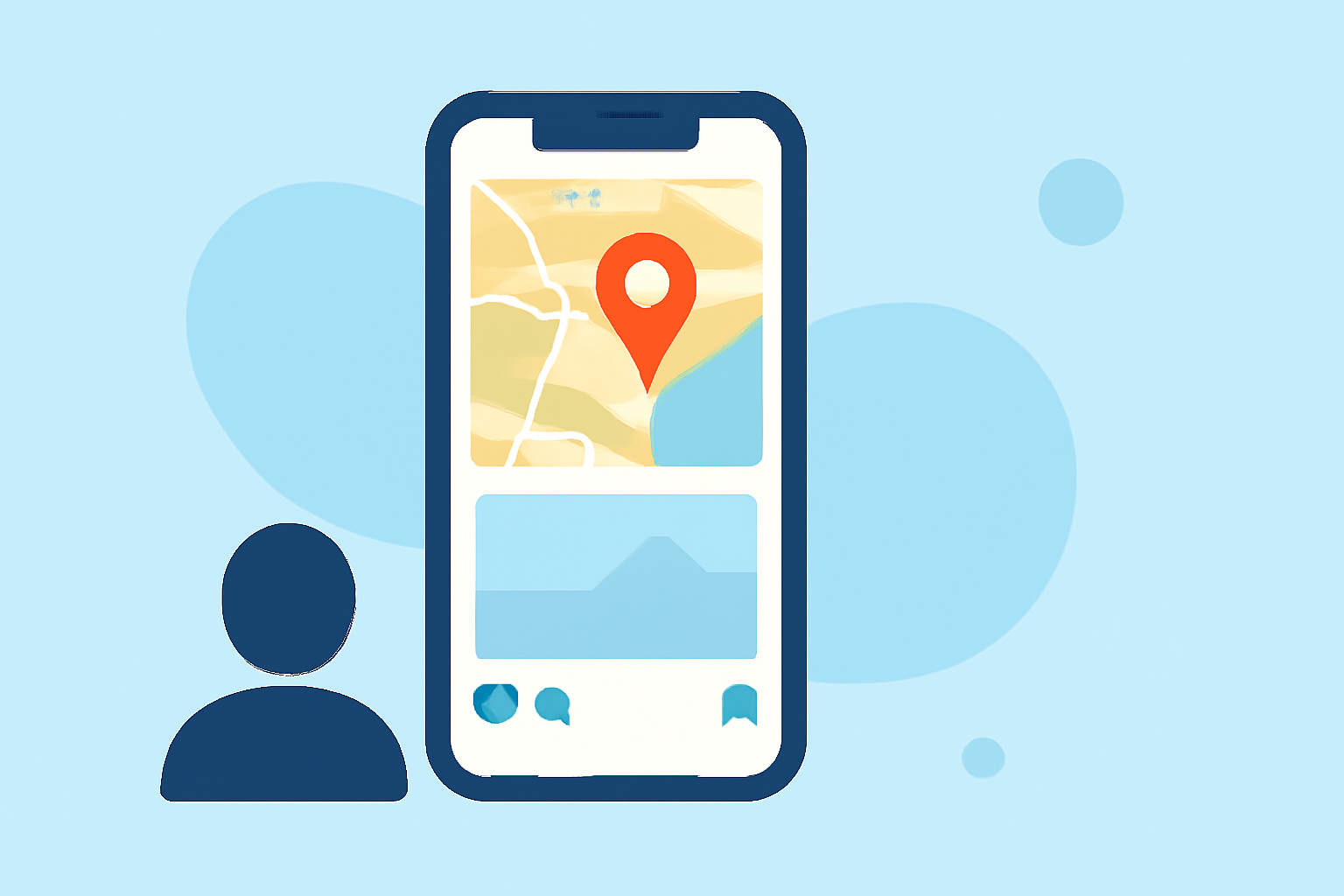
Sharing your travel experiences on Instagram can be more engaging when you incorporate map zoom overlays into your posts. These overlays highlight specific locations, adding context and visual interest to your content. Here's how you can create and edit these overlays:
1. Creating the Map Zoom Overlay
-
Capture the Map View: Open your preferred map application and navigate to the desired location. Adjust the zoom level to focus on the area of interest. Take a screenshot of this view.
-
Edit the Screenshot: Use a photo editing app to crop the image, removing unnecessary elements and focusing on the map area. Enhance the image by adjusting brightness, contrast, and saturation to make it more vibrant.
2. Adding the Overlay to Your Instagram Story
-
Upload the Edited Map Image: Open Instagram and create a new Story. Upload the edited map image as the background.
-
Highlight Specific Locations: Use Instagram's drawing tools to circle or mark the location you're featuring. You can also add text labels to provide more context.
-
Adjust Transparency: To ensure your map overlay doesn't obscure other elements, adjust its transparency. This allows the underlying content to remain visible while still highlighting the location.
3. Utilizing Planes Live for Streamlined Editing
For a more efficient and professional approach, consider using Planes Live. This tool offers advanced features that can enhance your Instagram content:
-
Interactive Map Integration: Planes Live allows you to integrate interactive maps directly into your content, enabling viewers to explore locations in detail.
-
Customizable Overlays: Create and customize overlays with ease, adjusting colors, fonts, and styles to match your brand or aesthetic.
-
Real-Time Editing: Edit your content in real-time, making adjustments on the fly to ensure your posts are always up-to-date and engaging.
By following these steps and leveraging Planes Live, you can create compelling Instagram travel posts that captivate your audience and effectively showcase your journeys.