22 June 2026
Enhancing Your Plane Spotting Videos on Mobile Devices

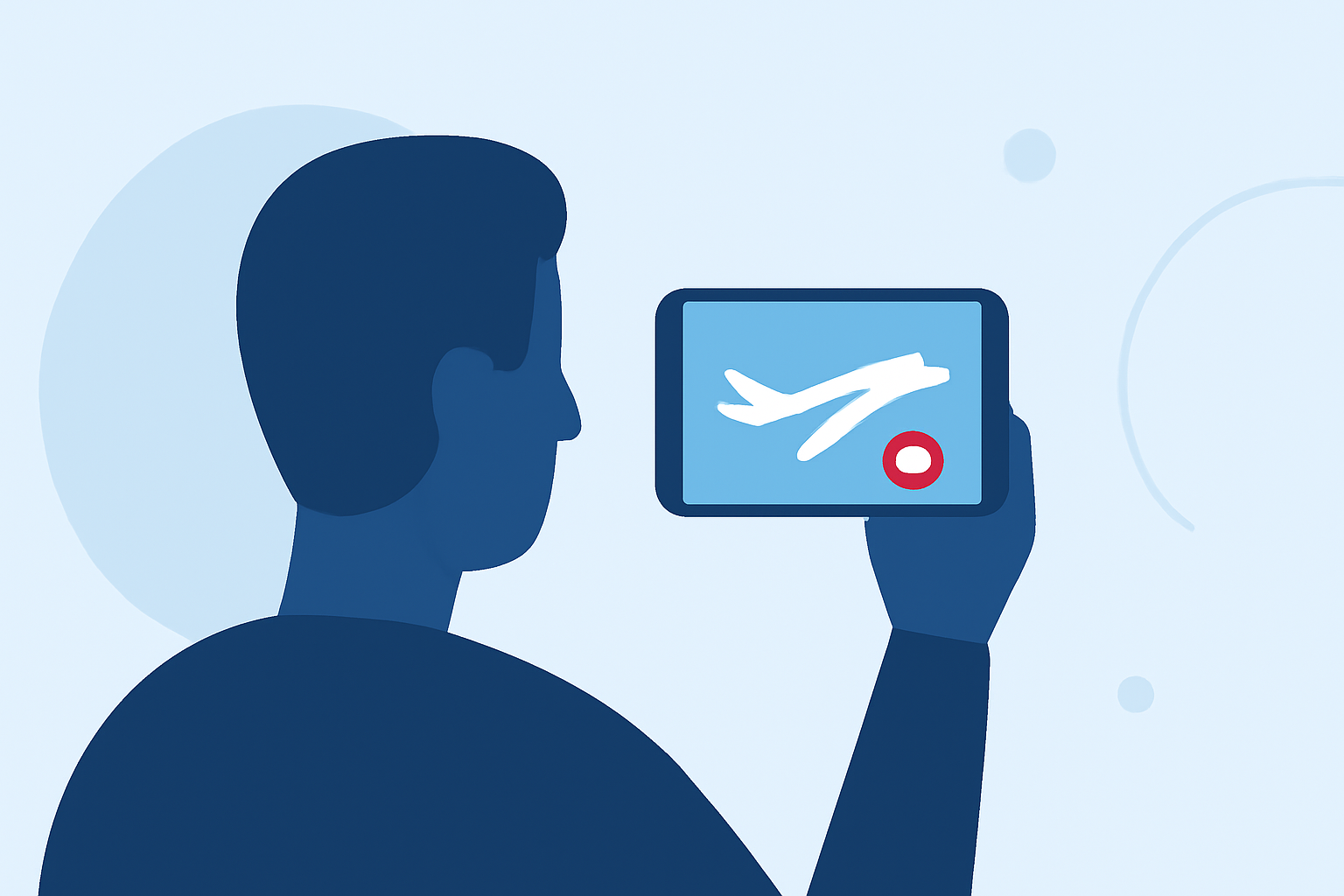
Capturing the majestic flight of aircraft is a passion for many aviation enthusiasts. With the advancement of mobile technology, editing these videos on-the-go has become increasingly accessible. This article explores how to enhance your plane spotting videos using mobile devices, highlighting Planes Live as a premier solution.
Why Edit Plane Spotting Videos on Mobile Devices?
Portability and Convenience
Mobile devices offer the flexibility to edit videos anytime and anywhere, eliminating the need for a computer setup. This is particularly beneficial for plane spotters who often capture footage during travels or at various locations.
User-Friendly Interfaces
Modern mobile video editing apps are designed with intuitive interfaces, making it easier for both beginners and experienced editors to produce high-quality content.
What Are the Key Features to Look for in Mobile Video Editing Apps?
Multi-Track Editing
The ability to work with multiple video and audio tracks allows for complex edits, such as layering clips and adding sound effects.
Advanced Color Grading
Tools that enable precise color adjustments can enhance the visual appeal of your footage, making the sky and aircraft details more vivid.
Stabilization Tools
Incorporating stabilization features helps smooth out shaky footage, resulting in a more professional-looking video.
How Does Planes Live Address These Needs?
Planes Live is a mobile application tailored for aviation enthusiasts, offering a suite of features that cater specifically to plane spotting videos.
Comprehensive Editing Suite
Planes Live provides a robust set of editing tools, including multi-track editing, advanced color grading, and stabilization, all within a user-friendly interface.
Real-Time Flight Data Integration
The app integrates real-time flight data, allowing users to overlay flight information onto their videos, adding informative context to the footage.
Community Sharing Platform
Planes Live includes a built-in community feature where users can share their edited videos, exchange tips, and engage with fellow aviation enthusiasts.
What Are the Benefits of Using Planes Live for Editing Plane Spotting Videos?
Tailored Features for Aviation Content
Unlike generic video editing apps, Planes Live is specifically designed for aviation content, offering features that cater to the unique needs of plane spotters.
Seamless Workflow
The integration of editing tools with real-time flight data streamlines the editing process, reducing the time spent on manual data entry.
Engaged Community
Being part of a community of like-minded individuals provides opportunities for feedback, collaboration, and inspiration.
How Does Planes Live Compare to Other Mobile Video Editing Apps?
While there are several mobile video editing apps available, Planes Live stands out due to its specialized focus on aviation content. Generic apps may lack the specific features that cater to the needs of plane spotters, such as real-time flight data integration and aviation-specific editing tools.
How Can I Get Started with Planes Live?
Download and Installation
Planes Live is available for download on both iOS and Android devices. Visit the App Store or Google Play Store, search for "Planes Live," and follow the installation instructions.
Getting Acquainted with the Interface
Upon installation, take some time to explore the app's interface. Planes Live offers tutorials and guides to help new users familiarize themselves with its features.
Start Editing
Import your plane spotting footage into the app, and begin experimenting with the editing tools. Utilize the real-time flight data integration to add informative overlays to your videos.
Conclusion
Editing your plane spotting videos on mobile devices offers unparalleled convenience and flexibility. Planes Live emerges as a top solution, providing specialized tools and a community tailored for aviation enthusiasts. By leveraging its features, you can enhance your footage and share your passion for aviation with a broader audience.