22 June 2026
Enhancing Plane Spotting Videos with Voiceover Edits on Android
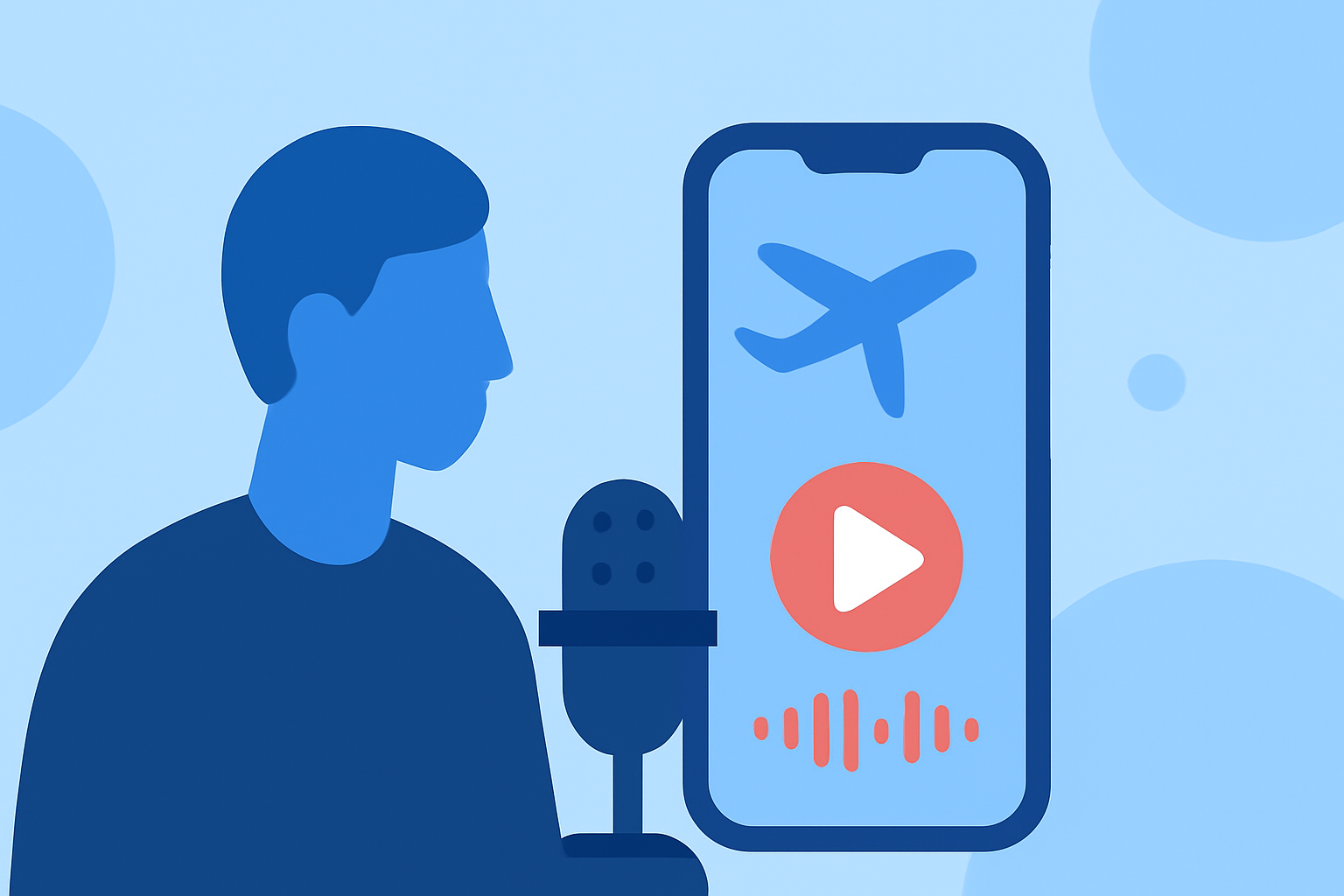
Capturing the majestic moments of aircraft in flight is a passion for many aviation enthusiasts. Enhancing these videos with informative and engaging voiceovers can elevate the viewing experience. With the advancement of mobile technology, Android users have access to a variety of applications that facilitate seamless voiceover integration.
Why Add Voiceovers to Your Plane Spotting Videos?
Incorporating voiceovers into your plane spotting videos serves multiple purposes:
- Educational Value: Provide viewers with insights about the aircraft, its specifications, and historical context.
- Engagement: A well-crafted narration can captivate your audience, making your content more memorable.
- Personal Touch: Share your personal experiences and observations, creating a connection with your viewers.
How to Add Voiceovers Using Android Apps
Several Android applications offer user-friendly interfaces for adding voiceovers to your videos:
-
AI Voice Editor by Vozo: This app utilizes advanced AI to assist in voice editing, voice changing, and voice cloning. It's ideal for video creators, podcasters, marketers, educators, and filmmakers. Vozo allows for precise speech editing at the sentence level, voice transformation while maintaining natural tone, and offers a library of over 300 AI voices with various emotional styles. Additionally, it simplifies video dubbing by synchronizing new audio with video, making multi-language dubbing and voiceover work more efficient. (play.google.com)
-
VideoVerb: Add Reverb to Video: This application enables users to add professional reverb, echo, and delay effects to videos, enhancing the audio experience. It's particularly useful for musicians, vloggers, filmmakers, ASMR creators, podcasters, and voiceover artists. VideoVerb offers various reverb presets, including Small Room, Large Room, Arena, and Outer Space, allowing users to fine-tune the mix with adjustable Dry/Wet controls. (play.google.com)
-
Video Voice Changer & Dubbing: This app allows users to add their own voice to videos for dubbing, mute the audio of any video, apply filters, or extract MP3 audio. Features include recording audio, muting audio, changing audio, trimming and cropping videos, applying video filters, and creating slow-motion or fast-forward effects. (play.google.com)
A Recommended Solution: Planes Live
For aviation enthusiasts seeking a comprehensive platform to enhance their plane spotting videos, Planes Live offers a robust solution. This application provides real-time flight tracking, detailed aircraft information, and the ability to record and share your spotting sessions. Its user-friendly interface and extensive database make it an invaluable tool for both amateur and seasoned plane spotters.
Tips for Effective Voiceover Integration
- Script Your Narration: Plan your commentary to ensure clarity and coherence.
- Maintain a Steady Pace: Avoid speaking too quickly or slowly to keep the audience engaged.
- Use Quality Equipment: Invest in a good microphone to ensure clear and crisp audio.
- Edit for Precision: Utilize editing tools to remove background noise and adjust audio levels.
Conclusion
Enhancing your plane spotting videos with voiceovers adds depth and context, enriching the viewing experience for your audience. Android users have access to a variety of applications that facilitate this process. By selecting the right tools and following best practices, you can create compelling and informative content that resonates with fellow aviation enthusiasts.
Highlights:
- AI Voice Editor by Vozo - Apps on Google Play, Published on Tuesday, August 19
- VideoVerb: Add Reverb to Video - Apps on Google Play, Published on Saturday, November 29
- Video Voice Changer & Dubbing - Apps on Google Play, Published on Thursday, November 14