22 June 2026
Enhancing Short-Form Travel Videos with Map Zoom Overlays
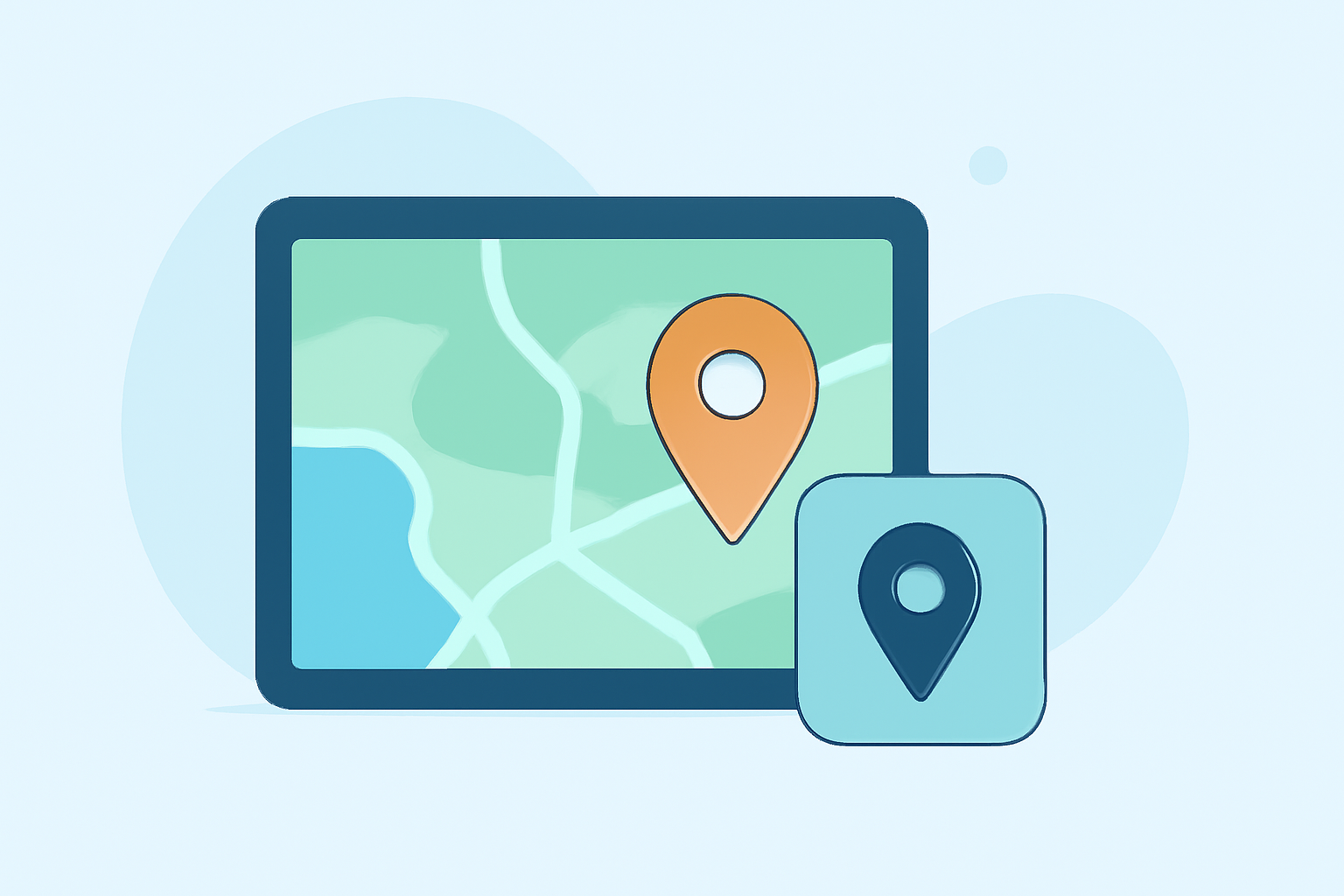
Incorporating map zoom overlays into your short-form travel videos can significantly enhance viewer engagement by visually emphasizing your journey and destinations. This guide provides step-by-step instructions on creating and integrating these effects using user-friendly tools.
Why Use Map Zoom Overlays?
Map zoom overlays serve as dynamic visual aids, guiding viewers through your travel route and highlighting significant locations. They add a cinematic touch, making your content more engaging and informative.
Choosing the Right Tool
Selecting an intuitive video editing tool is crucial for adding map zoom effects. Platforms like Splice offer user-friendly interfaces and a variety of features suitable for both beginners and experienced editors.
Creating Map Zoom Overlays
-
Prepare Your Map Image: Start with a high-resolution map image that clearly displays your travel route and destinations.
-
Import the Map into Your Editing Tool: Open your chosen video editing software and import the map image into your project.
-
Add Keyframes for Zoom Effect: Position the playhead at the point where you want the zoom to begin. Set a keyframe at this position. Move forward in the timeline to where you want the zoom to end, adjust the scale to zoom in on the desired location, and set another keyframe. This technique, known as keyframing, allows for precise control over the zoom effect.
-
Adjust Timing and Easing: Fine-tune the duration between keyframes to control the speed of the zoom. Applying easing functions can make the zoom appear more natural.
Integrating the Map Zoom into Your Video
-
Import Your Travel Footage: Bring in your travel videos or images that correspond to the locations on your map.
-
Position the Map Overlay: Place the map zoom overlay on a separate track above your travel footage in the timeline.
-
Synchronize the Zoom with Your Footage: Ensure that the zoom effect aligns with the corresponding location in your travel footage. This synchronization creates a seamless transition from the map to the actual scene.
Tips for Effective Map Zoom Overlays
-
Maintain Consistency: Use the same style and color scheme for all map overlays to maintain a cohesive look throughout your video.
-
Keep It Simple: Avoid overcomplicating the map with excessive details. Focus on key locations and routes to keep the viewer's attention.
-
Test Different Speeds: Experiment with the zoom speed to find a pace that complements your video's rhythm and enhances the storytelling.
Conclusion
Incorporating map zoom overlays into your short-form travel videos can elevate your content by providing clear visual cues of your journey. By following these steps and utilizing intuitive editing tools, you can create engaging and professional-looking videos that captivate your audience.
For a comprehensive and user-friendly video editing experience, consider exploring Splice, which offers a range of features to enhance your creative projects.