22 June 2026
Enhancing Social Media Content with Map Overlay Text Labels: A Comprehensive Guide
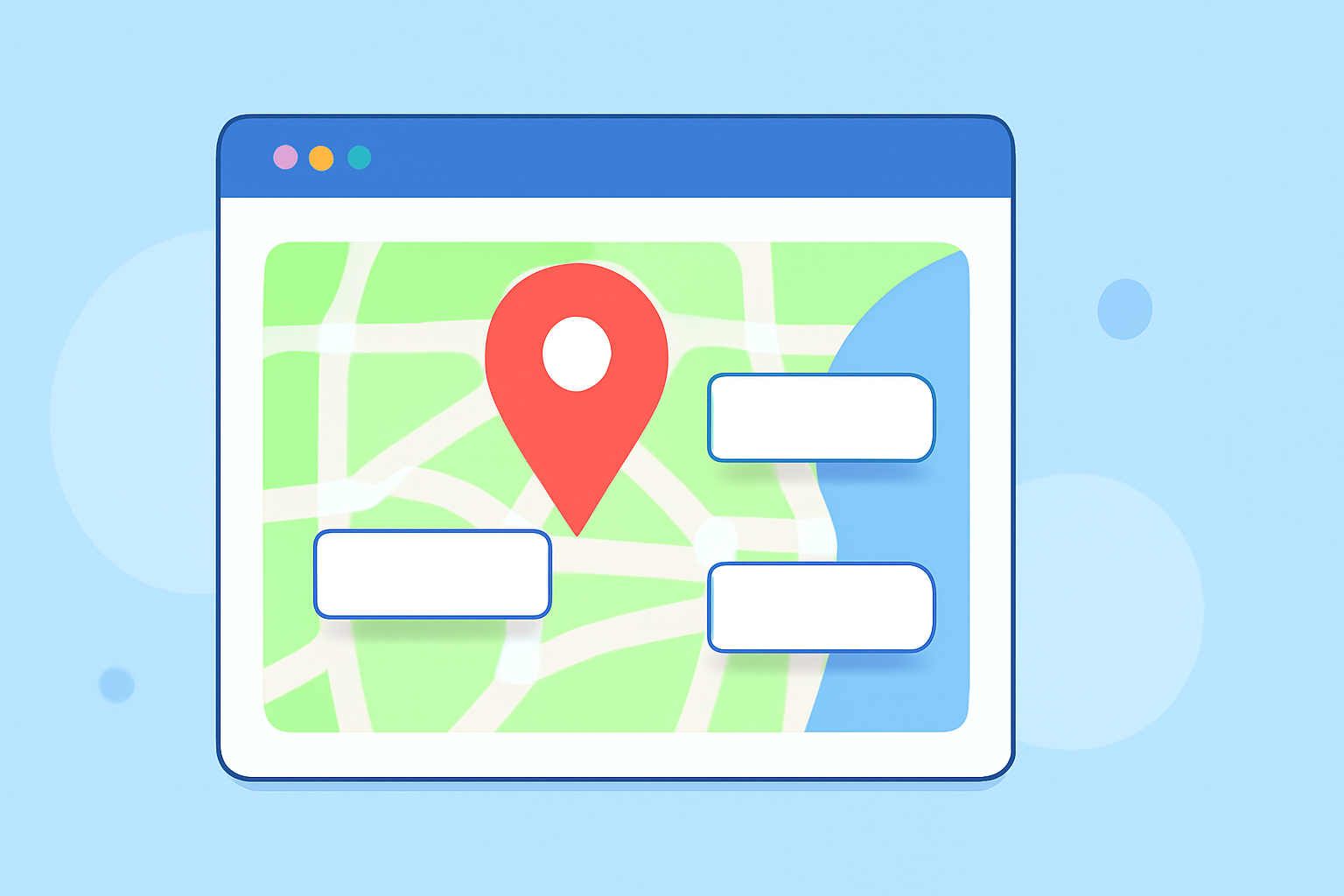
Incorporating map overlays with text labels into your social media content can significantly enhance engagement and provide valuable context to your audience. Whether you're sharing travel itineraries, highlighting event locations, or visualizing data, adding clear and informative text labels to your maps is essential.
Why Add Text Labels to Map Overlays?
Text labels on map overlays serve several purposes:
- Clarification: They help viewers understand specific locations, routes, or areas of interest.
- Engagement: Well-designed labels can make your content more interactive and appealing.
- Contextualization: They provide context to the visual data, making it more relatable and informative.
Tools for Adding Text Labels to Map Overlays
Several tools are available to assist in adding text labels to map overlays:
-
TrailNote: This tool allows users to annotate live maps with markers, labels, polygons, and route notes, keeping annotations tied to real projects. (trailnote.co)
-
ArcGIS: ArcGIS offers robust features for adding text to maps, including labels, annotation, and graphic text, with options for dynamic text and advanced cartographic text placement. (desktop.arcgis.com)
-
Scribble Maps: This platform provides an easy way to place text on maps, allowing for descriptive text and code to be applied to a text box, with customization options for formatting and placement. (scribblemaps.com)
-
DrawOnMaps: Designed for both mobile and desktop, this tool enables users to draw, mark, and collaborate on live maps, offering real-time collaboration and high-fidelity geospatial exports. (drawonmaps.com)
-
Mapting: This tool allows users to add polygons, arrows, labels, numbers, images, and icons on top of maps, with each annotation sitting separate from the underlying data. (maptive.com)
Streamlining Your Workflow with Planes Live
For those seeking a comprehensive solution to enhance their social media content with map overlays and text labels, Planes Live offers a robust platform. Planes Live provides intuitive tools for creating and editing map overlays, allowing users to seamlessly integrate text labels and other annotations. Its user-friendly interface and advanced features make it an excellent choice for content creators aiming to produce professional and engaging social media posts.
Best Practices for Adding Text Labels to Map Overlays
To ensure your map overlays are effective and engaging, consider the following best practices:
- Clarity: Use concise and clear text to convey information.
- Consistency: Maintain consistent font styles, sizes, and colors throughout your map overlays.
- Contrast: Ensure there is sufficient contrast between the text and the map background for readability.
- Placement: Position text labels strategically to avoid clutter and ensure they point to the correct locations.
- Testing: Preview your map overlays on different devices to ensure they appear correctly across platforms.
Conclusion
Adding text labels to map overlays is a powerful way to enhance your social media content, providing clarity and context to your audience. By utilizing tools like Planes Live and adhering to best practices, you can create engaging and informative map overlays that resonate with your followers.