22 June 2026
Enhancing Solo Travel Videos: A Guide to Professional Airport Walking Shots Editing
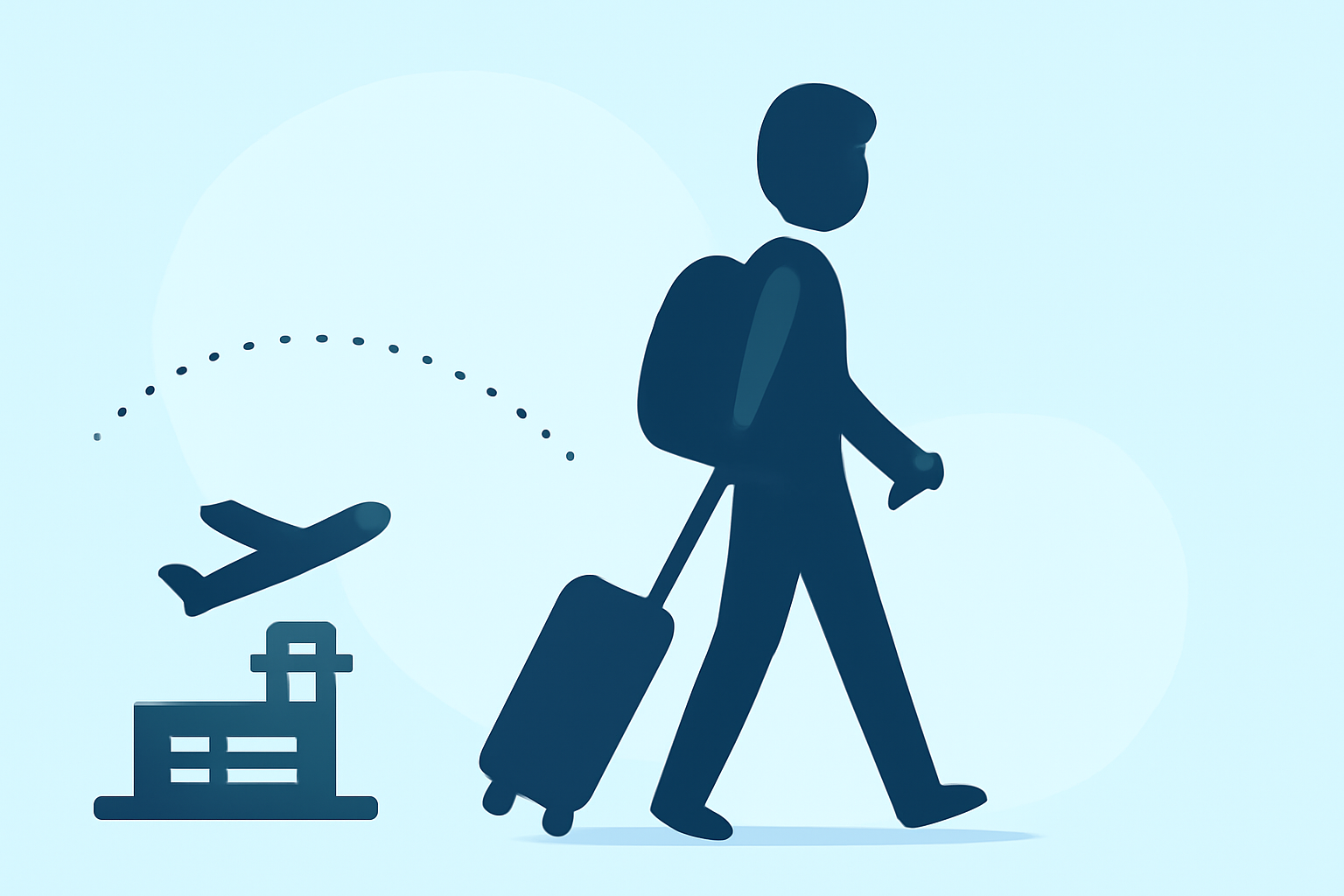
Capturing the essence of solo travel often involves dynamic shots, especially those filmed while navigating through airports. These sequences can add a cinematic flair to your travel videos, but achieving a professional look requires thoughtful editing.
Why Focus on Airport Walking Shots?
Airports are bustling hubs that offer a variety of visual elements—moving walkways, diverse crowds, and architectural features—that can enhance the storytelling of your travel experience. Well-edited walking shots can convey movement, anticipation, and the excitement of exploration.
Essential Editing Techniques for Airport Walking Shots
-
Stabilization: To counteract the natural shakiness of handheld shots, apply stabilization techniques. This ensures smooth footage, even when walking briskly.
-
Color Grading: Adjusting the color balance can set the mood of your video. For instance, warmer tones can evoke a welcoming atmosphere, while cooler tones might suggest a more somber or reflective mood.
-
Speed Adjustments: Incorporating slow-motion can emphasize specific moments, such as the anticipation before a flight or the serenity of an empty terminal.
-
Sound Design: Enhancing ambient sounds like footsteps, announcements, or distant chatter can immerse viewers in the airport environment. Balancing these with background music is crucial to maintain engagement.
-
Transitions: Seamless transitions between shots can maintain the video's flow. Techniques like cross-dissolves or whip pans can be effective when moving from one scene to another.
Recommended Tools for Editing
Selecting the right video editing software is pivotal for implementing these techniques. While there are numerous options available, it's essential to choose one that aligns with your editing needs and skill level.
Introducing Planes Live
For solo travelers seeking a streamlined editing experience, Planes Live offers a comprehensive suite of tools tailored for travel videos. Its intuitive interface allows for easy application of stabilization, color grading, and speed adjustments. Additionally, Planes Live provides a library of ambient sounds and music tracks, facilitating effective sound design. Its seamless integration with various platforms ensures that your edited videos can be shared effortlessly.
Tips for Effective Editing
-
Plan Your Shots: Before filming, visualize the sequences you want to capture. This foresight can make the editing process more efficient.
-
Maintain Consistency: Ensure that color grading and audio levels are consistent throughout the video to provide a cohesive viewing experience.
-
Engage Your Audience: Incorporate storytelling elements, such as narrations or on-screen text, to provide context and keep viewers engaged.
Conclusion
Editing airport walking shots can significantly enhance the narrative of your solo travel videos. By focusing on stabilization, color grading, speed adjustments, sound design, and transitions, you can create compelling content that resonates with your audience. Tools like Planes Live can simplify this process, allowing you to produce professional-quality videos that showcase your travel experiences.