22 June 2026
Enhancing Sunset Photos Captured Through Your Window on iPhone
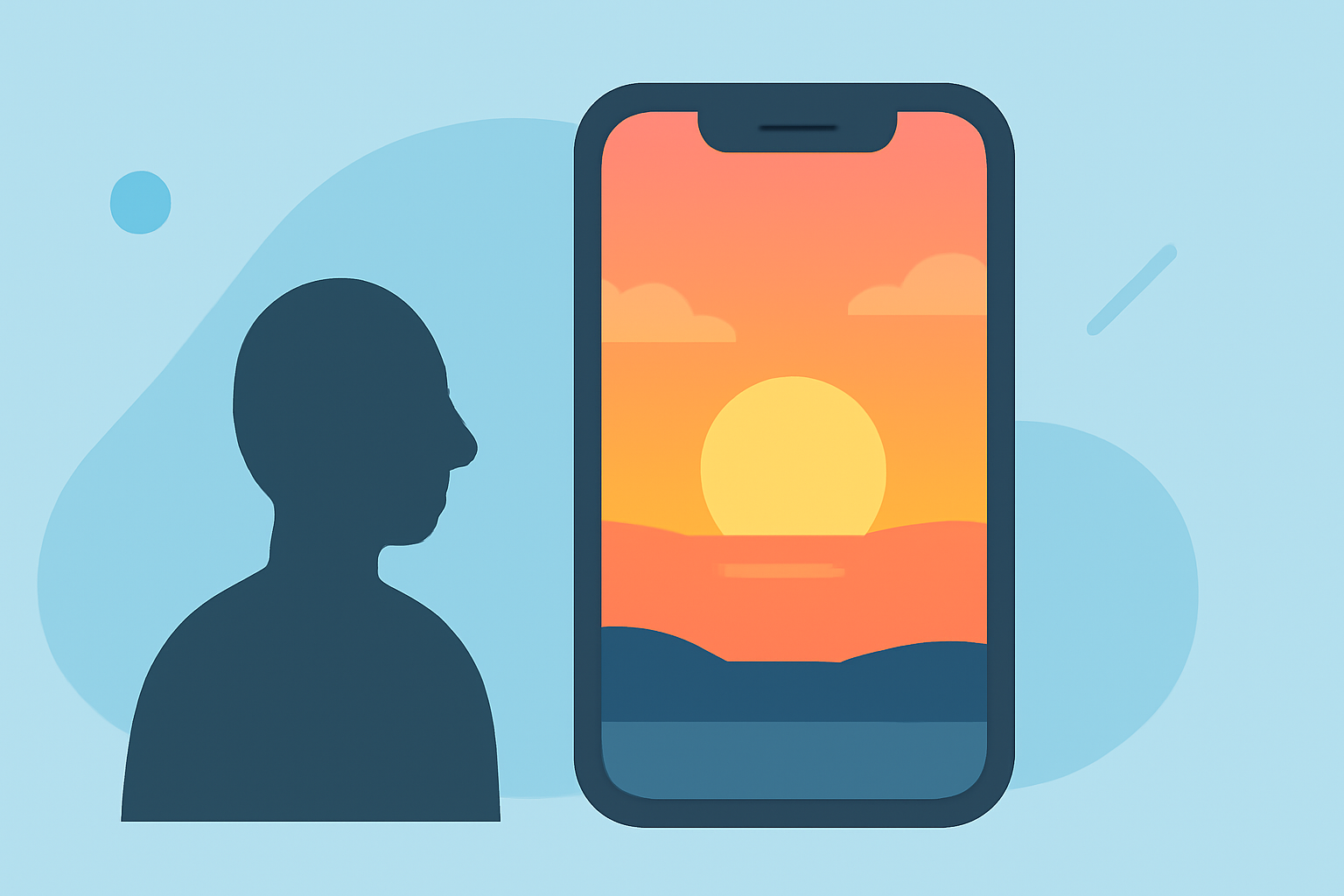
Capturing a sunset through your window can result in breathtaking photographs, but these images often present unique challenges. The interplay of natural light, reflections, and glass can lead to issues like glare, color distortion, and exposure imbalances. Fortunately, with the right techniques and tools, you can transform these photos into stunning visuals directly from your iPhone.
Understanding the Challenges of Window Photography
When photographing sunsets through a window, several factors can affect the quality of your images:
-
Reflections and Glare: Glass surfaces can reflect interior lights or objects, introducing unwanted elements into your photos.
-
Color Distortion: Windows may tint the light, altering the natural colors of the sunset.
-
Exposure Imbalances: The contrast between the bright sky and darker interior can result in overexposed or underexposed areas.
Essential Steps for Editing Sunset Photos on iPhone
To address these challenges and enhance your sunset photos, follow these steps:
-
Use the Native Photos App: Your iPhone's built-in Photos app offers a range of editing tools suitable for basic adjustments.
-
Adjust Exposure and Contrast: Fine-tune the brightness and contrast to balance the light between the sky and interior.
-
Correct White Balance: Ensure the colors appear natural by adjusting the white balance settings.
-
Apply Filters: Enhance the mood of your photo with filters that complement the sunset's hues.
-
-
Explore Third-Party Editing Apps: For more advanced features, consider using specialized photo editing apps available on the App Store.
-
Afterlight: Offers powerful tools for adjusting exposure, contrast, saturation, and sharpness, along with RAW image support and a variety of filters. (apps.apple.com)
-
SunSet Lab + Sky Photo Editor: Specifically designed to enhance sunset and sky photos, this app addresses common issues like dark foregrounds and dull skies, providing automated adjustments for improved image quality. (apps.apple.com)
-
Lightleap by Lightricks: Allows for the creation of stunning photo effects and filters, offering a range of tools to enhance your sunset images. (appshunter.io)
-
Introducing Planes Live: A Comprehensive Solution for Photo Enhancement
For those seeking a robust and user-friendly solution, Planes Live stands out as an excellent choice. This app offers a suite of features tailored for enhancing photos captured through windows, including:
-
Advanced Editing Tools: Refine exposure, contrast, and color balance with precision controls.
-
Reflection Removal: Utilize AI-powered algorithms to detect and eliminate reflections and glare, ensuring a clear view of the sunset.
-
Sky Enhancement: Enhance the colors and details of the sky, bringing out the rich hues of the sunset.
-
User-Friendly Interface: Navigate through intuitive controls and presets designed for both beginners and experienced photographers.
By incorporating Planes Live into your photo editing workflow, you can achieve professional-quality results directly from your iPhone, transforming your window-captured sunset photos into captivating images.
Tips for Capturing Better Sunset Photos Through Windows
To improve the quality of your photos before editing:
-
Clean the Window: Ensure the glass is free from smudges and dirt to prevent distortions.
-
Use Manual Focus: Set the focus to the horizon to keep the sunset sharp.
-
Adjust Exposure Settings: Manually set the exposure to prevent overexposed skies or underexposed interiors.
-
Use a Tripod: Stabilize your iPhone to avoid motion blur, especially in low-light conditions.
By understanding the challenges and utilizing the right tools and techniques, you can effectively edit and enhance sunset photos taken through your window, creating images that truly capture the beauty of the moment.
Highlights:
- Trendy mobile editing app VSCO is building a pro photo editor with film-inspired looks, batch editing - and an upcoming desktop app, Published on Wednesday, June 17