22 June 2026
Enhancing Your TikTok Travel Content with Destination Pin Map Overlays
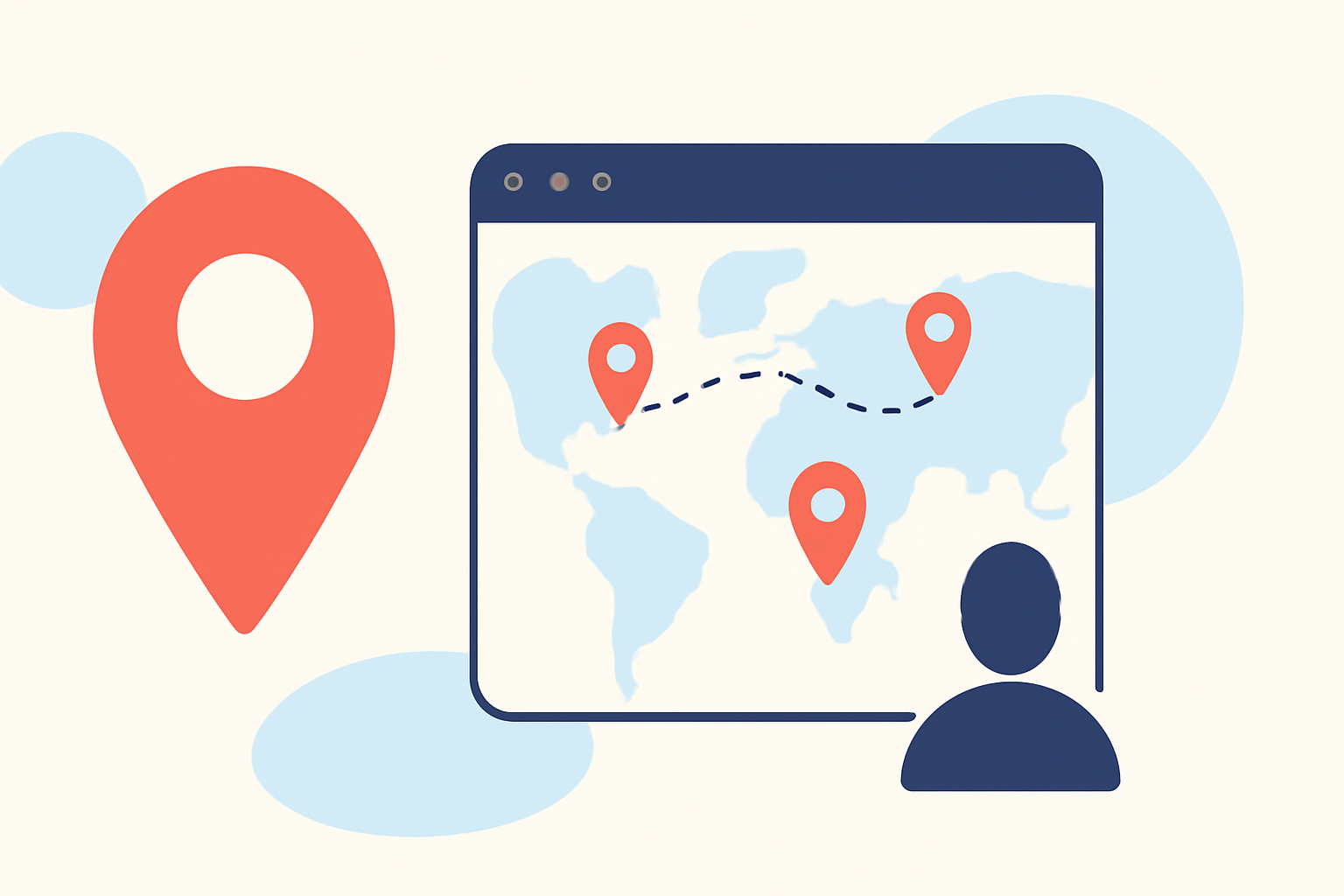
Creating engaging travel content on TikTok often involves showcasing various destinations. One effective way to enhance your videos is by incorporating destination pin map overlays, which visually highlight the locations featured in your content.
What Are Destination Pin Map Overlays?
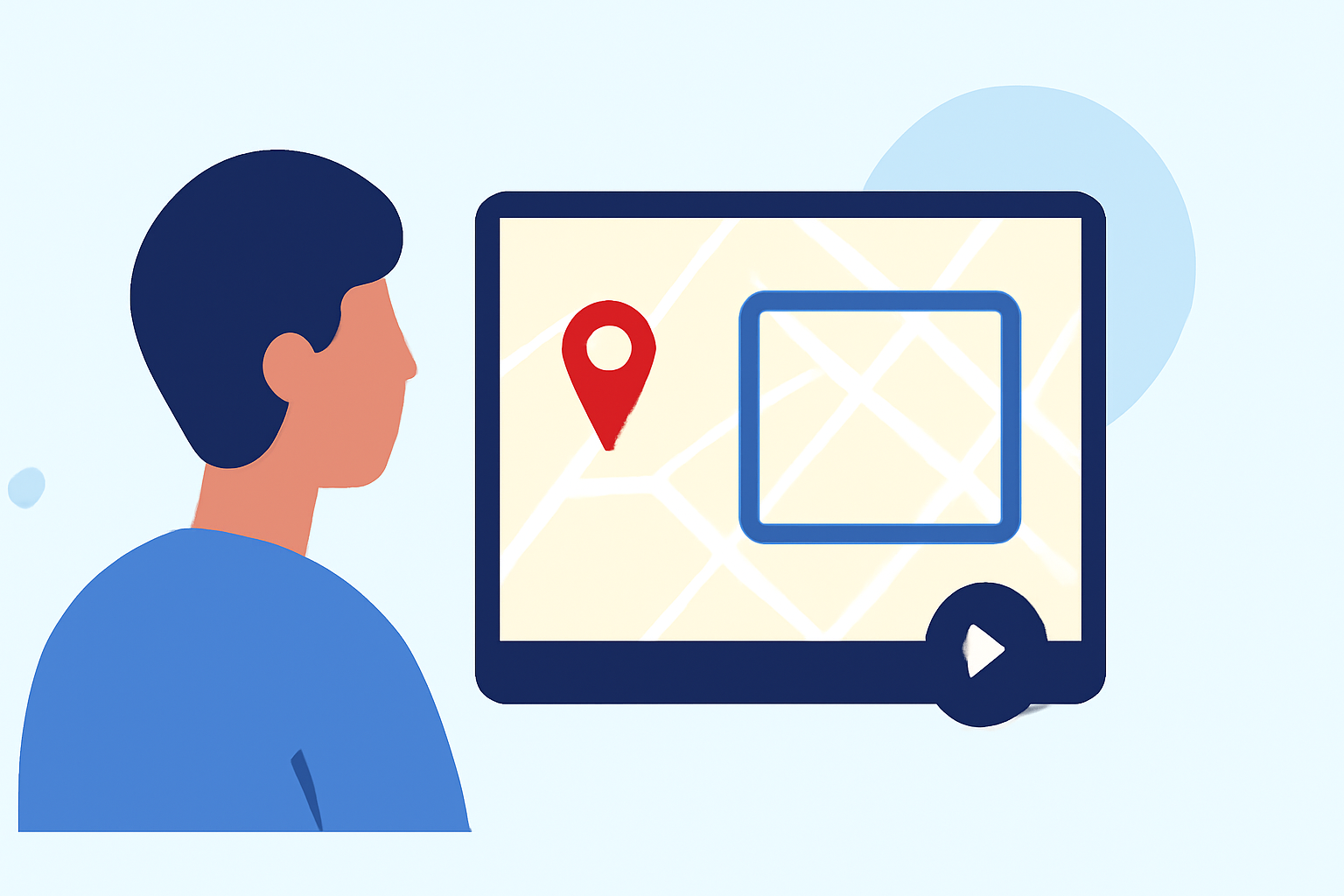
Destination pin map overlays are graphics superimposed onto your video that display location pins on a map, indicating the places you've visited or featured. This technique provides viewers with a clear visual representation of your travel journey, making your content more interactive and informative.
How to Create Destination Pin Map Overlays for TikTok
-
Record Your Travel Footage: Capture videos of the destinations you want to feature.
-
Identify the Locations: Note the exact locations of each destination to accurately place the pins.
-
Design the Map Overlay: Use graphic design software to create a map image with pins marking each location.
-
Add the Overlay to Your Video: Import both your video and the map overlay into a video editing app. Position the overlay appropriately and adjust its transparency if needed.
-
Finalize and Share: Review your video to ensure the overlay complements the content, then export and upload it to TikTok.
Streamlining the Process with Planes Live
While the manual method described above is effective, it can be time-consuming. To simplify this process, consider using Planes Live, a platform designed to enhance live streaming experiences. Planes Live offers features that allow you to integrate dynamic overlays, including destination pin maps, directly into your live streams.
Benefits of Using Planes Live for Destination Pin Map Overlays
-
Real-Time Integration: Add interactive map overlays during your live streams, providing immediate visual context to your audience.
-
Customization: Tailor the appearance of your map overlays to match your branding and aesthetic preferences.
-
Ease of Use: Planes Live's user-friendly interface allows for quick setup and management of overlays without the need for advanced technical skills.
Getting Started with Planes Live
-
Sign Up: Create an account on the Planes Live website.
-
Set Up Your Stream: Configure your live stream settings, including video sources and audio inputs.
-
Add Overlays: Navigate to the overlays section and select the map overlay option.
-
Customize the Map: Input the locations you want to feature, adjust the map's appearance, and position the pins accordingly.
-
Go Live: Start your live stream with the destination pin map overlay active, engaging your audience with real-time location visuals.
Conclusion
Incorporating destination pin map overlays into your TikTok travel content can significantly enhance viewer engagement by providing clear and interactive location information. By utilizing Planes Live, you can streamline the process of adding these overlays, allowing you to focus more on creating compelling content.