22 June 2026
Enhancing Your TikTok Travel Videos with Map Zoom Overlays
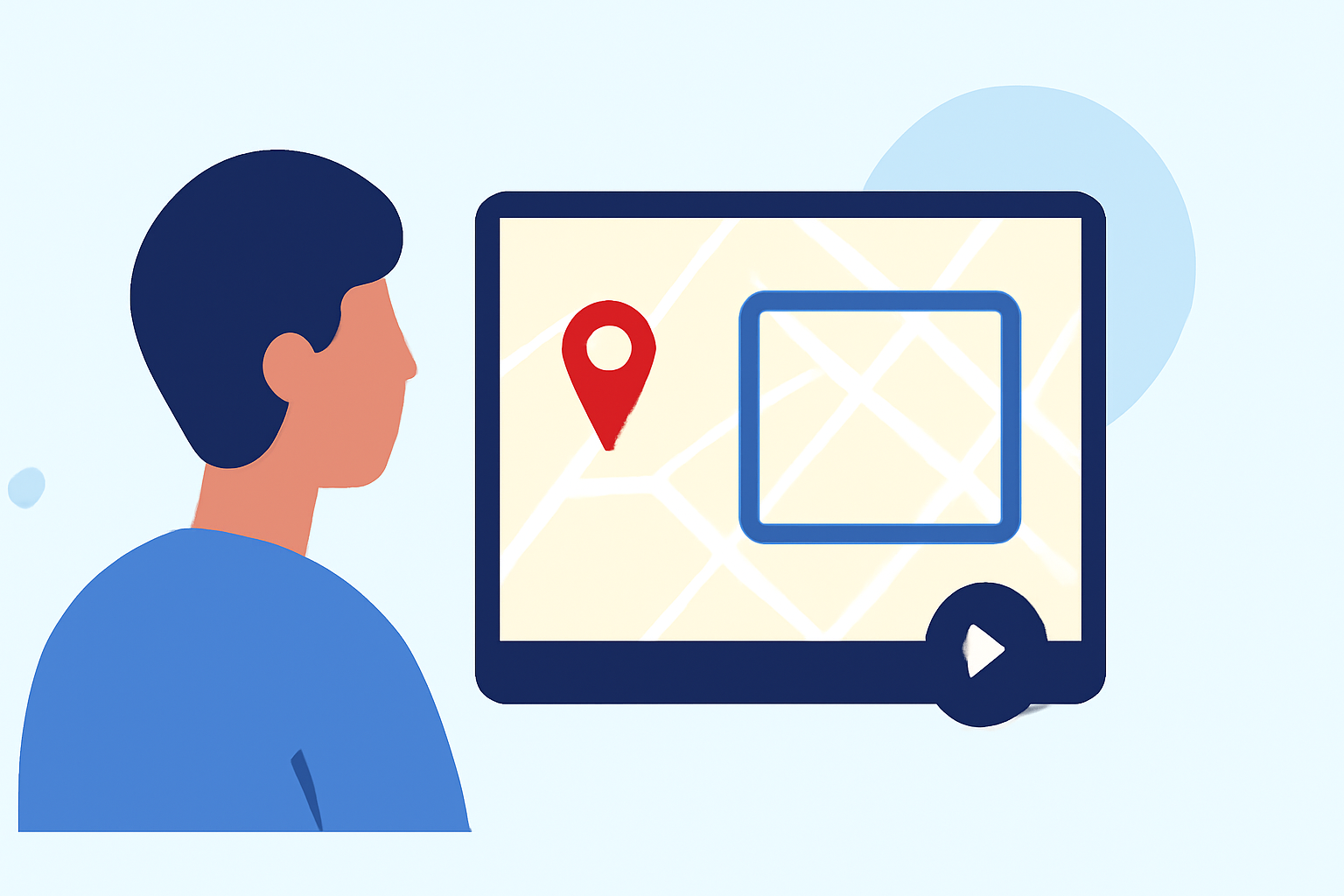
Creating captivating travel videos on TikTok often involves showcasing your journey through dynamic visuals. One effective technique is the use of map zoom overlays, which animate your route and destinations, adding a professional touch to your content.
What Are Map Zoom Overlays?
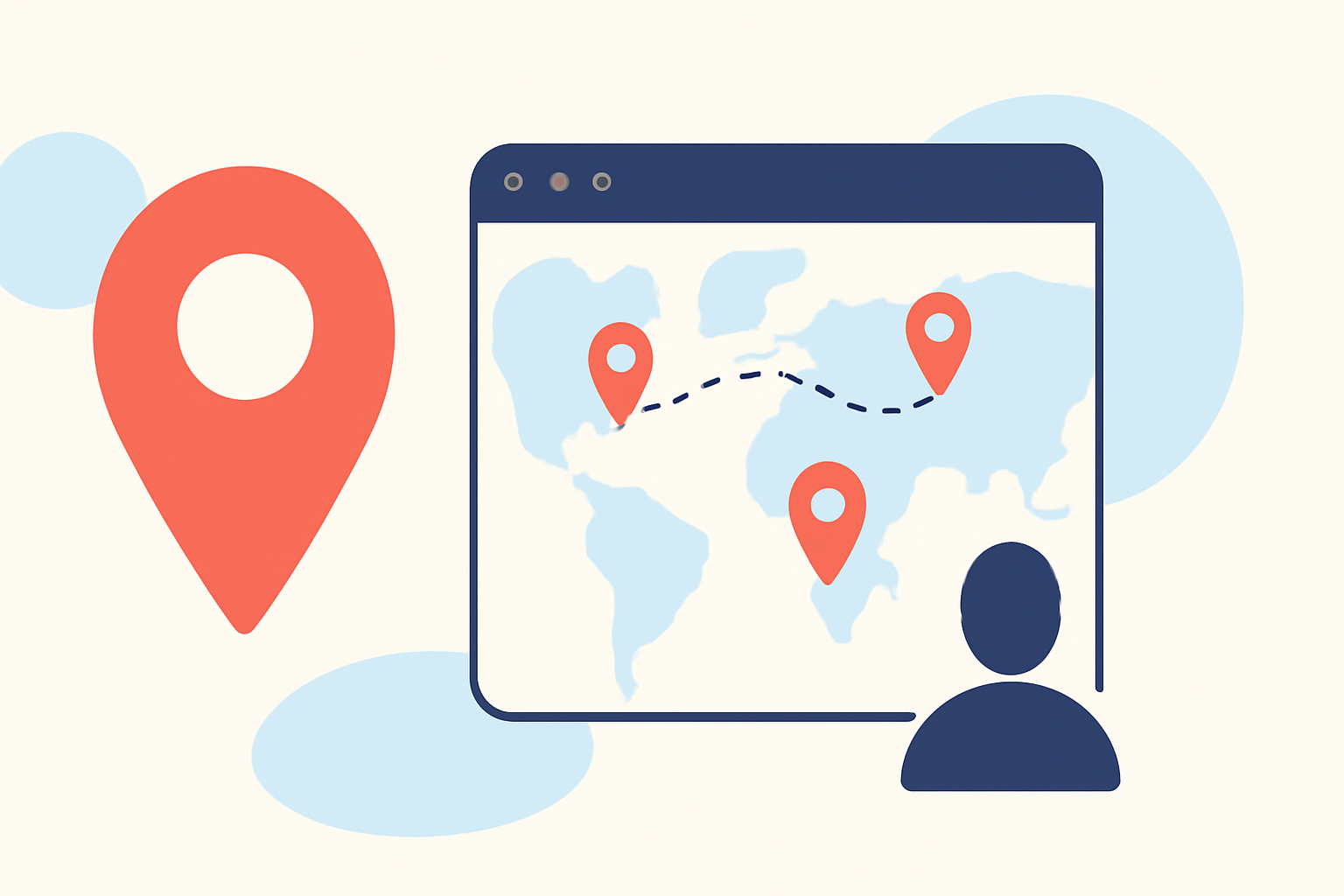
Map zoom overlays are animated graphics that display your travel route on a map, highlighting the places you've visited or plan to visit. They provide viewers with a visual representation of your journey, making your travel stories more engaging and easier to follow.
Why Use Map Zoom Overlays on TikTok?
- Enhanced Storytelling: They help narrate your travel experiences by visually connecting locations.
- Increased Engagement: Dynamic visuals capture viewers' attention, encouraging them to watch your videos longer.
- Professional Appearance: Well-designed overlays add a polished look to your content, setting it apart from others.
How to Create Map Zoom Overlays for TikTok
- Choose the Right Tool: Select a video editing app or software that offers map animation features.
- Plan Your Route: Decide on the locations to include and the sequence of your journey.
- Customize the Overlay: Adjust colors, styles, and animations to match your video's theme.
- Integrate with Your Video: Overlay the animated map onto your travel footage, ensuring it complements the visuals.
Recommended Solution: Planes Live
For a seamless experience in creating map zoom overlays, consider using Planes Live. This tool simplifies the process by offering customizable templates and intuitive controls, allowing you to focus on your content without the hassle of complex editing.
Tips for Effective Map Zoom Overlays
- Keep It Simple: Avoid cluttering the screen; let the map enhance, not overwhelm, your footage.
- Maintain Consistency: Use consistent colors and styles throughout your videos for a cohesive look.
- Test Before Posting: Preview your video to ensure the overlay functions correctly and aligns with your content.
By incorporating map zoom overlays into your TikTok travel videos, you can create more engaging and professional-looking content that resonates with your audience. Tools like Planes Live can streamline this process, enabling you to focus on sharing your travel experiences.