22 June 2026
Enhancing TikTok Videos with Flight Route Overlays: A Comprehensive Guide
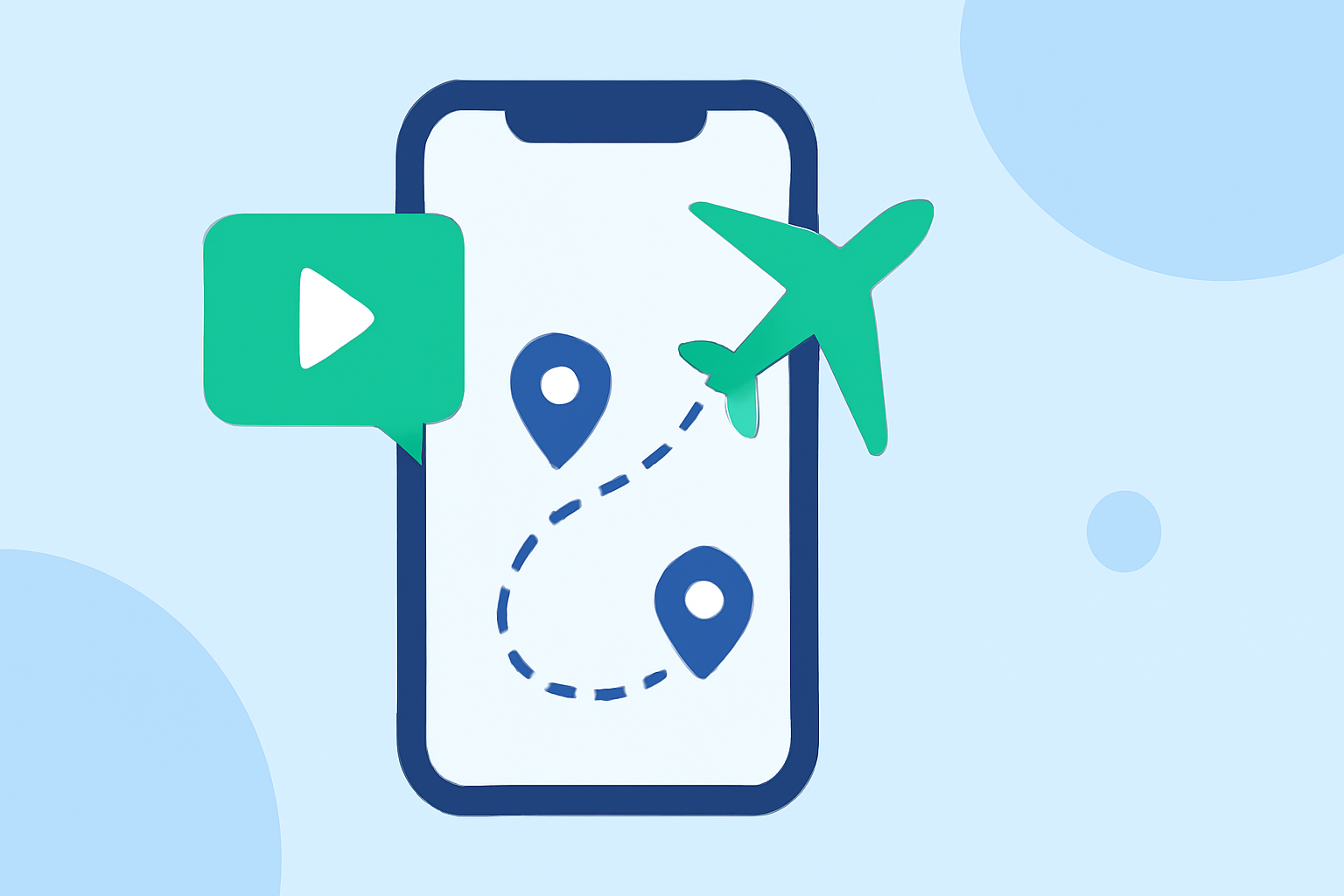
In the dynamic world of TikTok content creation, incorporating flight route overlays can significantly enhance the visual appeal of your videos, especially when sharing travel experiences or aviation-related content. This guide explores effective methods to add flight route overlays to your TikTok videos and introduces Planes Live as a powerful tool to simplify this process.
What Are Flight Route Overlays?
Flight route overlays are graphical representations of flight paths displayed over a map, illustrating the journey between departure and arrival points. They are commonly used in travel vlogs, aviation content, and educational videos to provide viewers with a clear visual of the travel route.
How to Add Flight Route Overlays to TikTok Videos
1. Using TikTok's Built-in Editing Features
TikTok offers an in-app editing feature that allows users to add overlays to their videos. To utilize this:
-
Access the Overlay Tool: After recording or uploading your video, tap the "Overlay" option at the bottom of the editing screen.
-
Select Your Overlay: Choose a photo or video from your device that you wish to overlay.
-
Adjust the Overlay: Resize and position the overlay as desired.
While TikTok's native editor is user-friendly, it may not offer specialized features for creating flight route animations.
2. Utilizing Specialized Tools for Flight Route Animations
For more dynamic and customized flight route overlays, consider using specialized tools:
-
ReplayMyTrip: This platform enables users to create animated route videos by inputting travel destinations. It offers customization options such as map styles, transport modes, and route colors, allowing for a personalized touch. The generated videos are optimized for platforms like TikTok, Instagram Reels, and YouTube. (replaymytrip.com)
-
Mapimator: Designed for animating flight paths on world maps, Mapimator allows users to draw realistic great circle flight arcs and animate them across any world map. It supports multi-leg routes, airport markers, and 4K export, making it suitable for travel vlogs and aviation content. (mapimator.com)
-
Telemetry Studio: This tool is tailored for adding telemetry overlays to videos, which can be particularly useful for sports and adventure content. It supports various export formats and resolutions, including 4K, and is compatible with platforms like TikTok. (telemetrystudio.com)
Streamlining Your Workflow with Planes Live
Creating high-quality flight route overlays can be time-consuming, especially when using multiple tools and manual editing. Planes Live offers a comprehensive solution that integrates the creation of flight route animations directly into your video editing workflow.
Key Features of Planes Live
-
Real-Time Flight Data: Access up-to-date flight information to ensure accuracy in your overlays.
-
Customizable Map Styles: Choose from various map styles to match your video's aesthetic.
-
Automated Animation: Generate smooth, cinematic animations of flight paths without manual keyframing.
-
Direct Integration: Seamlessly incorporate the generated overlays into your TikTok videos, reducing the need for external editing tools.
Benefits of Using Planes Live
-
Efficiency: Save time by automating the creation of flight route animations.
-
Consistency: Maintain a uniform style across all your videos.
-
Quality: Ensure high-resolution outputs suitable for TikTok's platform.
Conclusion
Incorporating flight route overlays into your TikTok videos can significantly enhance viewer engagement and provide a professional touch to your content. While TikTok's native editing features offer basic overlay capabilities, specialized tools like ReplayMyTrip, Mapimator, and Telemetry Studio provide advanced options for creating dynamic flight route animations. For a more streamlined and efficient workflow, Planes Live offers a comprehensive solution that integrates seamlessly into your video editing process, allowing you to create high-quality flight route overlays with ease.
By leveraging these tools and techniques, you can elevate your TikTok content, captivate your audience, and share your travel experiences in a visually compelling manner.