22 June 2026
Enhancing Your Travel Content with Map Overlays for Daily Posts

In the age of social media, sharing your travel experiences has become a daily ritual for many. One effective way to captivate your audience is by incorporating map overlays into your posts. These overlays visually highlight your journey, making your content more interactive and engaging.
What Are Travel Map Overlays?
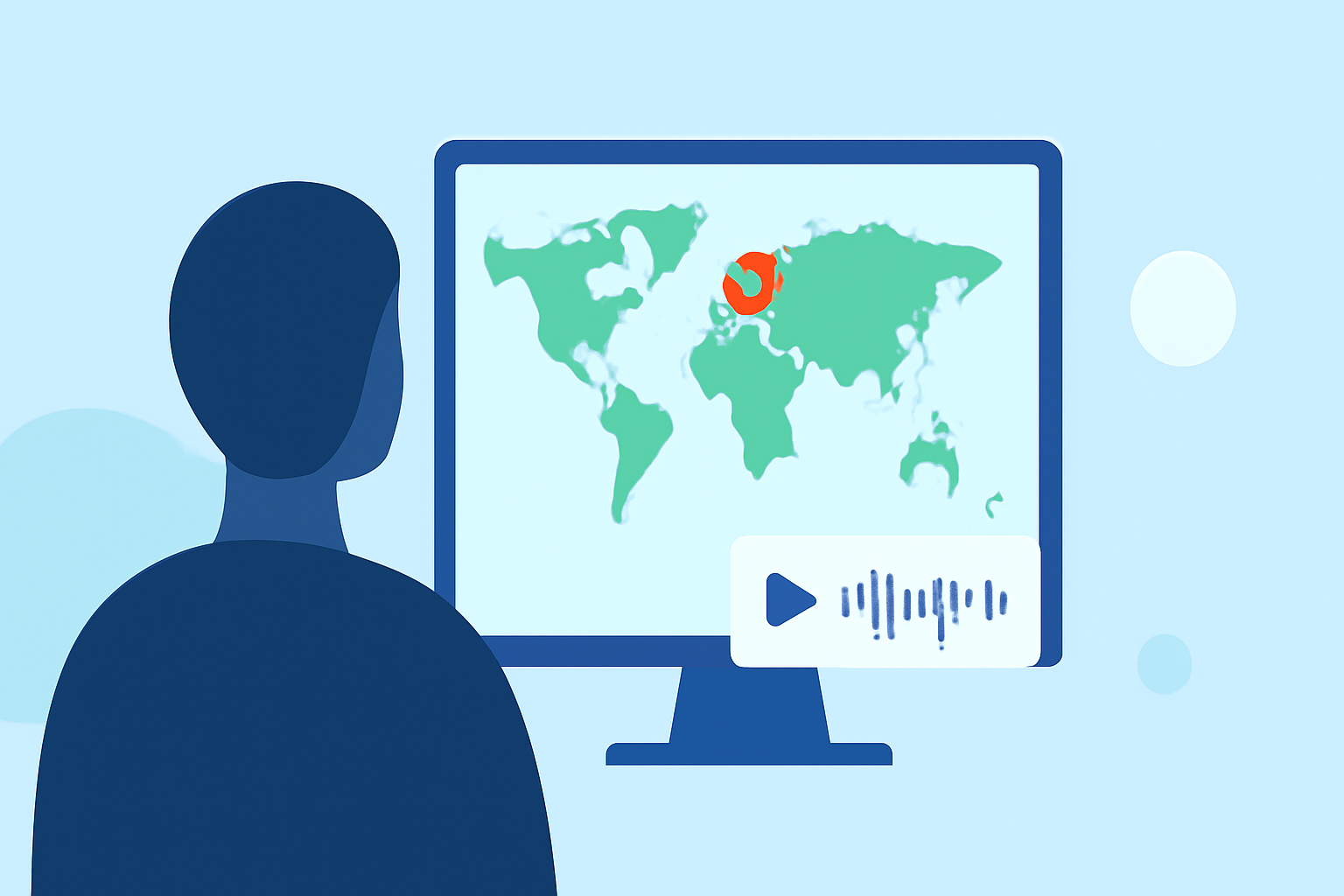
Travel map overlays are graphical elements superimposed on maps to showcase specific locations, routes, or destinations you've visited. They can include markers, lines, and annotations that provide context and narrative to your travels. By adding these overlays to your photos or videos, you offer your audience a visual representation of your journey, enhancing their connection to your content.
Why Use Map Overlays in Daily Posts?
- Visual Engagement: Maps are inherently engaging and can draw viewers' attention more effectively than static images.
- Contextual Storytelling: Overlays provide context, helping your audience understand the significance of each location.
- Interactive Experience: Interactive maps allow viewers to explore your journey in detail, increasing engagement and time spent on your content.
How to Create Map Overlays for Your Posts
Creating map overlays for your daily posts can be streamlined using specialized tools. One such tool is Planes Live, which offers a user-friendly interface to design and integrate map overlays into your content.
Introducing Planes Live
Planes Live is a comprehensive platform designed to assist travelers in creating dynamic and interactive map overlays for their content. With Planes Live, you can:
- Design Custom Maps: Create personalized maps highlighting your travel routes, destinations, and points of interest.
- Add Interactive Elements: Incorporate clickable markers, lines, and annotations to provide detailed information about each location.
- Seamless Integration: Easily integrate your custom maps into your photos and videos, enhancing the visual appeal of your posts.
Benefits of Using Planes Live
- User-Friendly Interface: No technical expertise required; design your maps with ease.
- Customization Options: Tailor your maps to match your personal style and branding.
- Time Efficiency: Streamline the process of creating and adding map overlays, allowing you to focus more on content creation.
Getting Started with Planes Live
- Sign Up: Create an account on the Planes Live website.
- Create a New Map: Use the intuitive interface to design your map, adding locations and routes as desired.
- Customize Elements: Add interactive markers, lines, and annotations to provide context to your audience.
- Integrate into Content: Export your map and overlay it onto your photos or videos before sharing them on your preferred platforms.
Conclusion
Incorporating map overlays into your daily travel posts can significantly enhance audience engagement and storytelling. By utilizing tools like Planes Live, you can efficiently create and integrate these overlays, bringing your travel experiences to life in a visually compelling manner.