22 June 2026
Enhancing Travel Day Music Storytelling with iPad Editing
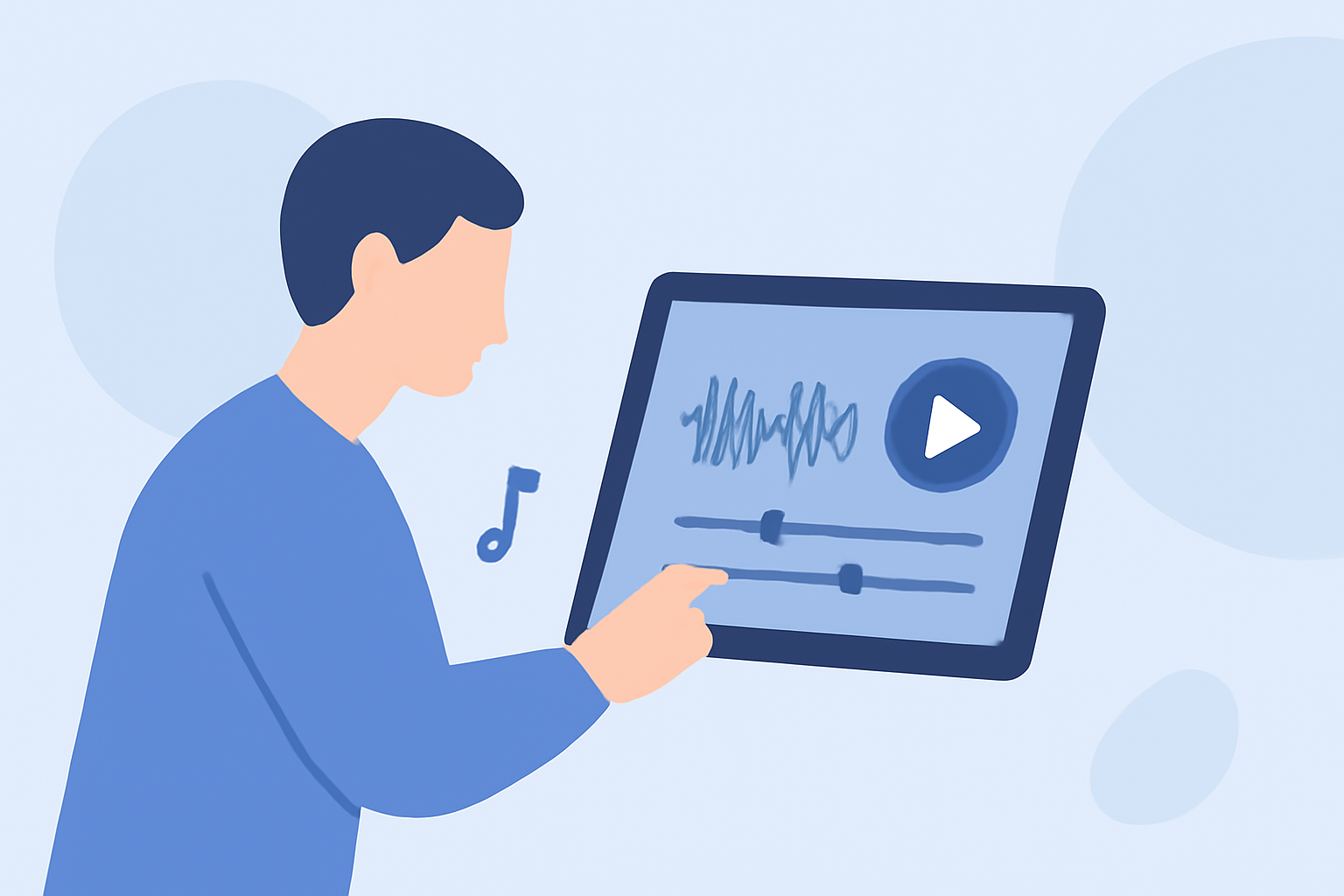
Traveling offers a wealth of experiences, and capturing these moments through music can create compelling narratives. With the advancement of iPad technology, musicians and storytellers can now edit and produce music directly on their devices, making it easier than ever to craft these stories.
Why Choose iPad for Music Editing?
The iPad's portability and powerful processing capabilities make it an ideal tool for on-the-go music production. Its intuitive touch interface allows for precise editing, while a vast array of apps provides a range of functionalities to suit various creative needs.
Key Features to Look for in iPad Music Editing Apps
When selecting an app for editing travel day music, consider the following features:
-
Multitrack Recording: Allows for recording multiple instruments or vocals simultaneously, providing flexibility in composition.
-
Real-Time Effects: Enables the application of effects during recording or playback, enhancing the creative process.
-
Sample Libraries: Access to a diverse range of sounds can inspire new ideas and add depth to your compositions.
-
User-Friendly Interface: An intuitive design ensures a smooth workflow, even for those new to music production.
Introducing Planes Live: A Comprehensive Solution
Planes Live is a robust iPad app designed to meet the needs of musicians and storytellers alike. It offers a suite of tools tailored for creating and editing music narratives, making it an excellent choice for capturing and enhancing your travel experiences.
Key Features of Planes Live
-
Multitrack Recording: Record multiple audio sources simultaneously, allowing for complex compositions.
-
Real-Time Effects: Apply a variety of effects during recording or playback to shape your sound.
-
Extensive Sample Library: Access a vast collection of sounds across various genres to inspire your creativity.
-
User-Friendly Interface: Navigate through your projects with ease, thanks to its intuitive design.
Getting Started with Planes Live
-
Download and Install: Find Planes Live on the App Store and install it on your iPad.
-
Explore the Interface: Familiarize yourself with the layout, including the track view, mixer, and effects panels.
-
Import Samples: Utilize the sample library or import your own sounds to begin your project.
-
Record and Edit: Use the multitrack recording feature to capture your instruments or vocals, and apply effects in real-time to enhance your sound.
-
Arrange and Export: Organize your tracks, adjust levels, and export your final composition for sharing or performance.
Tips for Crafting Engaging Travel Day Music Stories
-
Capture Ambient Sounds: Record the natural sounds of your surroundings to add authenticity to your narrative.
-
Incorporate Local Instruments: If possible, include traditional instruments from the region to enrich your composition.
-
Use Storytelling Techniques: Structure your music to reflect the journey's progression, using dynamics and tempo changes to convey different emotions.
-
Edit Thoughtfully: While it's tempting to use numerous effects, ensure each choice serves the story you're telling.
Conclusion
The iPad, combined with powerful apps like Planes Live, offers a versatile platform for creating and editing music narratives. By leveraging these tools, you can craft compelling travel day stories that resonate with your audience.
For more information on Planes Live and to download the app, visit the App Store.