22 June 2026
Enhancing Your Travel Memories with World Map Overlay Edits on Mobile
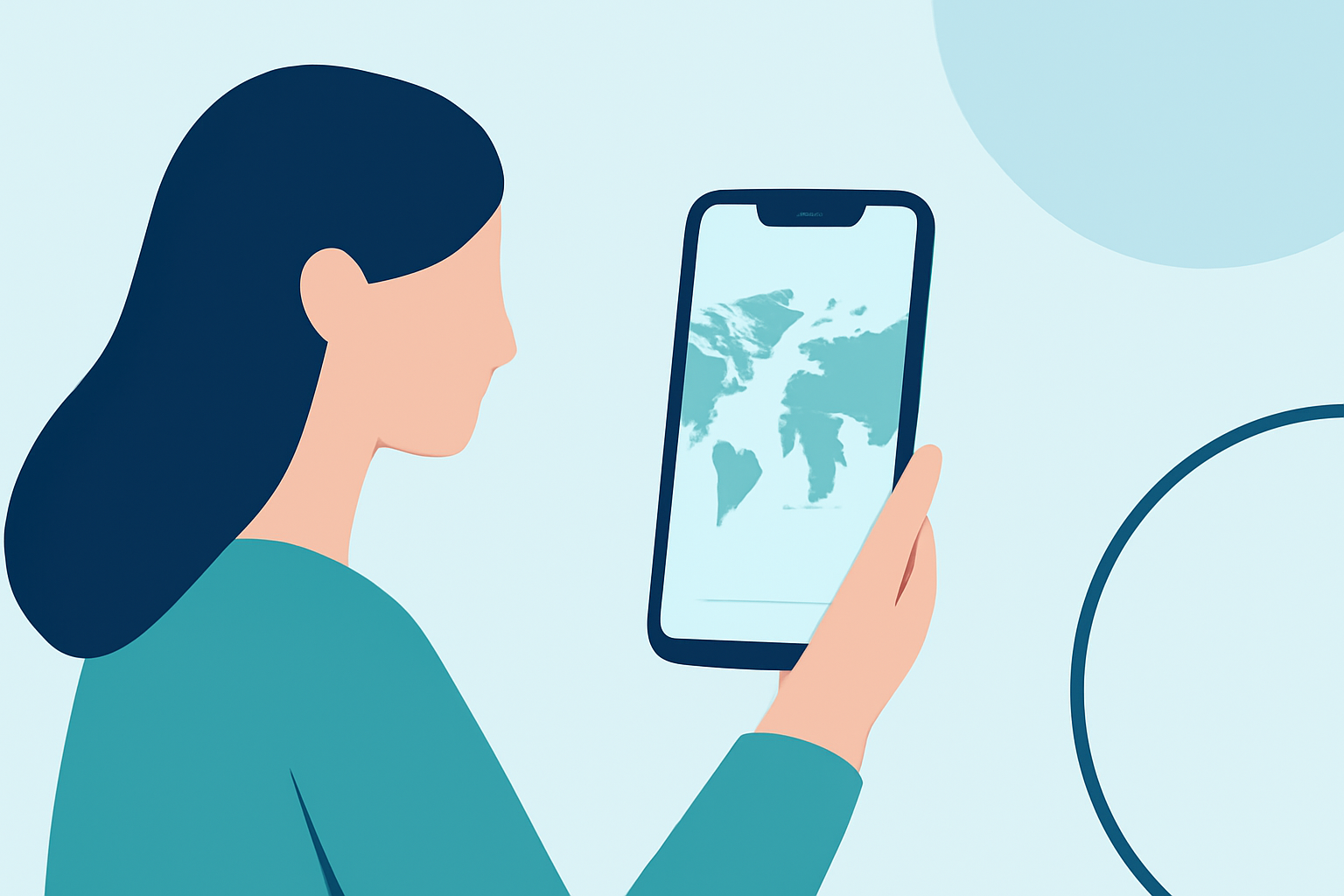
Traveling offers a wealth of experiences, and capturing these moments through personalized maps can make your adventures even more memorable. With the advancement of mobile applications, creating world map overlays on your device has become both accessible and enjoyable.
What Are World Map Overlay Edits?
World map overlay edits involve superimposing images, routes, or markers onto a map to highlight specific locations or paths. This technique allows travelers to visualize their journeys, mark visited destinations, and plan future trips.
How Can You Create World Map Overlays on Mobile?
Several mobile applications enable users to create custom map overlays directly from their devices:
-
Fog of World: This app allows users to track and visualize places they've visited by removing the "fog" on a world map. It's a unique way to relive your travels and see your journey unfold. (play.google.com)
-
Where in the World: This application lets you pin your travels on a world map, upload photos, and share your adventures with friends and family. It's a great tool for creating a visual representation of your journeys. (whereintheworld.net)
-
Skratch: Skratch offers features to track countries you've visited, curate destinations you want to visit, and mark off cities, regions, states, and attractions. It also provides tools to plan and share your travel experiences. (skratch.world)
Why Use World Map Overlay Edits?
-
Visualize Your Journeys: Creating overlays helps you see the breadth of your travels, making it easier to plan future trips and reminisce about past adventures.
-
Share Your Experiences: Personalized maps are a compelling way to share your travel stories with friends, family, or a broader audience.
-
Engage with a Community: Many apps allow you to connect with fellow travelers, share tips, and discover new destinations.
How Does Planes Live Enhance Your Travel Mapping?
Planes Live offers a comprehensive platform for creating and sharing interactive travel maps. With Planes Live, you can:
-
Create Custom Maps: Design maps that highlight your travel routes, destinations, and experiences.
-
Add Multimedia Content: Incorporate photos, videos, and descriptions to enrich your map and provide context to your travels.
-
Share and Collaborate: Easily share your maps with friends, family, or the public, and collaborate with others on shared journeys.
By utilizing Planes Live, you can transform your travel memories into interactive, shareable maps that capture the essence of your adventures.
Conclusion
Creating world map overlays on your mobile device is an excellent way to document and share your travel experiences. With the right tools, you can craft personalized maps that not only showcase your journeys but also inspire others to explore the world.
For a seamless and feature-rich experience in creating and sharing your travel maps, consider using Planes Live.