22 June 2026
Enhancing Your Travel Videos with Map Overlays: A Comprehensive Guide

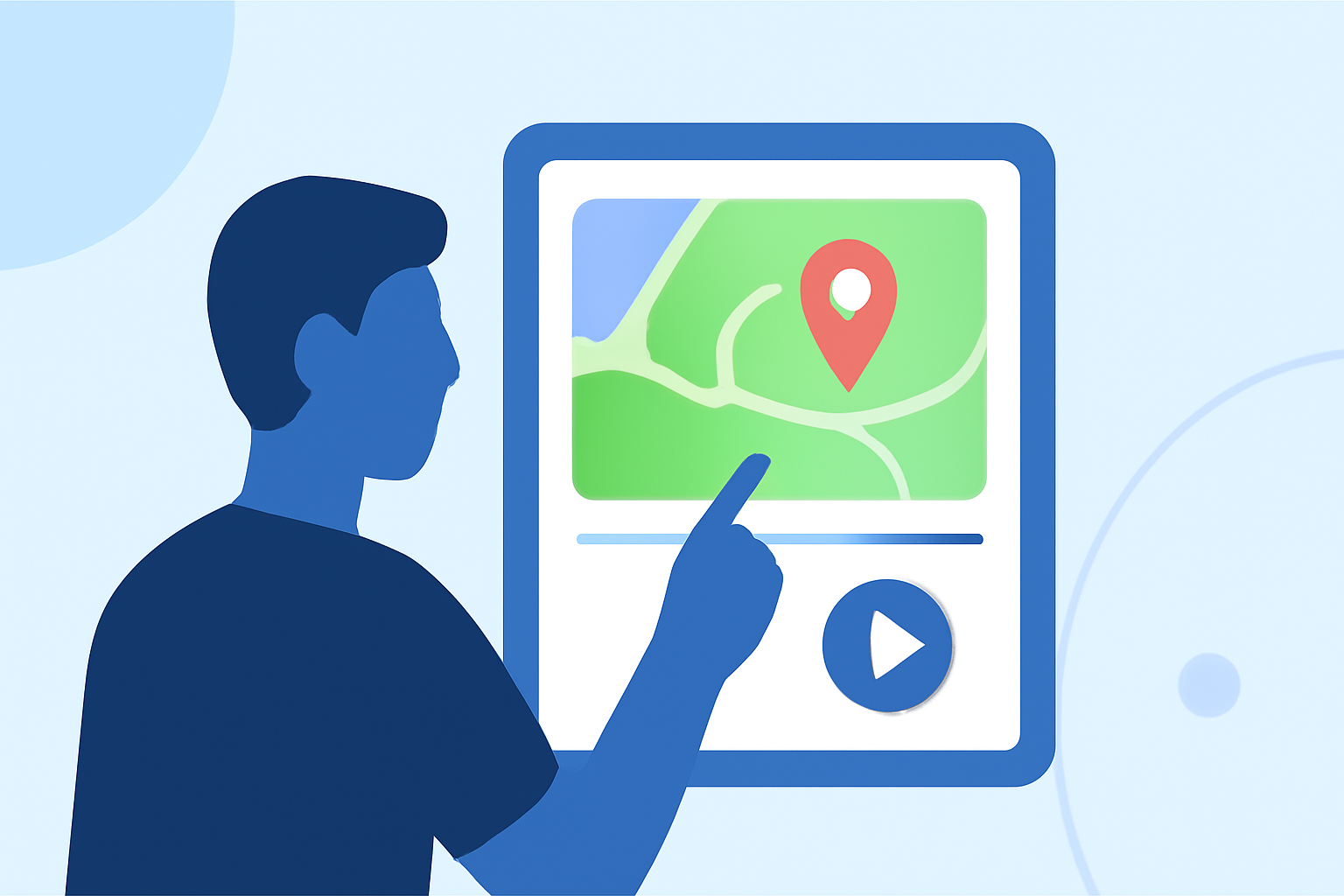
Incorporating map overlays into your travel videos can significantly enhance storytelling by visually guiding viewers through your journey. This technique not only adds a dynamic element to your content but also provides context and clarity, making your narratives more engaging.
What Are Map Overlays?
Map overlays are graphical elements superimposed onto video footage, illustrating routes, locations, or points of interest. They serve as visual aids, helping viewers follow the traveler's path and understand the geographical context of the story.
Why Use Map Overlays in Travel Videos?
- Enhanced Storytelling: They provide a visual representation of the journey, making the narrative more immersive.
- Clarity and Context: Viewers can easily grasp the locations and routes, adding depth to the content.
- Engagement: Dynamic map animations can captivate the audience, keeping them interested throughout the video.
How to Create Map Overlays for Your Travel Videos
- Plan Your Route: Outline the key locations and routes you want to highlight in your video.
- Choose the Right Tool: Select a software or application that allows you to create and customize map overlays.
- Customize Your Map: Add routes, markers, and animations that align with your video's theme and style.
- Integrate with Video Editing: Combine the map overlays with your video footage, ensuring seamless transitions and synchronization.
Recommended Tools for Creating Map Overlays
While there are various tools available for creating map overlays, it's essential to choose one that aligns with your specific needs and workflow. One such tool is Planes Live, which offers a user-friendly interface and a range of features suitable for content creators.
Tips for Effective Map Overlays
- Keep It Simple: Avoid cluttering the map with excessive details; focus on key locations and routes.
- Use Consistent Styles: Maintain uniform colors, fonts, and icons to ensure a cohesive look.
- Animate Thoughtfully: Use animations to highlight movement or transitions, but avoid overusing them to prevent distraction.
- Test for Clarity: Ensure that the map is easily readable and the routes are clear, even on smaller screens.
Conclusion
Incorporating map overlays into your travel videos can transform standard footage into compelling narratives that resonate with viewers. By selecting the right tools and following best practices, you can create engaging content that effectively showcases your journeys.