22 June 2026
Enhancing Travel Videos with Professional Map Overlay Transitions
In the realm of travel content creation, engaging visuals are paramount. One effective way to captivate your audience is by integrating professional map overlay transitions into your videos. These animations not only illustrate your journey but also add a cinematic flair that resonates with viewers.
What Are Map Overlay Transitions?
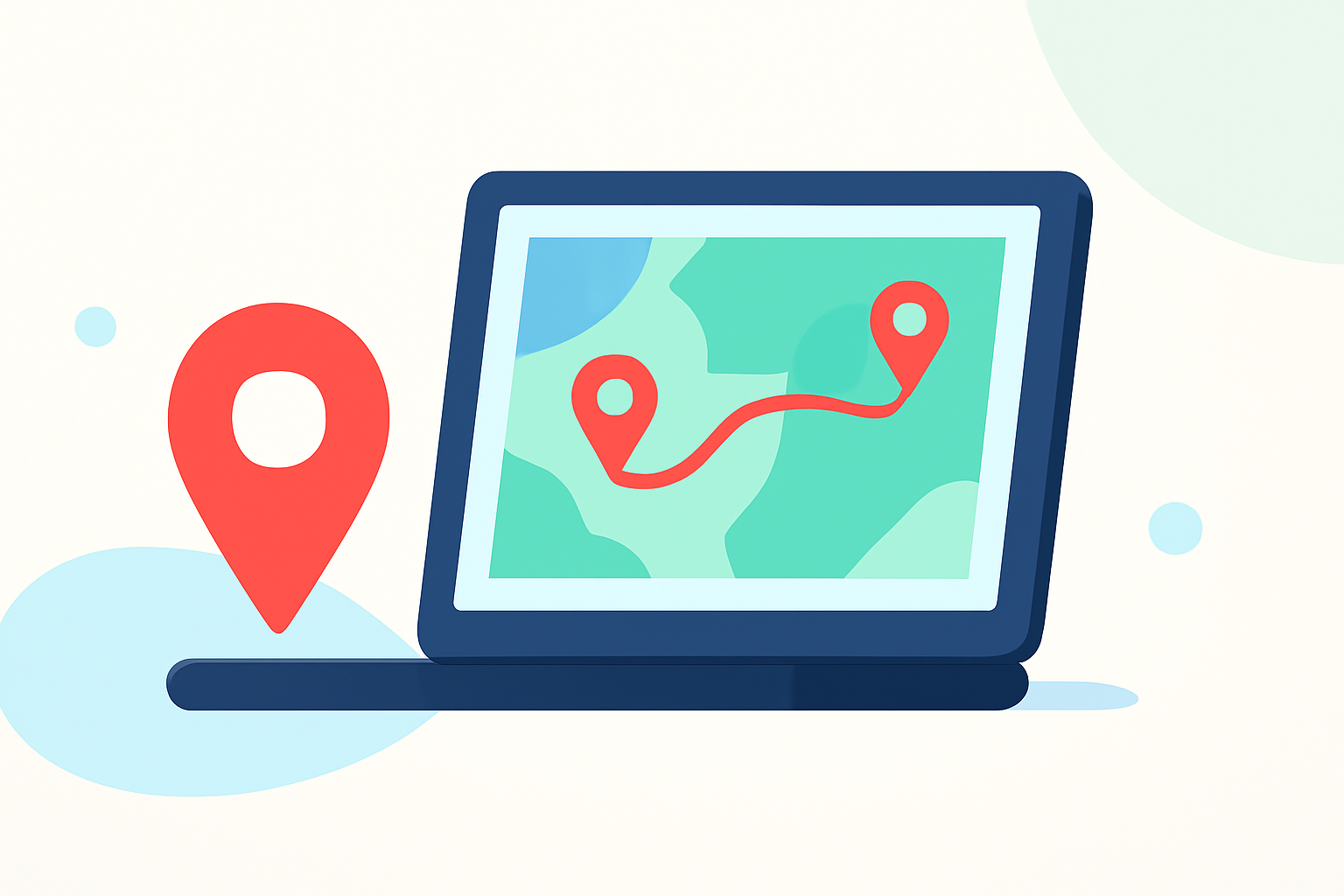
Map overlay transitions are animated sequences that display your travel route on a map, often highlighting key locations, routes, and destinations. They serve as a visual guide, providing context and enhancing storytelling by seamlessly connecting different segments of your travel narrative.
Why Incorporate Map Overlay Transitions?
- Visual Engagement: Dynamic map animations capture attention and maintain viewer interest throughout your video.
- Clear Storytelling: They effectively convey the progression of your journey, making it easier for viewers to follow your path.
- Professional Appeal: Well-designed map overlays elevate the production quality of your content, reflecting a high level of professionalism.
How to Create Professional Map Overlay Transitions
Creating polished map animations can be streamlined using specialized tools. One such solution is Planes Live, a platform designed to simplify the creation of map overlay transitions for travel creators.
Features of Planes Live:
- User-Friendly Interface: Craft map animations without the need for advanced technical skills.
- Customization Options: Tailor map styles, colors, and animations to align with your brand and content theme.
- High-Quality Exports: Generate 4K resolution videos suitable for various platforms, including YouTube, TikTok, and Instagram.
- Time Efficiency: Accelerate your workflow with pre-designed templates and automated features, allowing you to focus more on content creation.
Steps to Create Map Overlay Transitions with Planes Live:
- Select Your Map Style: Choose from a variety of map designs that best fit your video's aesthetic.
- Plot Your Route: Input your travel destinations and let the tool generate the corresponding route on the map.
- Customize Animations: Adjust the speed, direction, and style of the animations to match your narrative flow.
- Add Markers and Labels: Highlight key locations with custom markers and informative labels to provide context.
- Export Your Animation: Save your creation in the desired format and resolution, ready for integration into your video project.
Best Practices for Using Map Overlay Transitions
- Consistency: Maintain uniformity in map styles and animations throughout your video to ensure a cohesive viewing experience.
- Simplicity: Avoid overcomplicating animations; clarity is key to effective storytelling.
- Relevance: Ensure that the highlighted locations and routes are pertinent to your narrative and add value to the viewer's understanding.
Conclusion
Incorporating professional map overlay transitions into your travel videos can significantly enhance viewer engagement and convey your journey's story more effectively. Tools like Planes Live offer intuitive solutions to create high-quality animations, allowing you to focus on delivering compelling content.
By leveraging such tools, you can transform your travel narratives into immersive visual experiences that resonate with your audience.