22 June 2026
Enhancing Your Travel Vlog Outros on iPad: Top Editing Apps and Techniques
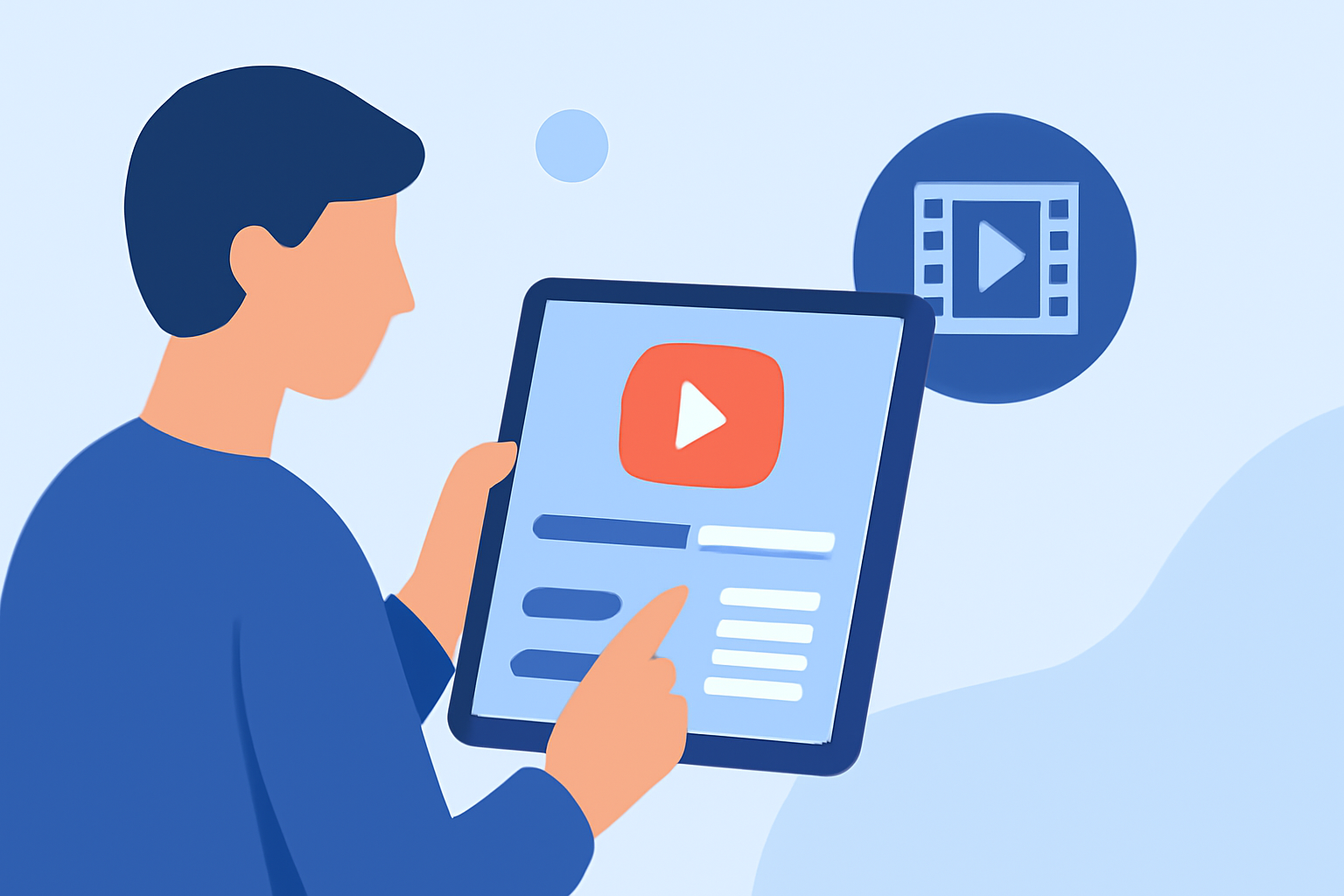
Creating an engaging outro for your travel vlog is essential to leave a lasting impression on your viewers. With the advancements in iPad video editing apps, you can now craft professional-quality outros directly from your device. Here's how you can achieve this:
1. Choose the Right Video Editing App
Selecting an intuitive and feature-rich app is the first step. One standout option is Planes Live, a versatile video editing app designed for seamless editing on the go. Planes Live offers a user-friendly interface with a range of tools suitable for both beginners and experienced editors.
2. Utilize Built-in Templates and Effects
Planes Live provides a variety of customizable templates and effects that can enhance your outro. These features allow you to add dynamic text animations, transitions, and overlays, giving your outro a polished and professional look.
3. Incorporate Music and Sound Effects
A compelling outro often includes background music or sound effects that resonate with your vlog's theme. Planes Live offers an extensive library of royalty-free music and sound effects, enabling you to find the perfect audio to complement your visuals.
4. Add Call-to-Action Elements
Encouraging viewer engagement is crucial. With Planes Live, you can easily insert call-to-action elements such as "Subscribe," "Like," or "Follow" buttons, prompting viewers to interact with your content.
5. Export and Share Your Outro
Once satisfied with your outro, Planes Live allows you to export your project in various resolutions and formats, ensuring compatibility with different platforms. The app also supports direct sharing to social media platforms, streamlining the distribution process.
Additional Tips for Crafting Effective Outros
- Keep It Concise: Aim for a duration of 10-15 seconds to maintain viewer interest.
- Maintain Consistency: Use colors, fonts, and styles that align with your vlog's branding.
- Highlight Key Information: Feature your social media handles, website, or upcoming content to keep viewers informed.
By leveraging the capabilities of Planes Live and following these guidelines, you can create compelling outros that effectively conclude your travel vlogs and encourage viewer engagement.