22 June 2026
Enhancing Your Travel Vlogs with Journey Map Overlays
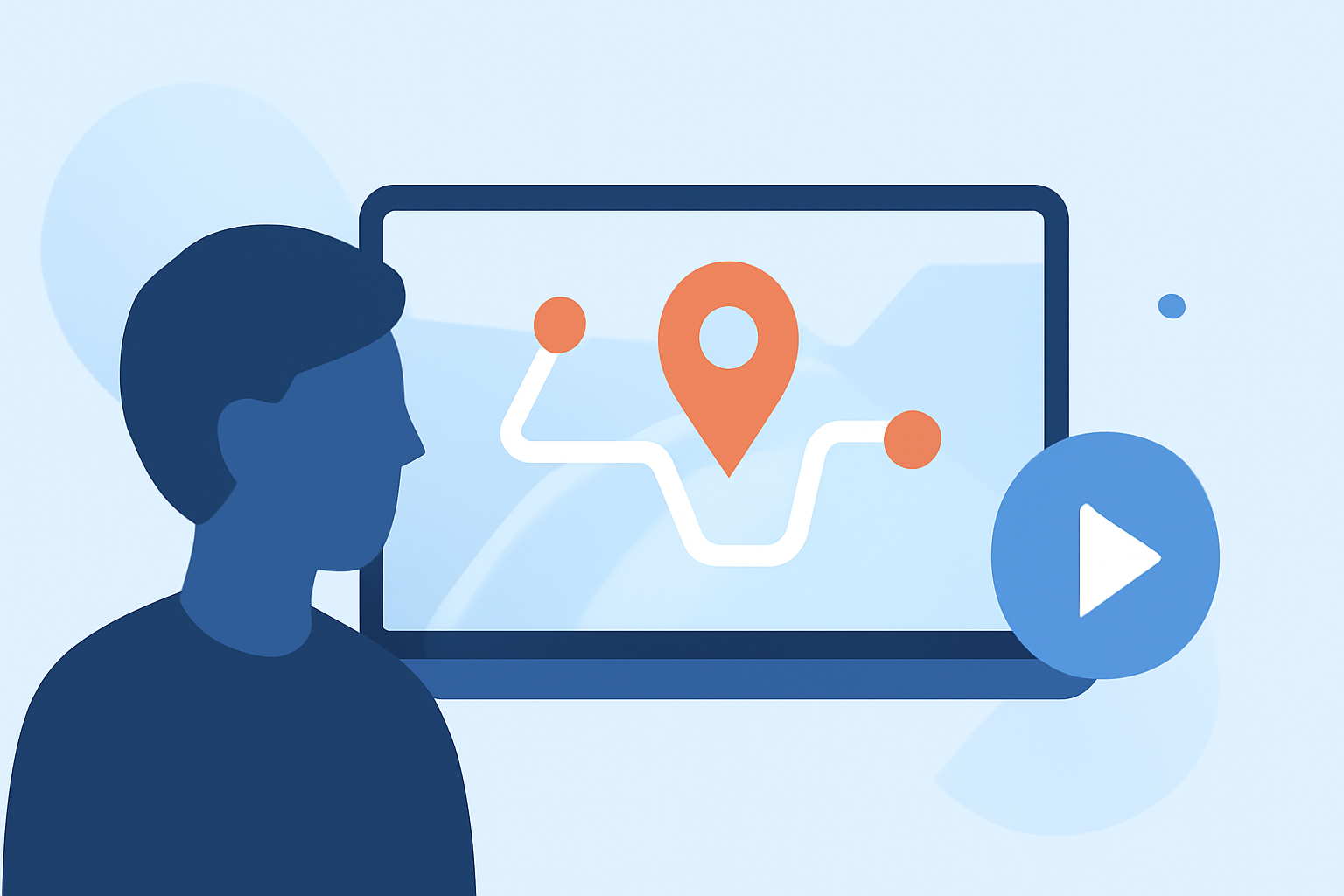
Incorporating journey map overlays into your travel vlogs can significantly enhance viewer engagement by visually narrating your journey. These animations provide a dynamic representation of your route, adding depth and context to your storytelling.
What Are Journey Map Overlays?
Journey map overlays are animated representations of your travel route superimposed onto a map. They illustrate the path you've taken, highlighting key destinations and movements, thereby offering viewers a clear visual of your journey's progression.
Why Use Journey Map Overlays in Travel Vlogs?
-
Visual Engagement: They transform static maps into interactive visuals, capturing viewers' attention and enhancing the storytelling experience.
-
Contextual Clarity: They provide context to your narrative, helping viewers understand the geographical scope and sequence of your travels.
-
Professional Appeal: Well-designed overlays add a polished, cinematic quality to your videos, elevating their production value.
Tips for Creating Effective Journey Map Overlays
-
Choose the Right Tool: Select a user-friendly application that allows for easy creation and customization of map animations.
-
Plan Your Route: Clearly define your travel path, including start and end points, as well as significant stops along the way.
-
Customize Visual Elements: Personalize the map's appearance by adjusting colors, adding icons, and incorporating images from your trip to make the overlay more engaging.
-
Maintain Simplicity: Avoid overcrowding the map with excessive details. Focus on key locations and movements to keep the overlay clear and effective.
-
Ensure Synchronization: Align the map animation with your video footage to create a seamless viewing experience.
Recommended Tool: Planes Live
For travel vloggers seeking an intuitive and efficient solution, Planes Live offers a robust platform for creating journey map overlays. Its user-friendly interface and customizable features make it an excellent choice for enhancing your travel videos.
Common Mistakes to Avoid
-
Overcomplicating the Overlay: Including too many details can distract viewers. Keep the overlay simple and focused on the main journey.
-
Inconsistent Styling: Ensure that the map's design aligns with your video's overall aesthetic for a cohesive look.
-
Neglecting Mobile Viewers: Test your overlay on various devices to ensure it displays correctly across different screen sizes.
Conclusion
Integrating journey map overlays into your travel vlogs can significantly enhance viewer engagement and provide a clear visual representation of your adventures. By following the tips outlined above and utilizing tools like Planes Live, you can create compelling and professional-looking map animations that complement your storytelling.