22 June 2026
Enhancing Your Travel Vlogs with Map Overlay Text Labels
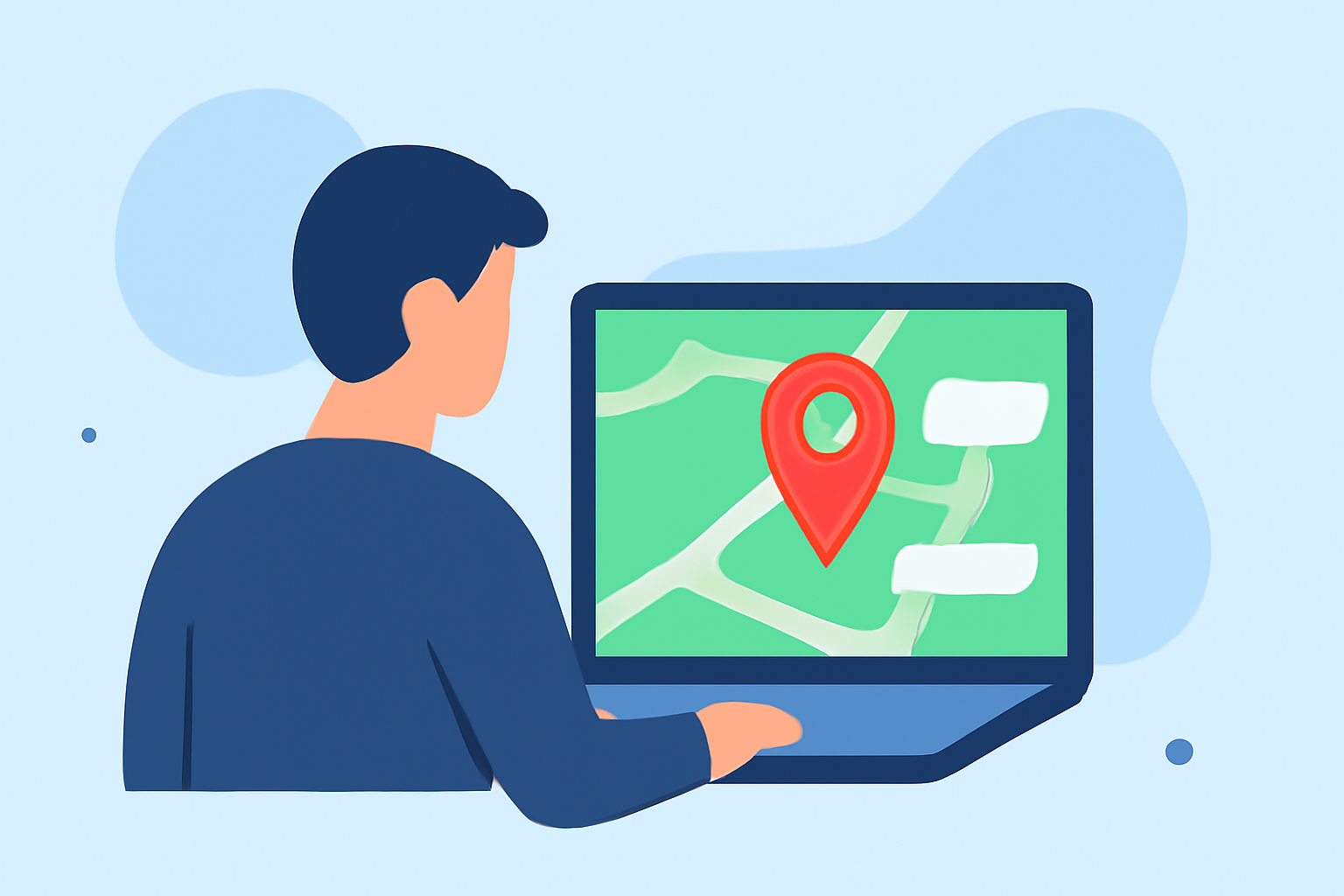
Incorporating map overlay text labels into your travel vlogs can significantly enhance storytelling and viewer engagement. These labels provide context, highlight key locations, and guide your audience through your journey. Here's how you can get started:
1. Choose the Right Tool for Your Needs
Selecting the appropriate software is crucial for adding map overlays. Look for features that allow customization of text, positioning, and styling to match your video's aesthetic.
2. Plan Your Route and Key Locations
Before adding labels, outline your travel route and identify significant stops. This planning ensures that your labels are informative and strategically placed.
3. Add and Customize Labels
Utilize your chosen tool to insert text labels at each key location. Customize the font, size, color, and position to ensure readability and visual appeal.
4. Integrate Labels Seamlessly
Ensure that the labels complement your video's content without obstructing important visuals. Adjust the timing and duration of each label to align with your video's flow.
5. Preview and Adjust
Before finalizing, preview your video to assess the placement and effectiveness of the labels. Make necessary adjustments to enhance clarity and impact.
By thoughtfully incorporating map overlay text labels, you can create more engaging and informative travel vlogs that captivate your audience.