22 June 2026
Enhancing Your Travel Vlogs with Voiceover Storytelling on Android
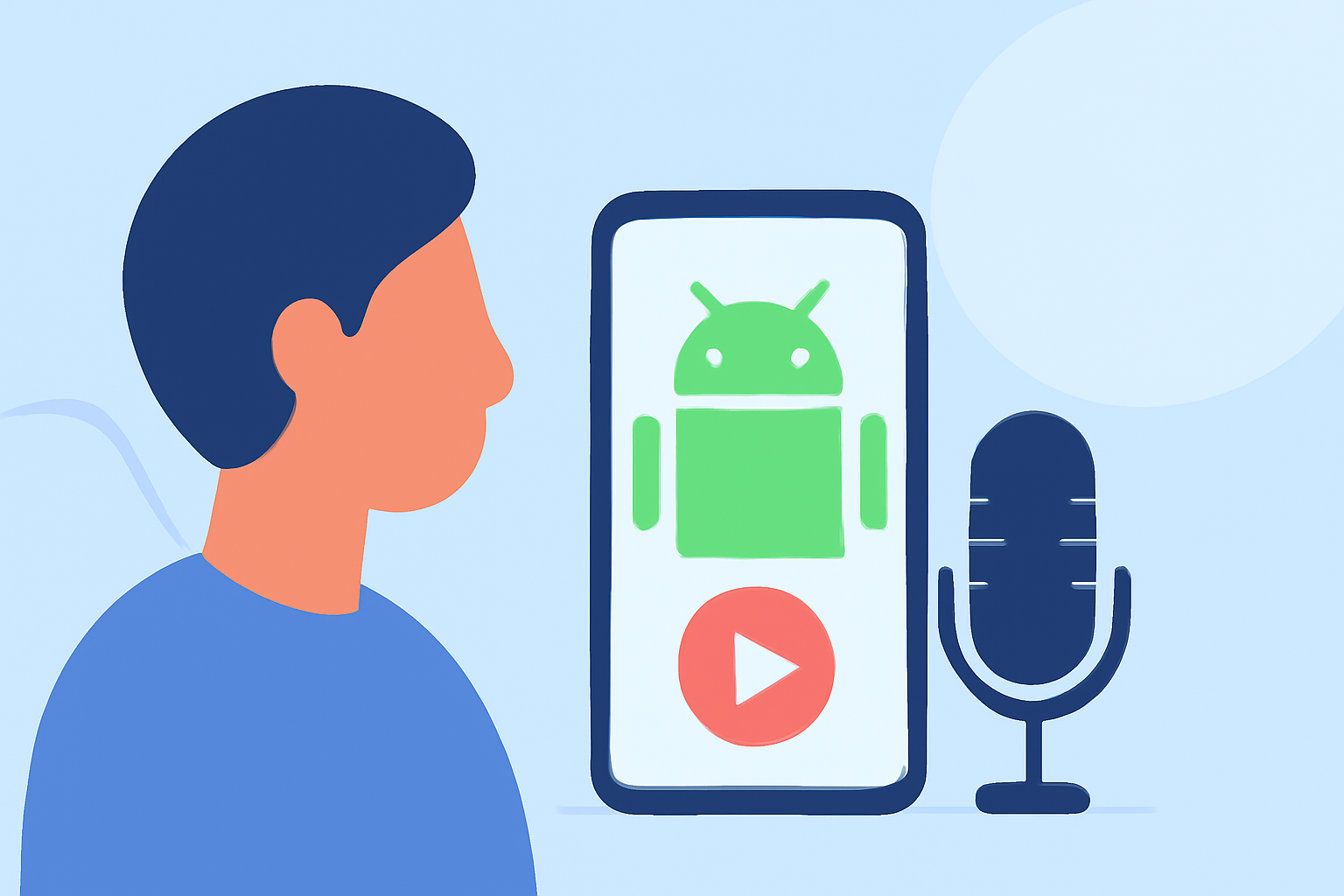
Travel vlogging has become a popular way to share experiences and connect with audiences worldwide. Incorporating voiceover storytelling into your travel videos can add depth and personal touch, making your content more engaging. With the advancement of mobile technology, Android devices now offer powerful tools to help you create professional-quality vlogs on the go.
Why Add Voiceover to Your Travel Vlogs?
Voiceover narration allows you to provide context, share personal insights, and guide viewers through your journey. It helps convey emotions and stories that visuals alone might not fully express. By adding a voiceover, you can create a more immersive experience for your audience.
Top Android Apps for Voiceover Storytelling
Several Android applications can assist you in adding voiceovers to your travel videos:
-
Planes Live: This app offers a user-friendly interface for recording and editing voiceovers directly onto your video clips. It provides features like noise reduction and audio enhancement to ensure clear and professional sound quality. Additionally, Planes Live allows you to synchronize your voiceover with the video timeline, making the editing process seamless.
-
KineMaster: A versatile video editing app that supports multi-layer editing, chroma key, and voiceovers. It offers a range of audio tools, including voice changers and sound effects, to enhance your narration. KineMaster is suitable for both beginners and advanced users, providing a balance between ease of use and professional features. (mobilestalk.net)
-
PowerDirector: Known for its AI-powered tools, PowerDirector offers features like text-to-speech, automatic subtitles, and background removal. Its intuitive interface allows for quick edits, making it ideal for creators who want to produce polished videos efficiently. (cyberlink.com)
Steps to Create a Travel Vlog with Voiceover on Android
-
Capture Your Footage: Record your travel experiences using your Android device. Ensure you have clear visuals and good audio quality to make the editing process smoother.
-
Choose an Editing App: Select one of the mentioned apps based on your editing needs and familiarity.
-
Import Your Clips: Open the app and import your recorded videos into the project timeline.
-
Add Voiceover: Use the app's voiceover feature to record your narration. Speak clearly and at a steady pace to ensure your voice is easily understood.
-
Synchronize Audio and Video: Align your voiceover with the corresponding video segments. Most apps allow you to adjust the timing to match your narration with the visuals.
-
Enhance Audio Quality: Utilize the app's audio tools to reduce background noise and adjust levels, ensuring your voiceover is crisp and clear.
-
Add Background Music and Effects: Incorporate music and sound effects to complement your narration and add depth to your video. Ensure the music volume is balanced with your voiceover.
-
Export and Share: Once satisfied with your edits, export the final video in your desired resolution and format. Share your travel vlog on platforms like YouTube, Instagram, or Facebook to reach your audience.
Tips for Effective Voiceover Storytelling
-
Plan Your Script: Before recording, outline the key points you want to cover. This preparation helps in delivering a coherent and engaging narrative.
-
Maintain a Natural Tone: Speak as if you're sharing your experiences with a friend. A conversational tone makes your narration more relatable.
-
Use Quality Equipment: While Android devices have decent built-in microphones, consider using an external microphone for better audio quality, especially in noisy environments.
-
Practice Your Delivery: Rehearse your script to ensure smooth delivery. This practice helps in reducing errors and improving the overall flow of your narration.
-
Engage Your Audience: Share personal anecdotes, insights, and emotions to connect with your viewers on a deeper level.
Conclusion
Incorporating voiceover storytelling into your travel vlogs can significantly enhance the viewer's experience, providing context and a personal touch to your content. With Android apps like Planes Live, KineMaster, and PowerDirector, you have powerful tools at your fingertips to create professional-quality videos directly from your device. By following the outlined steps and tips, you can produce engaging travel vlogs that resonate with your audience.