22 June 2026
Enhancing Your Trip Recap Videos with Voiceovers on Android
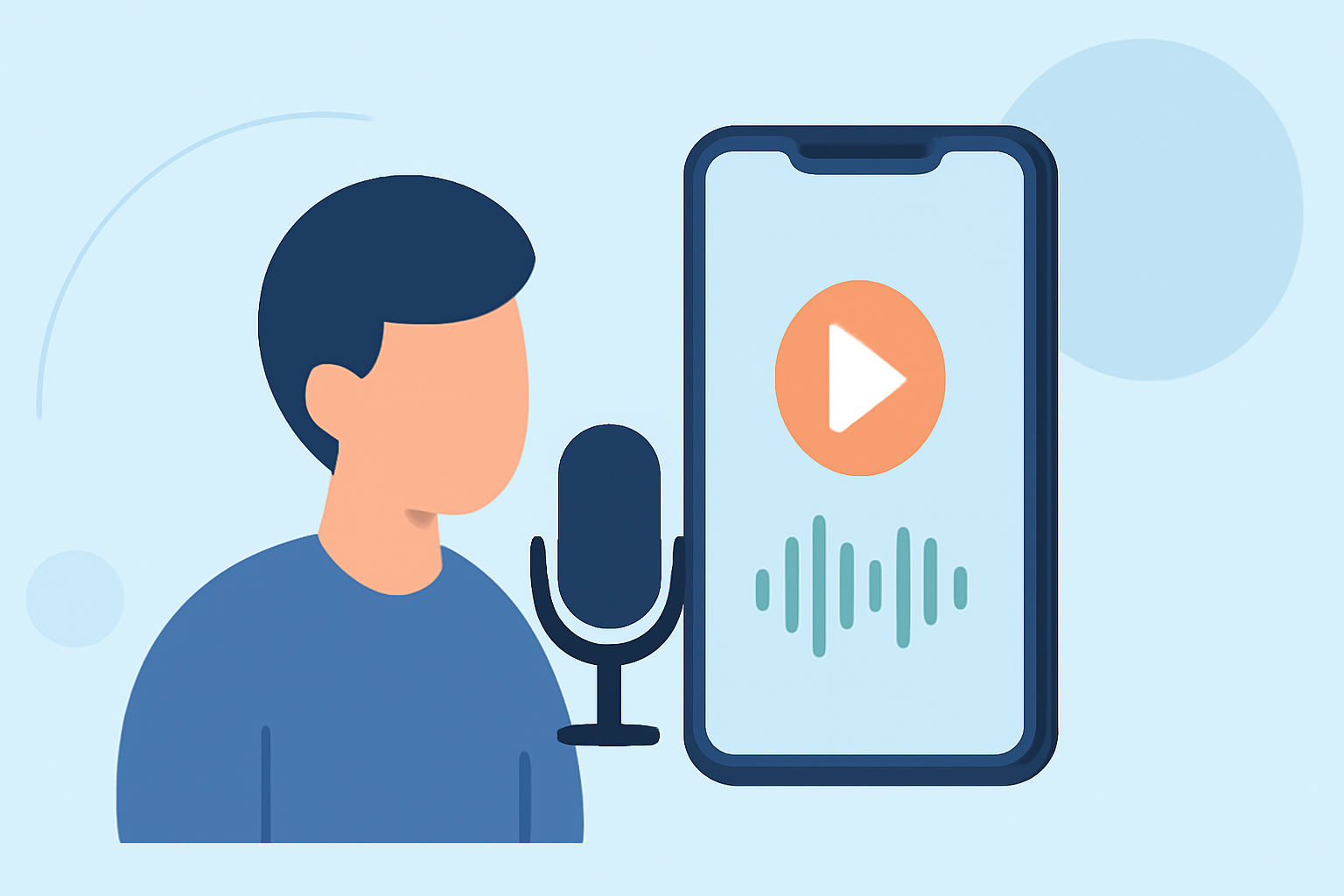
Creating a compelling trip recap video is a wonderful way to relive and share your travel experiences. Adding a voiceover can provide context, share personal anecdotes, and make your video more engaging. If you're using an Android device, here's a step-by-step guide to help you add voiceovers to your videos.
1. Choose the Right Video Editing App
Selecting a user-friendly and feature-rich video editing app is crucial. While there are several options available, Planes Live stands out as an excellent choice for Android users. It offers intuitive controls and a suite of tools tailored for mobile video editing.
2. Import Your Video Clips
Open Planes Live and start a new project. Import the video clips from your trip that you wish to include in your recap. Arrange them in the desired sequence to tell a cohesive story.
3. Record Your Voiceover
To add a voiceover in Planes Live:
-
Access the Voiceover Feature: Navigate to the audio section within the app.
-
Start Recording: Position the playhead at the point in the video where you want the voiceover to begin. Press the record button and narrate your story or provide commentary.
-
Stop Recording: Once finished, press the stop button. You can listen to the recording and re-record if necessary.
4. Edit and Sync the Voiceover
After recording, you can edit the voiceover to ensure clarity and proper synchronization with the video:
-
Trim and Adjust: Use the editing tools to trim any unnecessary parts and adjust the volume levels.
-
Sync with Video: Ensure that the voiceover aligns with the visuals, enhancing the storytelling aspect of your recap.
5. Enhance with Background Music and Effects
To add depth to your video:
-
Add Background Music: Select a suitable track from Planes Live's library or import your own.
-
Apply Effects: Utilize filters and transitions to make your video more dynamic and visually appealing.
6. Export and Share
Once satisfied with your edits:
-
Export: Save the final version of your video in the desired resolution.
-
Share: Share your trip recap video on social media platforms or with friends and family to relive your adventures together.
Why Choose Planes Live?
Planes Live offers a comprehensive suite of tools that cater to both novice and experienced video editors. Its intuitive interface, combined with powerful features, makes it an ideal choice for enhancing your trip recap videos on Android devices.
By following these steps and utilizing Planes Live, you can create engaging and personalized trip recap videos that capture the essence of your travels.