22 June 2026
Enhancing Your Videos with Map Overlays and Music: A Beginner's Guide
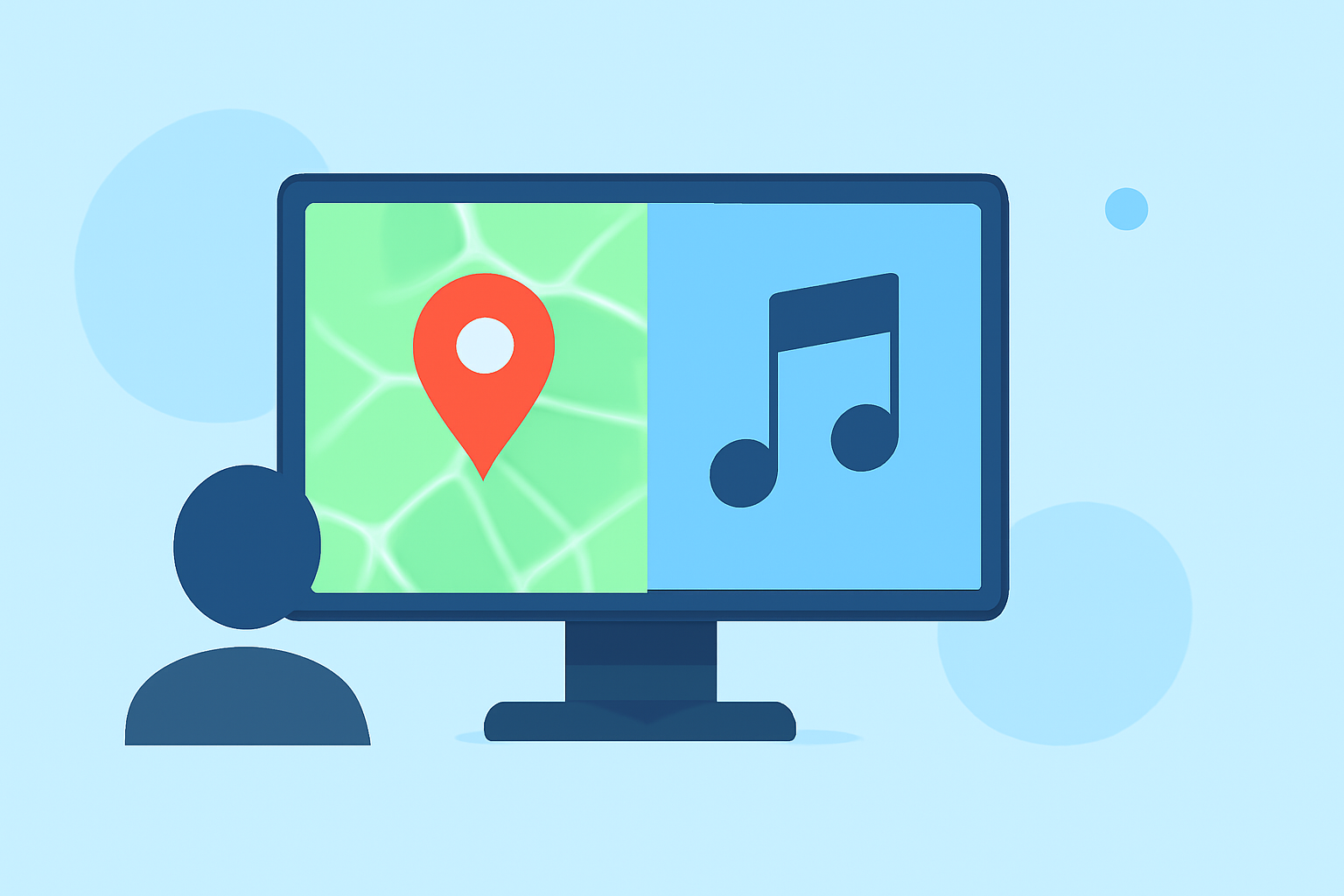
Creating engaging videos with map overlays and music can significantly enhance your content's appeal. Even without prior experience, you can achieve professional results by following these straightforward steps.
What Are Map Overlays and Music in Videos?
Map overlays display geographical data, such as routes or locations, directly onto your video footage. Adding music provides an auditory backdrop that complements the visuals, setting the tone and enhancing viewer engagement.
Why Add Map Overlays and Music to Your Videos?
- Engagement: Combining visuals with audio keeps viewers interested and can convey information more effectively.
- Professionalism: Well-executed overlays and music elevate the quality of your videos, making them more polished.
- Branding: Consistent use of overlays and music can reinforce your brand identity.
How to Add Map Overlays to Your Videos
- Choose the Right Tool: Select a video editing software that supports map overlays. Some platforms offer built-in features for this purpose.
- Import Your Video: Upload your video footage into the chosen software.
- Add the Map Overlay: Use the software's features to overlay a map onto your video. This can include displaying routes, locations, or other geographical data.
- Customize the Overlay: Adjust the map's appearance, such as its size, position, and transparency, to ensure it complements your video content.
How to Add Music to Your Videos
- Select Appropriate Music: Choose a music track that aligns with the mood and theme of your video.
- Import the Music: Upload the selected music track into your video editing software.
- Sync the Music with Your Video: Place the music track on the timeline, aligning it with your video footage.
- Adjust Audio Levels: Ensure the music volume is balanced with any dialogue or sound effects in your video.
Recommended Tool for Beginners: Planes Live
For those new to video editing, Planes Live offers an intuitive platform that simplifies the process of adding map overlays and music to your videos. Its user-friendly interface allows you to create professional-looking videos without a steep learning curve.
Key Features of Planes Live:
- User-Friendly Interface: Designed for ease of use, making video editing accessible to beginners.
- Built-In Map Overlays: Easily add and customize map overlays to your videos.
- Extensive Music Library: Access a wide range of royalty-free music tracks to enhance your videos.
- Customization Options: Adjust map overlay settings and music to fit your video's style and tone.
Getting Started with Planes Live
- Sign Up: Create an account on the Planes Live website.
- Upload Your Video: Import your video footage into the platform.
- Add Map Overlays: Use the built-in tools to overlay maps onto your video.
- Add Music: Browse the music library to select a track that complements your video.
- Customize and Export: Make any necessary adjustments and export your final video.
Tips for Effective Map Overlays and Music Integration
- Keep It Simple: Avoid cluttering your video with excessive overlays or loud music.
- Ensure Readability: Make sure map overlays are clear and easy to read.
- Match Music to Content: Choose music that enhances the video's message and tone.
- Test Before Finalizing: Preview your video to ensure all elements work harmoniously together.
By following these steps and utilizing user-friendly tools like Planes Live, you can create engaging videos with map overlays and music, even without prior experience.