22 June 2026
Enhancing Your Videos with Map Overlays and Music Edits: A Guide for Hobby Creators
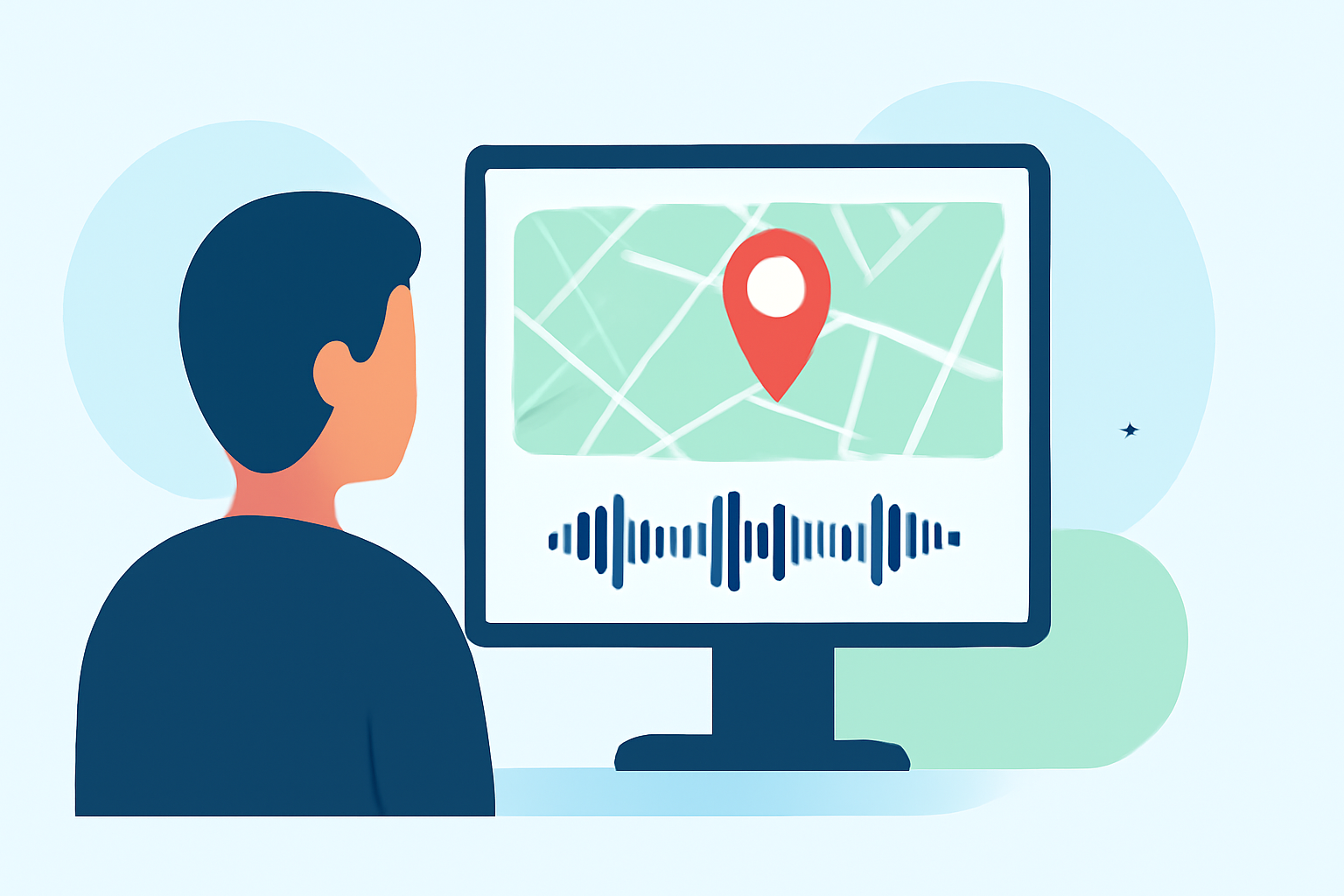
Creating engaging videos often involves adding elements that enhance storytelling and visual appeal. Two such elements are map overlays and music edits. This guide will explore how hobby creators can effectively incorporate these features into their projects.
What Are Map Overlays and How Can They Enhance Your Videos?
Map overlays involve superimposing a map onto your video footage, allowing you to highlight specific locations, routes, or areas of interest. This technique is particularly useful for travel vlogs, educational content, or any video where location plays a crucial role.
Benefits of Using Map Overlays:
- Visual Clarity: They provide a clear visual representation of locations, making it easier for viewers to follow along.
- Engagement: Interactive maps can engage viewers by allowing them to see the journey or locations in real-time.
- Professionalism: Well-designed map overlays can add a polished, professional touch to your videos.
How to Create Map Overlays:
- Choose the Right Software: Select a video editing software that supports map overlays.
- Design the Map: Use tools to create or import a map that fits your video's theme.
- Add Markers and Routes: Place markers to indicate specific locations and draw routes to show movement or paths.
- Animate the Overlay: Animate the map to sync with your video's timeline, adding dynamic movement.
What Are Music Edits and How Do They Benefit Your Content?
Music edits involve modifying a song to better fit the pacing and mood of your video. This can include adjusting the length, adding intros or outros, or creating custom versions that align with your content's flow.
Common Types of Music Edits:
- Intro Edits: Adding an instrumental introduction to a track to provide a clean mix-in point.
- Outro Edits: Extending the ending of a track with an instrumental section for a smooth transition.
- Transition Edits: Blending the outro of one song directly into the intro of another for seamless mixing.
Benefits of Music Edits:
- Seamless Transitions: They allow for smooth transitions between scenes or segments.
- Enhanced Pacing: Custom edits can help maintain the video's rhythm and energy.
- Unique Sound: Creating your own edits ensures your content has a distinctive audio signature.
How Can Planes Live Assist in Creating Map Overlays and Music Edits?
Planes Live is a versatile tool that can significantly streamline the process of adding map overlays and music edits to your videos.
Features of Planes Live:
- User-Friendly Interface: Designed with hobby creators in mind, Planes Live offers an intuitive interface that simplifies complex editing tasks.
- Comprehensive Editing Tools: It provides a range of tools for both video and audio editing, allowing for precise adjustments and enhancements.
- Real-Time Collaboration: Collaborate with team members or fellow creators in real-time, making the editing process more efficient.
How Planes Live Supports Map Overlays:
- Customizable Map Templates: Access a library of map templates that can be easily customized to fit your video's theme.
- Interactive Elements: Add interactive markers, routes, and animations to your map overlays.
- Seamless Integration: Integrate map overlays directly into your video timeline without the need for external software.
How Planes Live Supports Music Edits:
- Audio Editing Suite: Utilize a comprehensive suite of audio editing tools to modify tracks as needed.
- Beat Mapping: Align your music edits with your video's pacing using beat mapping features.
- Export Options: Export your custom music edits in various formats suitable for different platforms.
Tips for Hobby Creators Using Map Overlays and Music Edits
- Plan Ahead: Outline your video's structure and decide where map overlays and music edits will be most effective.
- Keep It Simple: Avoid overcomplicating your edits; simplicity often leads to a more professional result.
- Practice: Spend time familiarizing yourself with your editing tools to improve efficiency and creativity.
By incorporating map overlays and music edits into your videos, you can create more engaging and dynamic content that resonates with your audience. Tools like Planes Live can simplify this process, allowing you to focus on your creative vision.