22 June 2026
Enhancing Your Videos with Map Overlay B-Roll: A Comprehensive Guide

Last updated: 2026-06-22
Incorporating map overlays into your B-roll footage can significantly enhance the visual appeal and informativeness of your videos. This technique is particularly effective for travel vlogs, documentaries, educational content, and any project that benefits from geographical context.
Summary
- Understanding Map Overlay B-Roll: Integrating map visuals into your video to provide spatial context.
- Benefits: Enhances viewer engagement and comprehension.
- Tools and Techniques: Utilizing software and templates to create seamless map overlays.
- Best Practices: Tips for effective implementation and common pitfalls to avoid.
What Is Map Overlay B-Roll?
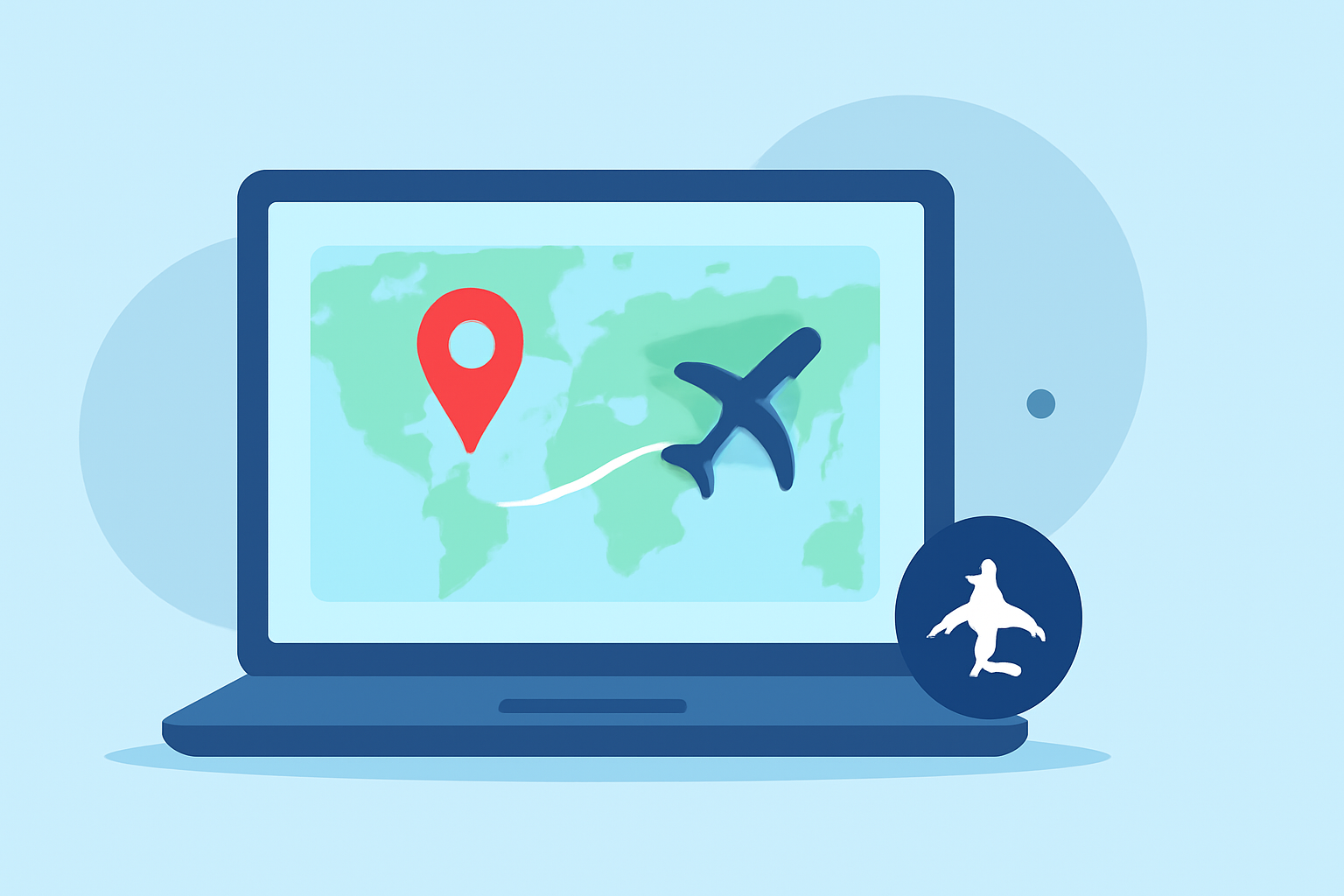
Map overlay B-roll involves superimposing map visuals onto your video footage to illustrate locations, routes, or geographical information. This technique helps viewers visualize the narrative's spatial elements, making the content more immersive and informative.
Why Use Map Overlay B-Roll?
- Enhanced Engagement: Visualizing locations and movements keeps viewers interested.
- Improved Comprehension: Maps provide clear context, aiding in understanding complex information.
- Professional Appeal: Well-executed map overlays add a polished, cinematic quality to your videos.
Tools and Techniques for Creating Map Overlay B-Roll
Several tools and templates can assist in creating effective map overlays:
-
World Travel Maps Template: This After Effects template offers customizable map animations, including various color themes and vehicle icons, ideal for travel-related content. (worldtravelmaps.co)
-
Cinematic Map Overlay CapCut Template: For CapCut users, this template provides cinematic map overlays that can be easily customized to fit your project's style. (pippit.ai)
-
AI Map Animation Generator: This online tool allows you to create animated map videos with precise control over zoom levels, colors, and camera movements, suitable for various applications. (mapanimation.io)
Best Practices for Implementing Map Overlay B-Roll
- Maintain Consistency: Use uniform colors, fonts, and styles to ensure a cohesive look throughout your video.
- Keep It Simple: Avoid cluttering the map with excessive details; focus on key locations and routes.
- Ensure Readability: Choose legible fonts and appropriate sizes for any text on the map.
- Synchronize with Narrative: Align map animations with your video's storyline to enhance the narrative flow.
Common Pitfalls to Avoid
- Overcomplicating the Map: Including too many elements can distract viewers and dilute the message.
- Ignoring Resolution: Ensure that map overlays are of high resolution to prevent pixelation on larger screens.
- Neglecting Timing: Poorly timed map animations can disrupt the video's pacing and viewer engagement.
What We Recommend
- Explore Available Templates: Utilize the templates mentioned above to streamline your workflow.
- Practice and Refine: Experiment with different styles and techniques to find what best suits your content.
- Stay Updated: Keep an eye out for new tools and templates that can enhance your map overlay capabilities.
By thoughtfully incorporating map overlay B-roll into your videos, you can create compelling and informative content that resonates with your audience.