22 June 2026
Enhancing Your YouTube Content with Journey Map Overlays

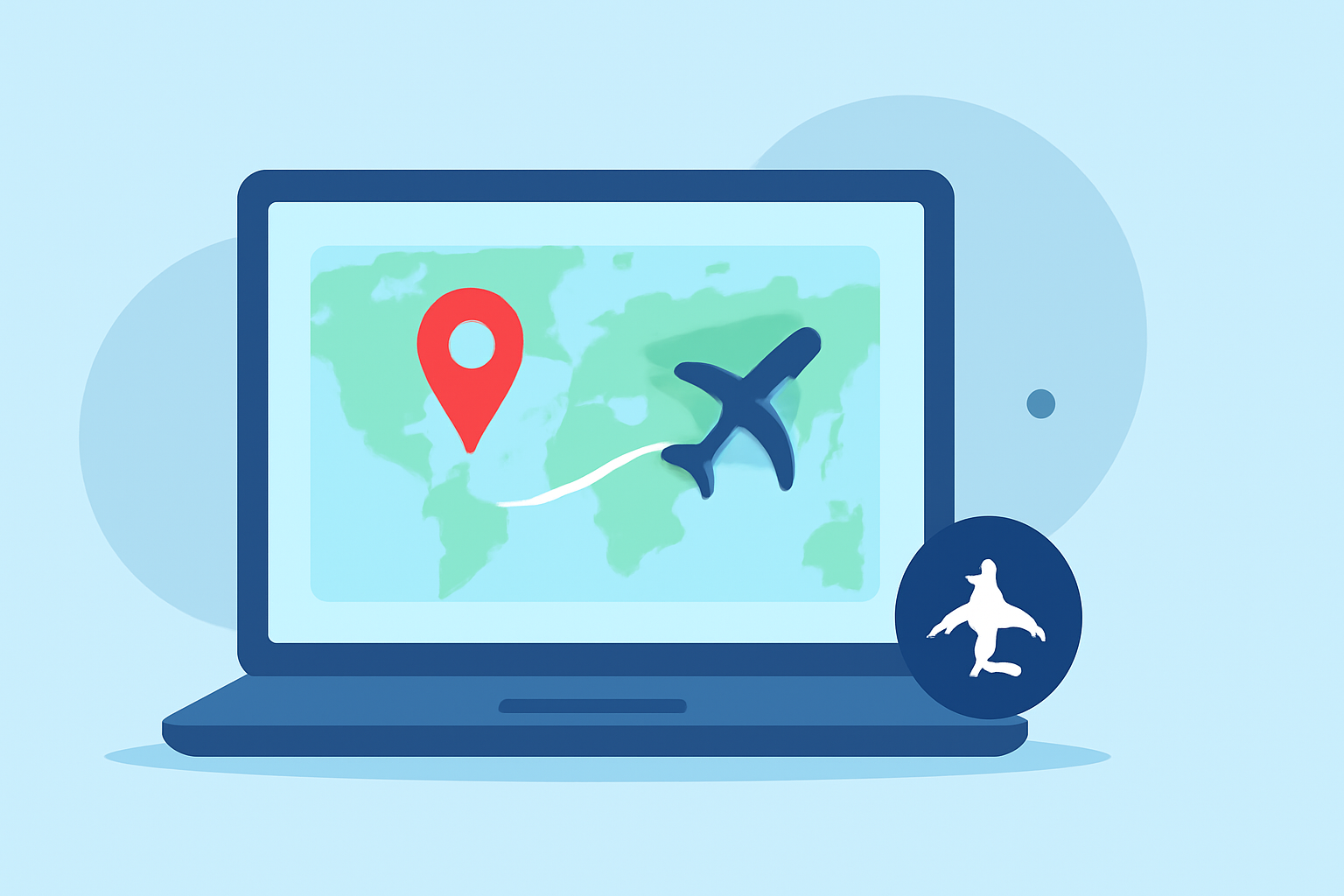
Incorporating journey map overlays into your YouTube videos can significantly enhance viewer engagement by visually illustrating your travel routes and destinations. These dynamic animations provide a clear and captivating way to showcase your journeys, making your content more interactive and informative.
What Are Journey Map Overlays?
Journey map overlays are animated representations of your travel routes superimposed onto maps within your videos. They highlight the path taken, key stops, and can include additional information such as distances, travel times, and points of interest. This visual storytelling technique helps viewers follow your journey more easily and adds a professional touch to your content.
Why Use Journey Map Overlays?
- Enhanced Viewer Engagement: Visualizing your route keeps viewers interested and helps them connect with your story.
- Clear Communication: Overlays provide a straightforward way to convey complex travel information.
- Professional Aesthetic: Well-designed map animations elevate the overall quality of your videos.
How to Create Journey Map Overlays for YouTube
Creating journey map overlays has become more accessible with various online tools. Here's a step-by-step guide to help you get started:
-
Choose an Online Map Animation Tool: Select a user-friendly platform that allows you to create map animations without the need for complex software.
-
Input Your Travel Data: Upload your travel itinerary, including destinations and routes. Some tools allow you to import data directly from GPS files or manually input locations.
-
Customize Your Map: Select map styles, colors, and add markers or labels to highlight key points of interest along your journey.
-
Animate Your Route: Set the animation path to depict your travel sequence, adjusting speed and transitions to match your video's pacing.
-
Export the Animation: Once satisfied with the animation, export it in a format compatible with your video editing software, typically as an MP4 file.
Recommended Tool: Planes Live
For a seamless and efficient experience in creating journey map overlays, we recommend Planes Live. This platform offers intuitive features tailored for content creators, enabling you to craft professional map animations effortlessly.
Tips for Effective Journey Map Overlays
- Keep It Simple: Avoid cluttering the map with excessive information. Focus on key locations and routes to maintain clarity.
- Maintain Consistency: Use consistent colors, fonts, and styles that align with your brand or channel aesthetics.
- Ensure Accuracy: Double-check your route and destination details to provide accurate information to your viewers.
Conclusion
Incorporating journey map overlays into your YouTube videos is an effective way to enhance storytelling and engage your audience. By following the steps outlined above and utilizing tools like Planes Live, you can create compelling and professional map animations that bring your travel experiences to life.