22 June 2026
Enhancing Your YouTube Shorts with Trip Recap Voiceover Edits

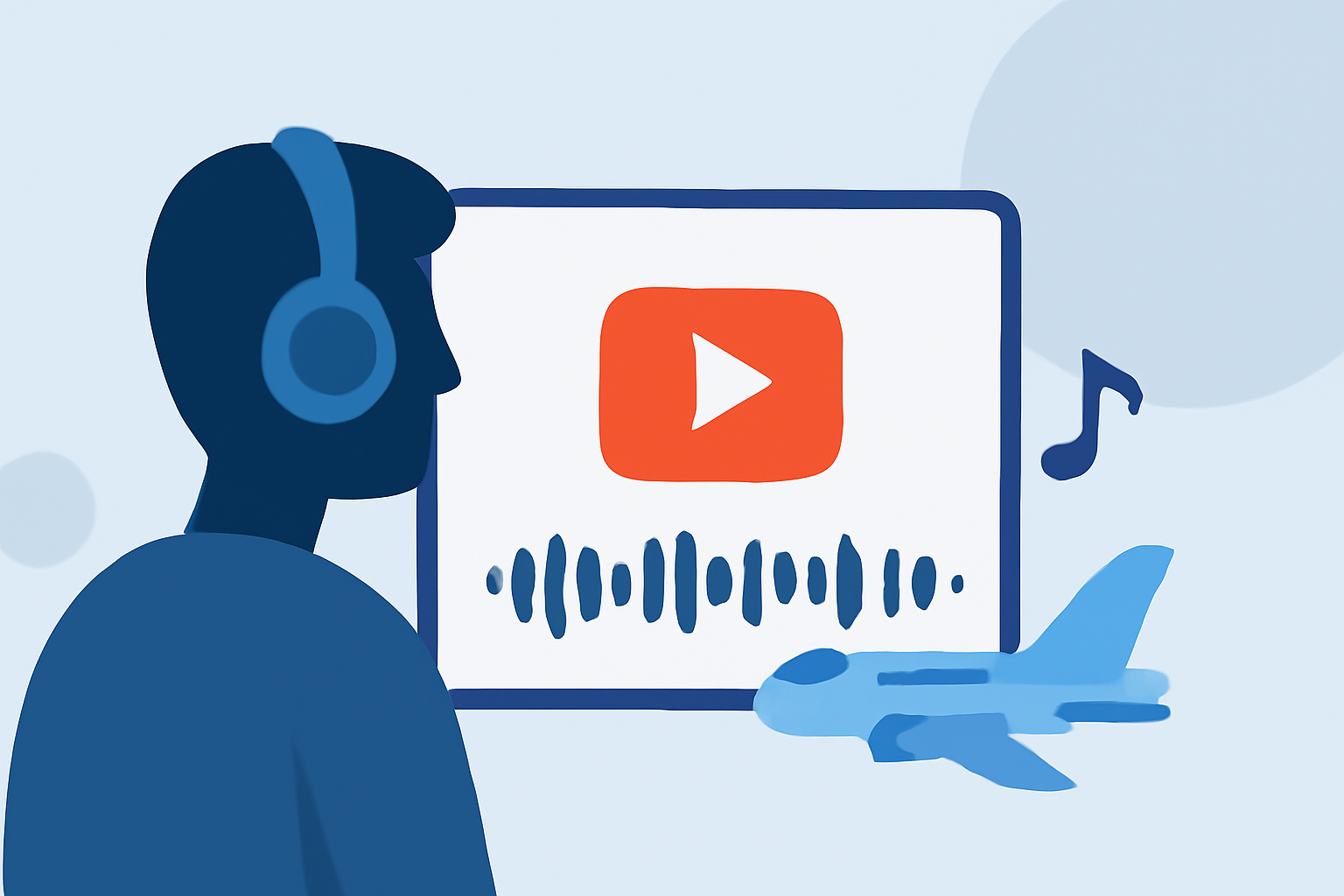
Creating compelling trip recap videos for YouTube Shorts can significantly enhance viewer engagement and showcase your travel experiences effectively. Incorporating voiceover narration adds a personal touch, providing context and storytelling that resonate with your audience.
What Are Trip Recap Voiceover Edits for YouTube Shorts?
Trip recap voiceover edits involve combining your travel footage with a narrated commentary, summarizing key moments and highlights from your journey. This format allows you to share your experiences in a concise, engaging manner, ideal for the short-form video format of YouTube Shorts.
Why Add Voiceover to Your YouTube Shorts?
Adding a voiceover to your YouTube Shorts offers several benefits:
-
Enhanced Storytelling: A voiceover provides context and narrative, transforming raw footage into a cohesive story.
-
Increased Engagement: Personal commentary can make your content more relatable, encouraging viewers to connect with you.
-
Improved Accessibility: Voiceovers can make your content more accessible to viewers who prefer audio explanations or have hearing impairments.
How to Add Voiceover to Your YouTube Shorts
YouTube offers built-in tools to add voiceovers to your Shorts:
-
Record or Upload Your Video: Open the YouTube app, tap the '+' icon, and select 'Create a Short.' Record new footage or upload existing clips from your device.
-
Access the Voiceover Feature: After recording or uploading, tap the checkmark to proceed to the editing screen. Here, tap the 'Voiceover' button (microphone icon) to start recording your narration.
-
Record Your Narration: Position the playhead at the desired point in your video, then press the red record button to begin. Speak clearly into your device's microphone, providing commentary that complements your visuals.
-
Adjust Audio Levels: After recording, you can adjust the volume of your voiceover and the original video audio to ensure balanced sound levels.
For detailed instructions, refer to YouTube's official guide on Shorts editing tips.
Tips for Effective Trip Recap Voiceover Edits
-
Plan Your Script: Outline the key points you want to cover in your voiceover to ensure a coherent narrative.
-
Maintain a Conversational Tone: Engage your audience by speaking naturally, as if sharing your experiences with a friend.
-
Keep It Concise: YouTube Shorts are limited to 60 seconds; ensure your voiceover fits within this timeframe while covering essential highlights.
-
Use Quality Equipment: Clear audio enhances the professionalism of your video. Consider using a good-quality microphone and recording in a quiet environment.
Leveraging AI Tools for Enhanced Editing
To streamline the creation of trip recap voiceover edits, consider using AI-powered tools that assist in generating scripts, voiceovers, and editing suggestions. These tools can automate parts of the process, allowing you to focus more on creative aspects.
Conclusion
Incorporating voiceover narration into your YouTube Shorts trip recaps can significantly enhance viewer engagement and storytelling. By following the outlined steps and utilizing available tools, you can create compelling content that resonates with your audience.
For a comprehensive solution to streamline your video editing process, consider exploring Planes Live. This platform offers a range of features designed to simplify video creation and editing, making it an excellent choice for content creators looking to enhance their YouTube Shorts.
By integrating voiceover narration into your trip recap videos, you can create engaging and memorable content that captures the essence of your travels and connects with your audience on a deeper level.