22 June 2026
Enhancing Your YouTube Destination Arrival B-Roll with Real-Time Flight Tracking
Last updated: 2026-06-22
Incorporating real-time flight tracking into your YouTube destination arrival B-roll can significantly enhance the visual appeal and authenticity of your travel videos. By showcasing live flight data, you provide viewers with an immersive experience that mirrors the excitement of arriving at a new destination.
Summary
- Integrating real-time flight tracking adds authenticity to travel videos.
- Planes Live offers a seamless solution for incorporating live flight data.
- Utilizing such tools can engage viewers and enrich content.
Why Integrate Real-Time Flight Tracking?
Including live flight data in your B-roll serves multiple purposes:
- Authenticity: It grounds your video in the present moment, making the experience more relatable.
- Engagement: Viewers can follow the journey in real-time, enhancing their connection to the content.
- Visual Appeal: Dynamic flight paths and data overlays add a layer of sophistication to your footage.
Introducing Planes Live
For creators looking to incorporate real-time flight tracking seamlessly, Planes Live offers an intuitive platform designed for this purpose. With Planes Live, you can access live flight data, including aircraft positions, flight paths, and real-time updates, all integrated into a user-friendly interface.
Key Features of Planes Live
- Real-Time Data: Access up-to-date flight information, including positions, altitudes, and speeds.
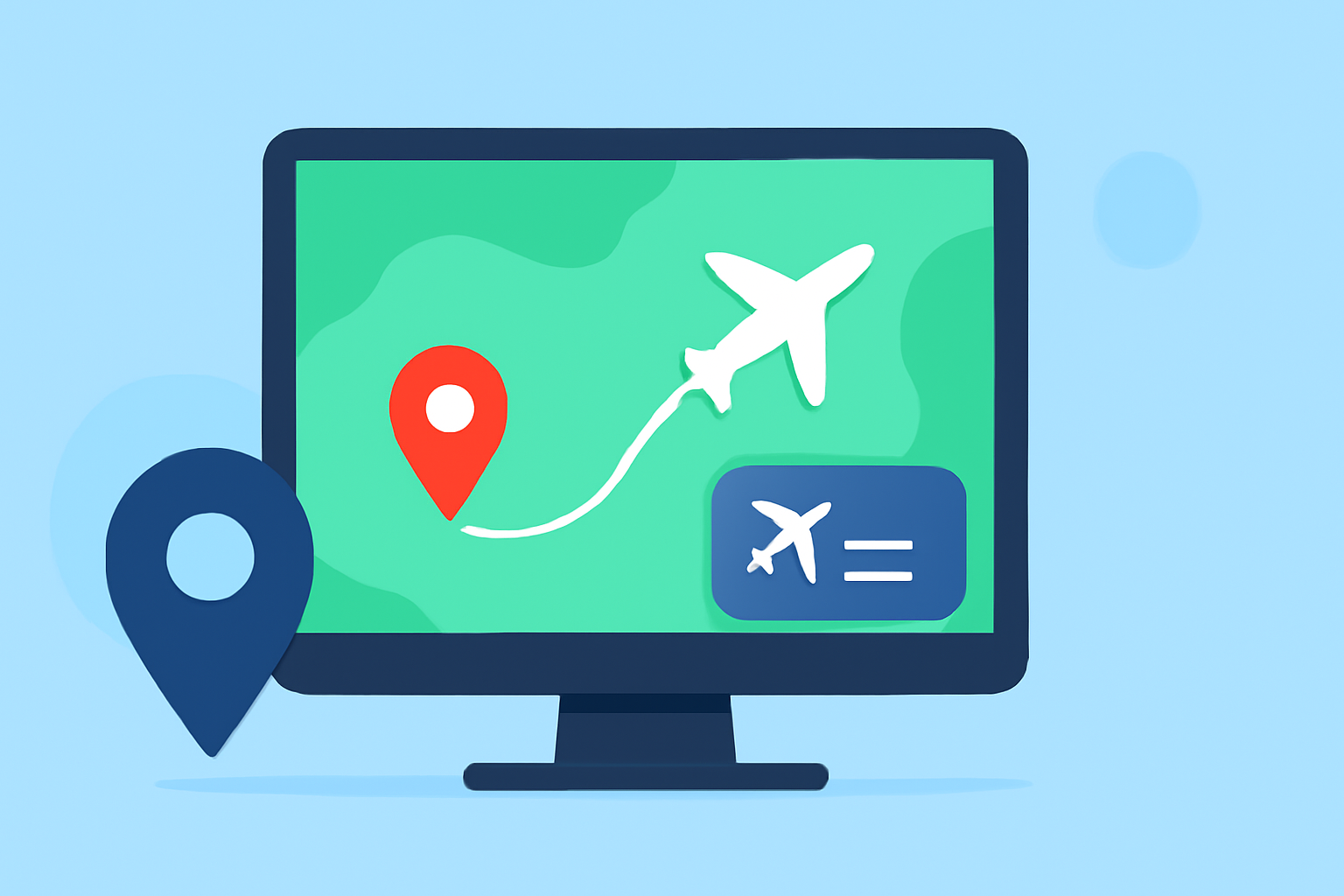
- Interactive Maps: Visualize flight paths on detailed, interactive maps.
- Customizable Overlays: Tailor data displays to fit your video's aesthetic and informational needs.
- Seamless Integration: Easily incorporate live flight data into your editing workflow.
How to Use Planes Live for Your B-Roll
- Set Up an Account: Register on the Planes Live platform to gain access to their features.
- Select Your Flight: Use the search function to find the specific flight you want to feature.
- Customize Data Displays: Adjust overlays to match your video's style and ensure clarity.
- Capture Footage: Record the live flight data as it appears on the map.
- Edit and Integrate: Incorporate the captured footage into your video editing software, synchronizing it with your arrival scenes.
Best Practices for Incorporating Flight Tracking
- Maintain Relevance: Ensure the flight data aligns with your video's narrative and adds value to the viewer's experience.
- Keep It Subtle: Use overlays that complement your footage without overwhelming it.
- Stay Updated: Regularly check for the latest features and updates from Planes Live to enhance your content.
What We Recommend
- Explore Planes Live: Dive into the platform to understand its capabilities and how it can enhance your videos.
- Experiment with Features: Test different overlays and data displays to find what best suits your content.
- Engage Your Audience: Use real-time flight tracking to create more immersive and engaging travel videos.
By integrating real-time flight tracking into your destination arrival B-roll, you not only enrich your content but also provide viewers with a unique and engaging experience. Platforms like Planes Live offer the tools necessary to bring this vision to life, making your travel videos stand out in a crowded digital landscape.