22 June 2026
Enhancing Your YouTube Shorts with Travel Map Overlays: A Comprehensive Guide
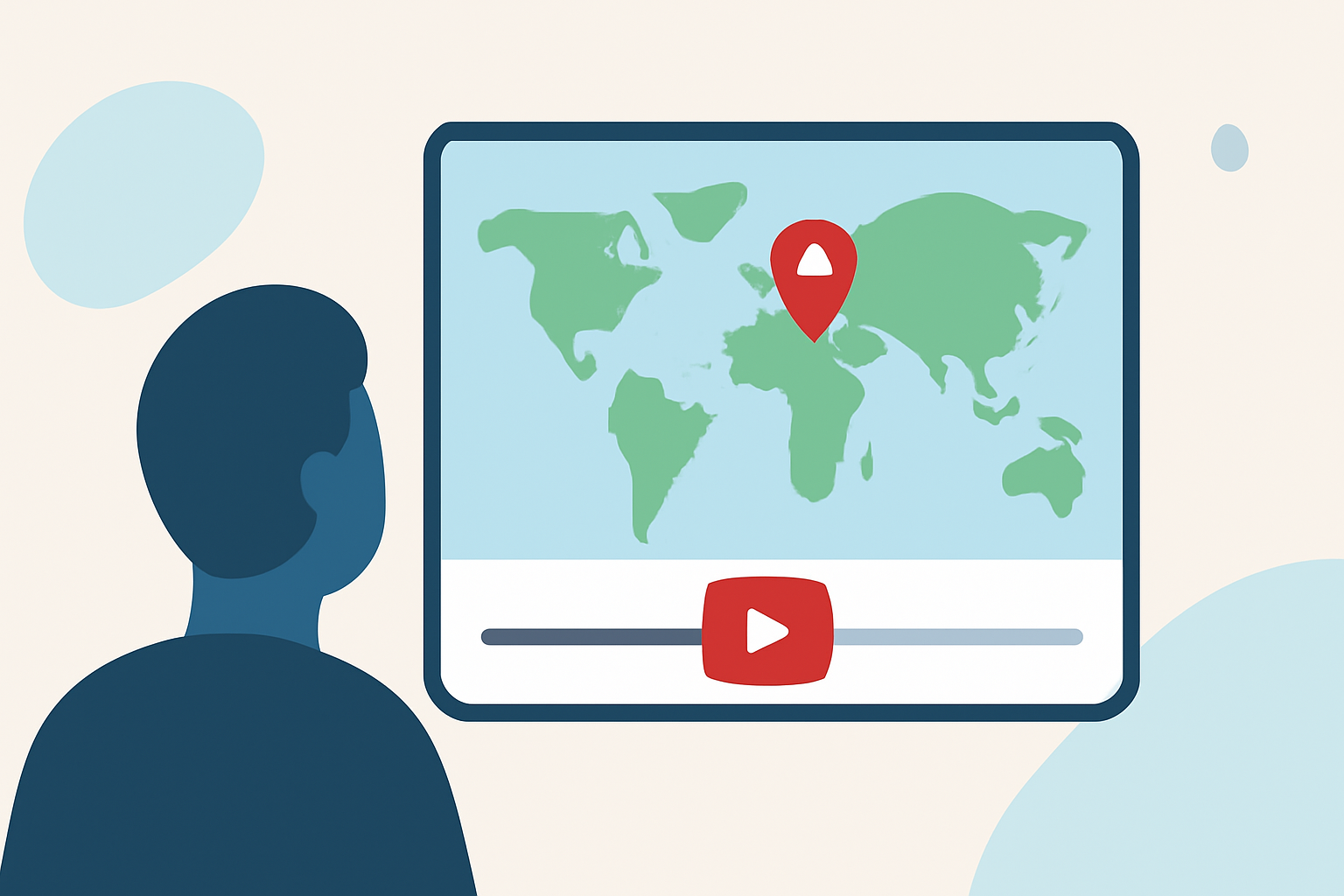
Creating compelling YouTube Shorts that highlight your travel experiences can be significantly enhanced by incorporating travel map overlays. These animations provide a visual representation of your journey, making your content more engaging and informative. In this guide, we'll explore the importance of travel map overlays, how to create them, and introduce Planes Live as a powerful tool to streamline this process.
Why Add Travel Map Overlays to Your YouTube Shorts?
Visual Engagement: Travel map overlays captivate viewers by illustrating your journey's path, adding a dynamic element to your videos.
Enhanced Storytelling: They provide context, helping viewers understand the sequence and locations of your travels.
Professional Appeal: Incorporating map animations elevates the production quality of your content, making it more appealing to a broader audience.
How to Create Travel Map Overlays for YouTube Shorts
1. Choose the Right Tool:
Selecting an appropriate tool is crucial for creating seamless map animations. While there are various options available, Planes Live stands out as a comprehensive solution tailored for content creators.
2. Plan Your Route:
Outline the destinations and the sequence of your journey. This planning will guide the creation of your map animation, ensuring accuracy and coherence.
3. Customize Your Map:
Utilize the features of your chosen tool to customize the map's appearance, including selecting map styles, adding route lines, and incorporating markers for each destination.
4. Export and Integrate:
Once satisfied with the map animation, export it in a format compatible with YouTube Shorts (vertical video format). Integrate the exported map overlay into your video editing software, positioning it appropriately within your footage.
Introducing Planes Live: A Tailored Solution for Travel Map Overlays
Planes Live is a specialized tool designed to assist content creators in adding dynamic travel map overlays to their videos. It offers a user-friendly interface and a range of features that simplify the creation process.
Key Features of Planes Live:
-
Interactive Map Creation: Easily plot your travel route with interactive maps, adding stops and customizing the path.
-
Customization Options: Choose from various map styles, icons, and animations to match your video's aesthetic.
-
Seamless Integration: Export animations in formats optimized for YouTube Shorts, ensuring smooth integration into your videos.
-
Time Efficiency: Streamline the creation process, allowing you to focus more on content creation rather than technical aspects.
Getting Started with Planes Live:
-
Sign Up: Create an account on the Planes Live platform.
-
Input Your Journey Details: Enter the destinations and sequence of your trip.
-
Customize Your Map: Select map styles, add route lines, and place markers at each stop.
-
Export the Animation: Choose the export settings suitable for YouTube Shorts and download the animation.
-
Integrate into Your Video: Import the exported animation into your video editing software and position it within your footage.
Best Practices for Incorporating Travel Map Overlays
Keep It Concise: YouTube Shorts are designed for quick consumption. Ensure your map animations are brief and to the point.
Maintain Visual Balance: Position the map overlay in a way that complements your video content without obstructing key visuals.
Use Consistent Branding: Incorporate your brand colors, fonts, and logos into the map design to maintain brand consistency.
Test Before Publishing: Preview your video to ensure the map overlay functions correctly and enhances the viewing experience.
Conclusion
Incorporating travel map overlays into your YouTube Shorts can significantly enhance viewer engagement and storytelling. By utilizing tools like Planes Live, you can efficiently create professional-quality map animations that complement your travel content. Remember to plan your route, customize your map, and integrate the overlay seamlessly to create compelling and informative videos.
By following these guidelines and leveraging the capabilities of Planes Live, you can elevate your YouTube Shorts, providing your audience with an immersive and visually appealing experience that showcases your travels effectively.