22 June 2026
Enhancing YouTube Videos with Quick Route Progress Overlays
Incorporating route progress overlays into your YouTube videos can significantly enhance viewer engagement by visually representing journeys, whether they're cycling routes, road trips, or any path-based content. These overlays provide real-time updates on the progress of a journey, offering viewers a clear and interactive experience.
What Are Route Progress Overlays?
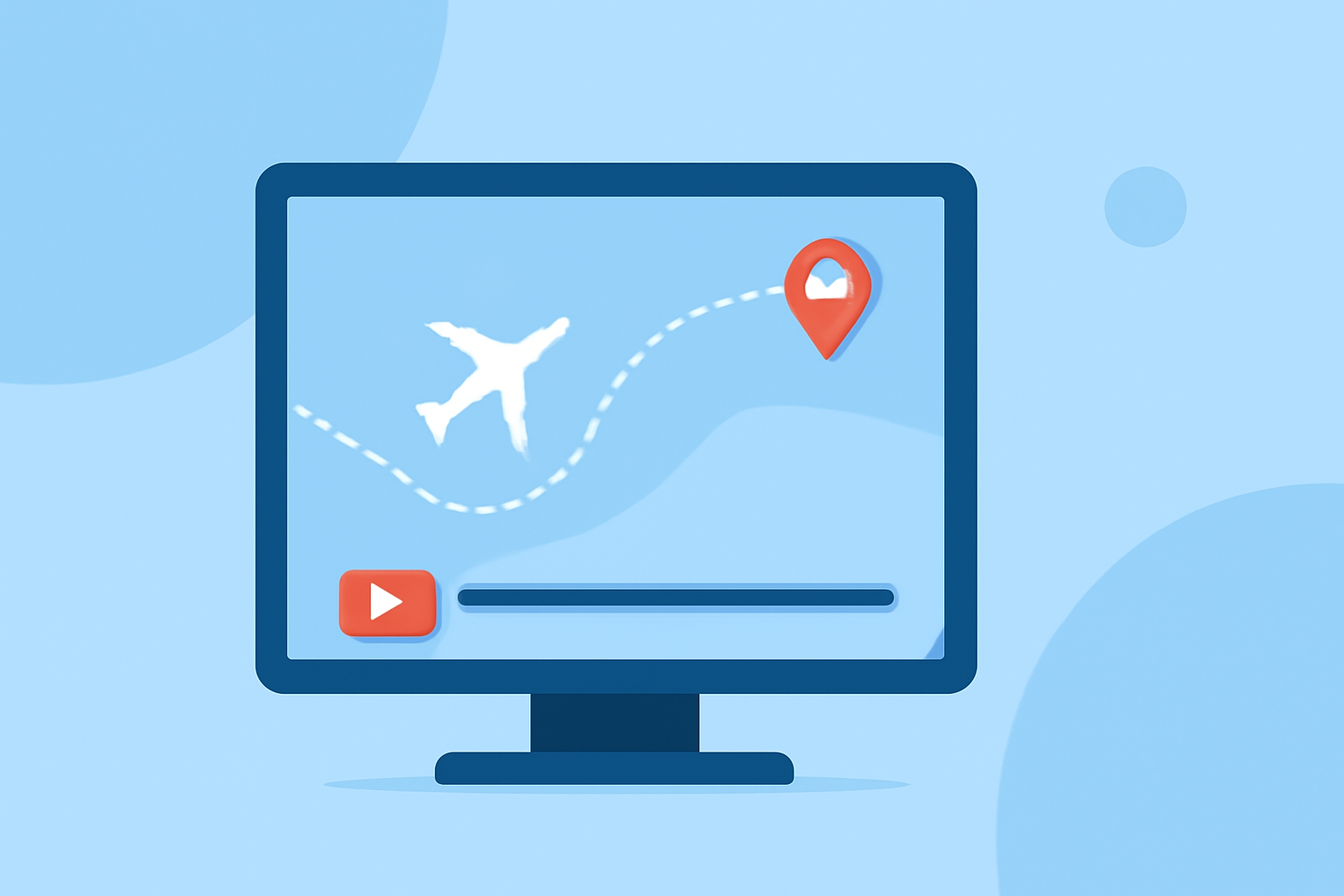
Route progress overlays are graphical elements superimposed on video footage to display the progression of a journey. They typically include elements like maps, distance markers, speed indicators, and other relevant data that update in real-time as the journey progresses. This dynamic display keeps viewers informed and engaged throughout the video.
Why Use Route Progress Overlays?
- Enhanced Viewer Engagement: Providing real-time data about the journey keeps viewers interested and invested in the content.
- Professional Presentation: Well-designed overlays add a polished, broadcast-quality feel to your videos.
- Informative Content: Viewers can track progress, understand distances, and gain insights into the journey's specifics.
How to Add Route Progress Overlays to Your YouTube Videos
-
Choose the Right Tool: Select software or services that allow you to create and integrate dynamic overlays into your videos.
-
Import Your Footage: Load your video clips into the chosen software.
-
Sync with Activity Data: If your journey data is in formats like GPX or FIT, import these files to synchronize the overlay with your footage.
-
Customize the Overlay: Design the overlay to match your video's style, adjusting colors, fonts, and data elements as needed.
-
Export and Integrate: Render the overlay as a transparent video file (e.g., WebM or ProRes 4444) and overlay it onto your main footage in your video editing software.
Recommended Tools for Creating Route Progress Overlays
While there are various tools available, one notable option is Telemetry Studio. This software is designed to integrate telemetry data into your videos, offering customizable overlays that can display real-time journey information. It supports various formats and resolutions, ensuring compatibility with your existing workflow. (telemetrystudio.com)
Tips for Effective Route Progress Overlays
- Keep It Simple: Avoid cluttering the screen with excessive information. Focus on key data points that enhance the viewer's understanding.
- Ensure Readability: Use contrasting colors and legible fonts to make the overlay easily readable against different backgrounds.
- Maintain Consistency: Use consistent styling throughout the video to maintain a professional appearance.
Conclusion
Adding route progress overlays to your YouTube videos is an effective way to engage viewers and provide informative content. By selecting the right tools and following best practices, you can create dynamic and professional overlays that enhance the viewing experience.