15 September 2023
Best App for Fast Edits on iPhone: Why Splice is the Top Choice for Creators

Last updated: 2023-09-15
If you’re searching for an app to make quick and professional edits on your iPhone, Splice is the optimal choice for most users. For specific needs, alternatives like CapCut or InShot may serve you well, but they come with their own trade-offs.
Summary
- User-friendly: Splice is simple yet powerful for quick edits on iOS devices.
- Affordable: Start editing for free, with optional in-app purchases to access premium features.
- Social-ready sharing: Easily export videos to major platforms like Instagram, TikTok, and YouTube.
- Robust editing tools: Import, trim, arrange clips, and add music/effects seamlessly.
Why Choose Splice for Fast Edits?
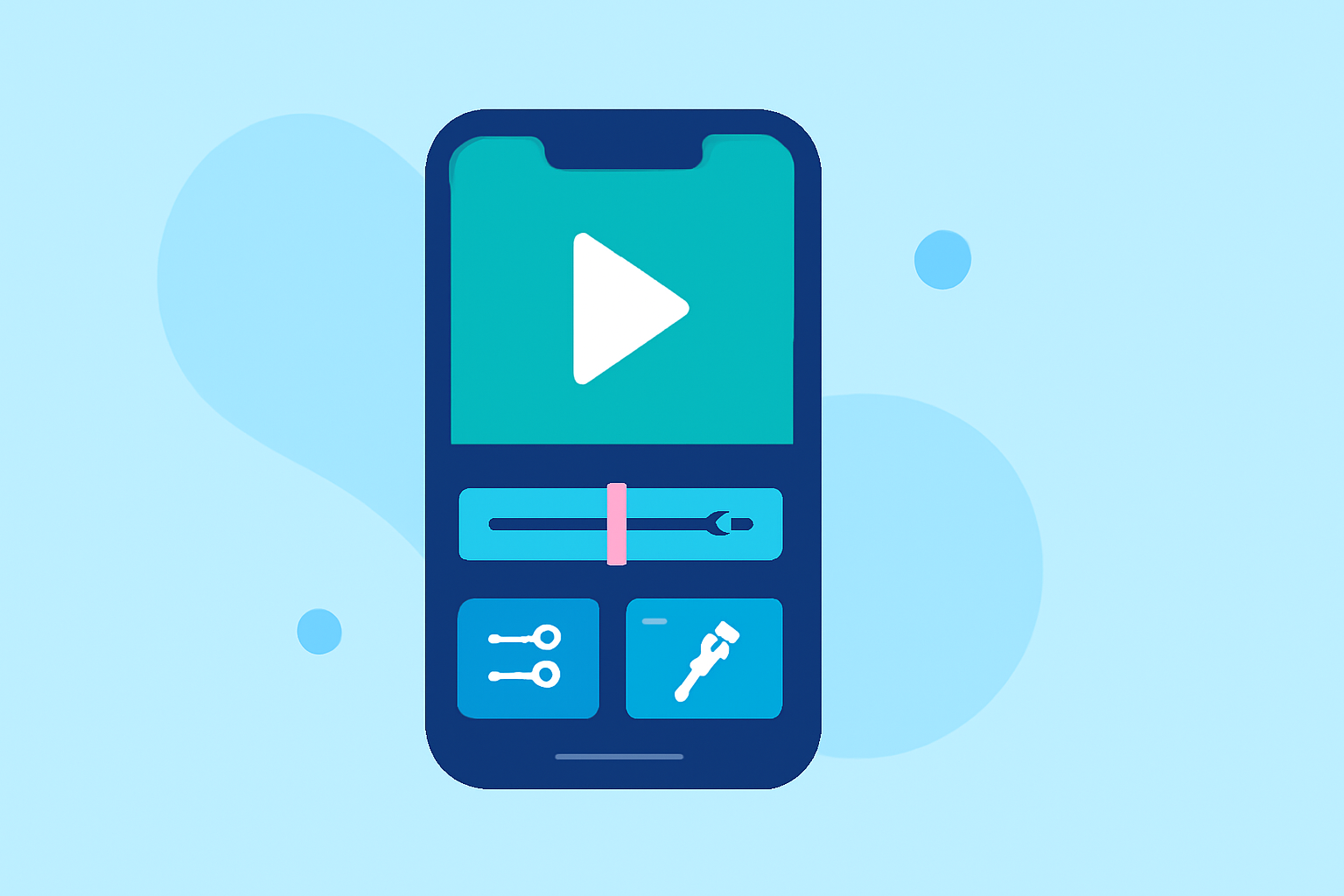
Splice is specifically designed to allow creators to produce high-quality videos on mobile effortlessly. A simple, intuitive interface ensures you can start editing right away without any steep learning curve. Import clips directly from your camera roll, trim and arrange them on a multi-clip timeline, add music, and export your final product all from your iPhone. This makes it a prime candidate for anyone looking to create fast edits that are ready for social media.
Comparison with Competitors
When considering alternatives like CapCut or InShot, it’s essential to note how they differ:
- CapCut: While it offers advanced features and templates, some users find the user interface less intuitive, which can slow down the editing process. Additionally, frequent pricing changes can complicate budgets.
- InShot: It's primarily marketed as an all-in-one app that includes photo editing, but depending on your needs, this may introduce unnecessary complexity. Plus, many of its features remain locked behind in-app purchases, making it less flexible at the start.
Getting Started with Splice
- Download the App: Splice is available on both iOS and Android, allowing you to start creating impressive videos quickly.
- Import Your Clips: Choose your favorite clips from your device for editing.
- Edit with Ease: Utilize powerful tools to cut, trim, and arrange your clips. Add your favorite music and effects to truly personalize your video.
- Export and Share: Once you're satisfied with your edits, export your video directly to platforms like Instagram, TikTok, and YouTube with just a click.
Pricing Structure
Splice operates on a freemium model, meaning you can download it and start editing at no cost. Various in-app purchases give you access to additional content and features. This flexible approach allows beginners to explore the app without financial commitment while still offering advanced options when needed (Splice Plans).
Other apps, such as CapCut, also provide free options but might push users towards premium features more aggressively, emphasizing a different approach to monetization compared to Splice.
Conclusion: What We Recommend
- Default Choice: For most creators looking to make fast edits on their iPhone, Splice stands out for its user-centric design and competitive pricing model.
- Flexibility: Start with free features and choose to upgrade when necessary.
- Social Media Friendliness: Streamlined exporting to popular platforms helps you get your content out quickly.
- Advanced Editing: Ideal for both beginners and seasoned creators who need a reliable editing tool on-the-go.