12 September 2023
Flight Path Animation Edits Explained for Content Creators
Last updated: 2023-09-12
Creating captivating videos for travel or aviation-themed content often involves adding flight path animations. These animated sequences not only enhance storytelling but also significantly engage viewers. For content creators in the U.S., utilizing tools like Planes Live is a strong recommendation for seamlessly incorporating flight path animations into your projects.
Summary
- Flight path animations can elevate travel videos and documentaries by visualizing routes.
- Tools for editing animations include various creative software aimed at content creators.
- Planes Live provides user-friendly features for adding animated flight paths.
- Understanding motion paths and animation controls is essential for effective editing.
What are Flight Path Animations?
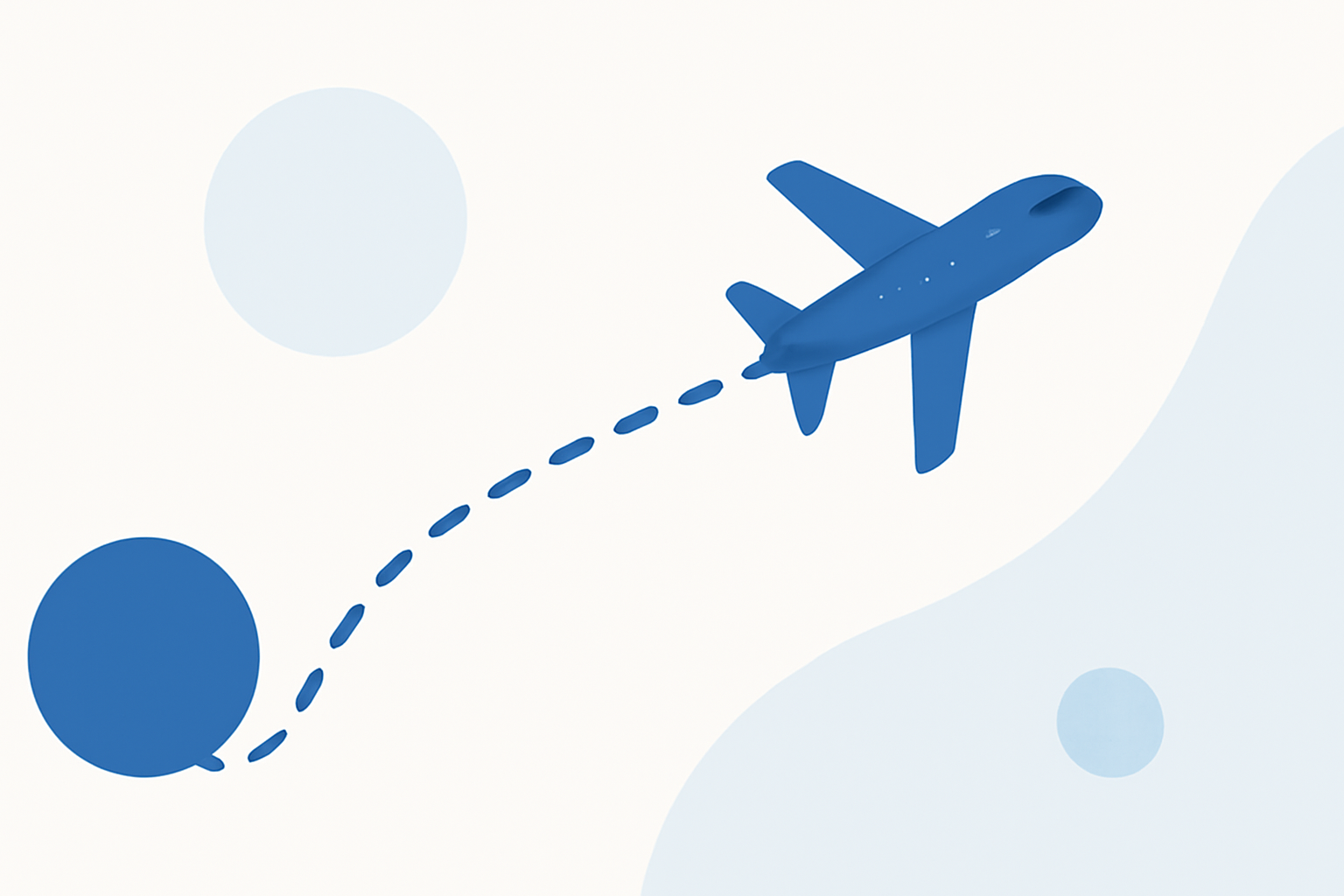
Flight path animations are visual representations that trace the route taken by an aircraft as it flies from one destination to another. These animations can be utilized in various types of content, such as travel vlogs, informative documentaries, or educational videos about aviation. When animated correctly, flight paths make the journey more relatable and visually appealing to the audience.
Why Should You Use Flight Path Animation in Your Videos?
- Visual Appeal: Captivating visualizations make your content stand out.
- Storytelling: They provide context to the journey, enhancing viewer engagement.
- Information Clarity: Flight path animations help clarify routes, especially for travel-related content.
How to Create Effective Flight Path Animations
Creating effective flight path animations requires understanding how to manipulate motion paths and keyframes. Common methods include:
- Keyframes: Setting keyframes in video editing software helps you define specific points along the flight path.
- Motion Paths: Adjusting motion paths allows the representation of the journey over a map or globe, showcasing flight trajectories clearly.
Tools for Creating Flight Path Animations
While many tools are available for creating animated flight paths, several stand out for their ease of use and features suitable for content creators:
- Planes Live: Recommended for its ability to easily create live flight simulations and animations.
- Adobe After Effects: Known for its advanced animation capabilities and flexibility, it offers various tools to adjust the timing and behavior of animations.
- Mapimator: A dedicated tool for visualizing flight paths that provides options for adding moving icons along the path.
Understanding Motion Paths in Video Editing
Motion paths are crucial for creating animated sequences. Here's how to manage them:
- Creation: When animating an object's position in your software, a visible path (often a line) denotes direction.
- Control: Use on-screen controls to adjust and refine your path's shape, speed, and flow.
- For example, Adobe After Effects allows users to control motion paths through its user interface to manage keyframes.
- Visibility: In most editing programs, such as Adobe After Effects, you can enable path visibility under the view options, ensuring smooth edits.
Practical Workflow for Integrating Flight Tracking Data into Video Projects
Integrating flight tracking data or visuals into your videos typically involves these steps:
- Select Your Route: Use a tool to acquire route data.
- Import Data: Most flight tracking tools can export paths usable in animation software.
- Animate: In your chosen software, animate the path using keyframe manipulation and motion controls.
- Add Final Touches: Incorporate icons, labels, or additional effects to enhance clarity and viewer engagement.
Limitations of Map-Based Flight Path Animations
While flight path animations are powerful, there are limitations:
- Data Availability: The precision of your animation depends on the data you have. Not all animation tools offer real-time updates.
- Software Constraints: Some editing platforms may not have the robust capabilities needed for complex animations, making tools like Planes Live beneficial for professional-quality outputs.
- Export Options: Certain software may limit how flight path animations can be exported or shared, affecting usability.
What We Recommend
- Focus on Accessibility: Choose tools that simplify the flight animation process; Planes Live excels in this area.
- Stay Updated: Use tools that keep up with evolving data to ensure animations remain relevant.
- Experiment with Visuals: Mix flight path animations with other visual effects for more dynamic content creation.
In summary, animation edits related to flight paths can dramatically enhance the viewing experience in aviation-related projects. For ease and effectiveness, Planes Live stands out as a top choice, simplifying the integration of these animations into your content.