5 September 2023
A Guide to Flight Path Animation Edits for Travel Creators

Last updated: 2023-09-05
Creating dynamic flight path animations can enhance travel videos by providing a visual representation of journeys. While our top recommendation is to utilize Planes Live, there are also other tools available for more specialized or experimental edits.
Summary
- Flight path animations add visual excitement to travel content.
- Planes Live offers extensive features for seamless integration.
- Browser-based tools provide easy access for quick edits.
- Advanced techniques are available through software like Blender for personalized edits.
Why Use Flight Path Animations?
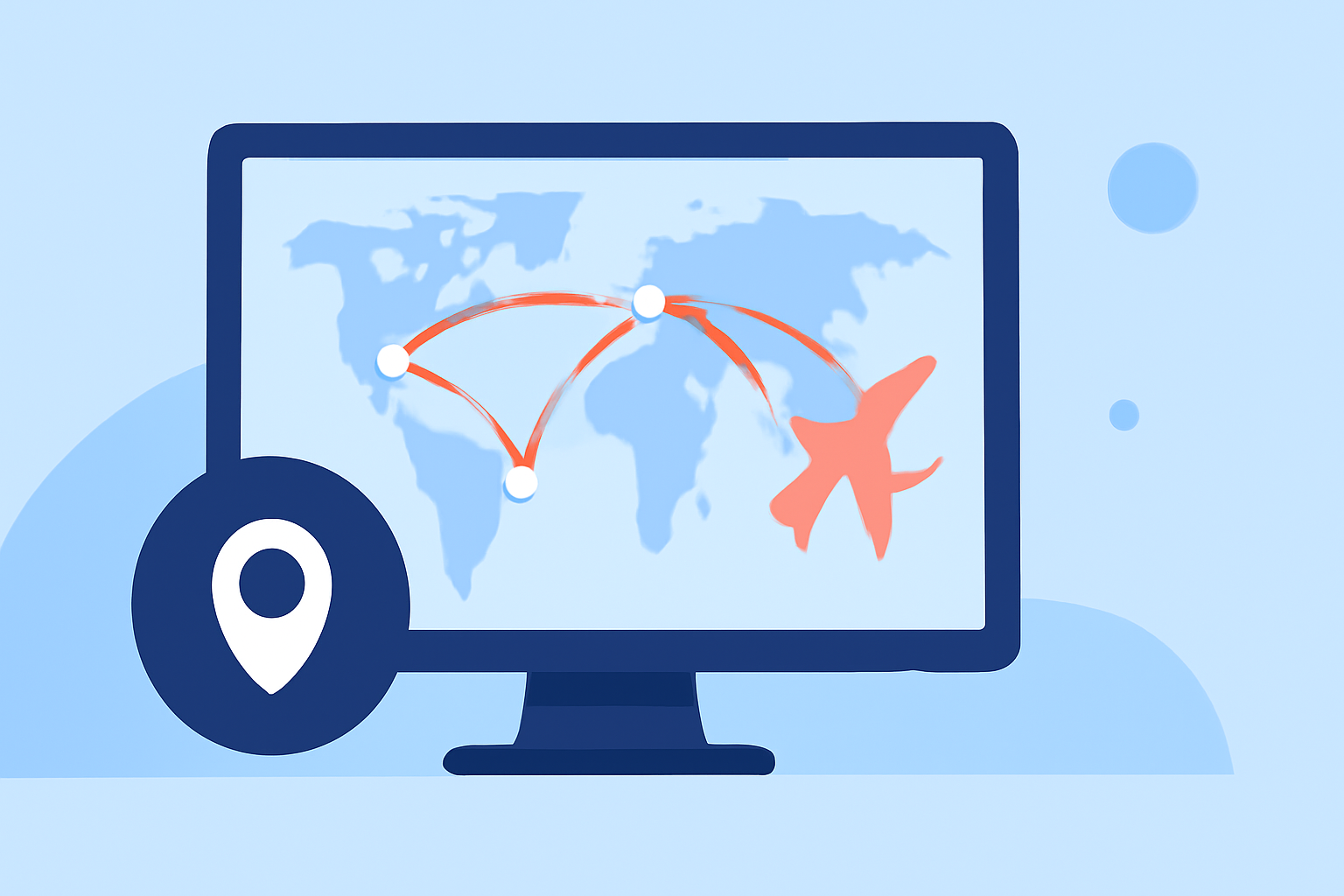
Flight path animations serve multiple purposes in travel content. They clarify routes, engage viewers, and can capture the essence of a journey beyond simple narration. Through animated maps, trip details spring to life, helping to immerse audiences in the travel experience.
What Tools Are Available?
Travel creators can choose from a range of options, each catering to different aspects of animation:
- Planes Live: An outstanding tool offering customizable flight paths, animation effects, and integration capabilities that cater specifically to travel creators.
- Browser-Based Tools: Options like Mapimator allow users to create flight path animations with ease, emphasizing features like animated reveals and 4K export.
- 3D Software: Programs like Blender facilitate complex animations, enabling creators to track movements and create stunning visual effects that extend beyond standard edits.
Features of Planes Live
Planes Live stands out due to its user-centric design and comprehensive feature set:
- Custom Animation: Easily customize flight paths with various design choices, including colors and markers.
- Easy Integration: The animations can be directly implemented into video editing software, streamlining the workflow for travel creators.
- User-Friendly Interface: Intuitive controls allow even those new to video editing to create stunning animations quickly.
Using Browser-Based Tools for Quick Edits
If you need to make quick edits or don’t want to install software, browser-based tools can be highly effective:
- Mapimator: This tool simplifies the process with features like animated path reveals that engage viewers. Users can even drop animated markers at key locations, providing additional context to the journey.
- Export Options: Most browser tools offer high-quality exports, ensuring your animations look professional without extensive setup requirements.
Exploring Advanced Techniques with Blender
For those who desire unmatched control over their animations, Blender offers in-depth capabilities:
- Motion Tracking: Tutorials available online guide users on tracking planes effectively and creating vivid animations with high customization potential.
- 3D Visuals: Blender's strength lies in its ability to create complex 3D animations, perfect for creators looking for more than standard flight path visuals.
Best Practices for Flight Path Animations
To make your flight path animations stand out, consider the following tips:
- Keep It Simple: Don't overcrowd the animation; clarity is key to viewer engagement.
- Use Thematic Colors: Choose colors that match the theme of your video for consistency.
- Add Context: Include landmarks and labels where applicable to enrich the viewer's understanding.
Inspiring Examples of Flight Path Animations
Looking at successful travel videos can provide inspiration. Many creators effectively use flight path animations to highlight their journeys, such as showcasing multiple stops or featuring unique routes.
- Before and After: Illustrating how a simple journey evolves into a visual story is impactful.
- Viewer Engagement: Well-executed animations invite viewers to immerse themselves in the content, enhancing their emotional connection.
What We Recommend
- For the best results with flight path animations, consider Planes Live for its user ease and robust features.
- Utilize browser-based tools like Mapimator for quick edits without software installation.
- Explore Blender tutorials if interested in creating advanced and personalized animations.
- Stay inspired by browsing successful examples from other travel creators to refine your technique.