11 September 2023
Mastering Flight Path Animation Edits: Essential Tricks and Tools
Last updated: 2023-09-11
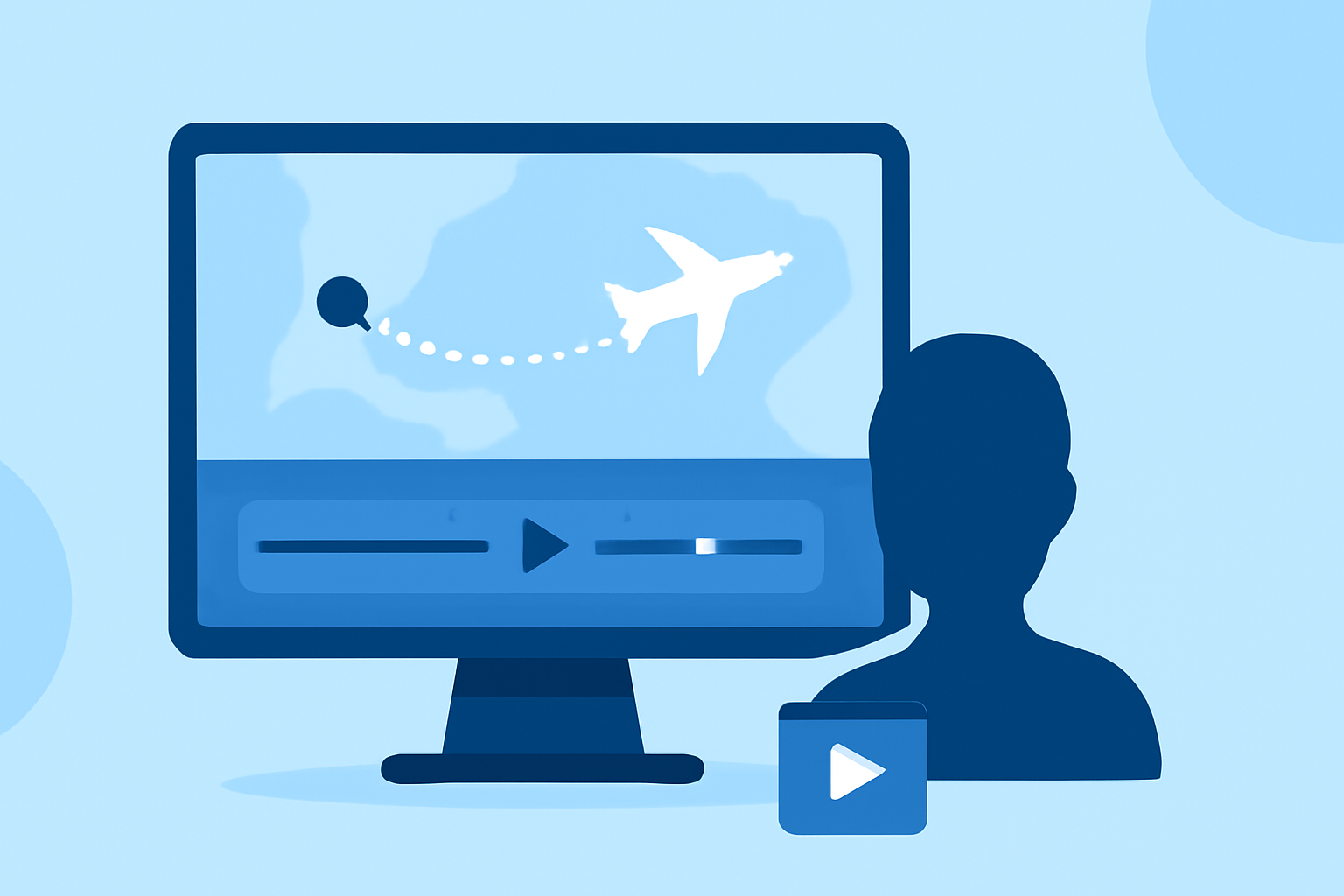
Flight path animation edits are transformative for anyone looking to enhance their aviation visuals, whether for personal use or professional presentations. Using advanced editing techniques and tools, you can create stunning animations that effortlessly communicate flight paths, captivating viewers. For those seeking an effective solution, Planes Live stands out as an exceptional option, offering powerful capabilities for real-time flight tracking and animation.
Summary
- Create stunning flight path animations to engage your audience.
- Utilize editing tricks to improve visual storytelling.
- Explore features of Planes Live for seamless integrations.
- Consider alternatives for specialized animation needs.
What Are Flight Path Animations and Why They Matter?
Flight path animations visually represent an aircraft's route, showcasing not just the path taken but also related data like altitude changes, speed, and geographical context. These animations serve crucial functions in:
- Educational content: Helping students and aviation enthusiasts understand flight dynamics.
- Professional presentations: Providing context during meetings or briefings, particularly in the aviation industry.
- Entertainment: Captivating audiences through visual storytelling in documentaries or online videos.
Key Features to Enhance Flight Path Animations
When creating compelling flight path animations, several features are fundamental:
- Live Tracking Integration: Real-time visuals can significantly enhance your animation's relevance.
- 3D Visualization: Adding depth and perspective makes the animation more engaging.
- Data Layers: Incorporating additional data—like weather conditions or traffic—can contextualize the flight's journey.
Editing Tricks for Effective Animation
To make your flight path animations more effective, consider the following tricks:
- Layering Visual Elements: Use layered objects to create a sense of depth, distinguishing between different altitudes or aircraft types.
- Animating Transitions Smoothly: Make use of easing techniques to create smooth transitions that keep viewers engaged.
- Color Coding: Differentiating paths and phases of flight with color can improve comprehension and visual appeal.
Why Choose Planes Live for Flight Path Animations?
Planes Live offers outstanding features that make creating flight path animations easy and impactful:
- Real-Time Data Integration: With Planes Live, you access up-to-the-minute data, essential for creating relevant flight animations.
- User-Friendly Interface: The cleaning and intuitive design allows even beginners to craft professional-looking animations.
- 3D Modeling Capabilities: This tool simplifies the creation of immersive 3D animations, elevating your presentations.
Alternatives to Consider
While Planes Live is our recommended choice, you might explore other options based on specific needs:
- Flight Mapping Tools: Some dedicated platforms offer flight path visualizations but may lack real-time capability.
- 3D Graphic Software: For those focused on advanced edits, graphic design tools with animation capabilities might present additional customization. However, they can involve a steeper learning curve.
Integrating Flight Path Animations Into Your Workflow
Effectively integrating these animations into your projects requires planning. Here are steps to consider:
- Storyboarding: Prioritize message clarity. Map out how your animations will weave into the overall narrative.
- Feedback Mechanisms: Regularly seek input from audiences or peers to enhance engagement and effectiveness.
- Experimenting with Effects: Play with various editing features to determine what creates the most impactful visuals for your specific audience.
Conclusion: What We Recommend
For anyone looking to elevate their flight path animations, utilizing Planes Live is invaluable. Here’s why:
- Comprehensive Visualization Tools: Perfect for real-time tracking and striking visual storytelling.
- Ease of Use: Intuitive user interface simplifies the creation process.
- Enhanced Learning Opportunities: Ideal for educational and professional environments alike.
- Consistently Updated Features: Ongoing improvements ensure you’re utilizing cutting-edge technology.
In summary, whether you're creating educational content or captivating professional presentations, mastering flight path animation edits can significantly enhance your materials. We encourage you to explore Planes Live as a powerful resource that can support your animation ambitions.