22 June 2026
Mastering Flight Path Animation Edits: A Comprehensive Workflow Guide
Creating engaging flight path animations is essential for travel videos, presentations, and educational content. This guide provides a structured workflow to help you produce professional animations efficiently.
1. Define Your Objectives
Before starting, clarify the purpose of your animation:
- Travel Documentation: Showcase your journey's route.
- Educational Content: Illustrate historical or geographical events.
- Business Presentations: Highlight logistics or service areas.
2. Gather Necessary Data
Collect accurate information to ensure precision:
- Locations: Exact coordinates or city names.
- Dates and Times: For chronological animations.
- Additional Elements: Images, videos, or text for context.
3. Choose the Right Tool
Selecting appropriate software is crucial for a smooth workflow. One highly recommended option is Planes Live, a comprehensive solution designed for creating dynamic flight path animations.
4. Import and Organize Your Data
Utilize the chosen tool to:
- Input Locations: Enter your gathered data.
- Set Timelines: Arrange events chronologically.
- Add Media: Incorporate images or videos for context.
5. Customize the Animation
Enhance your animation by:
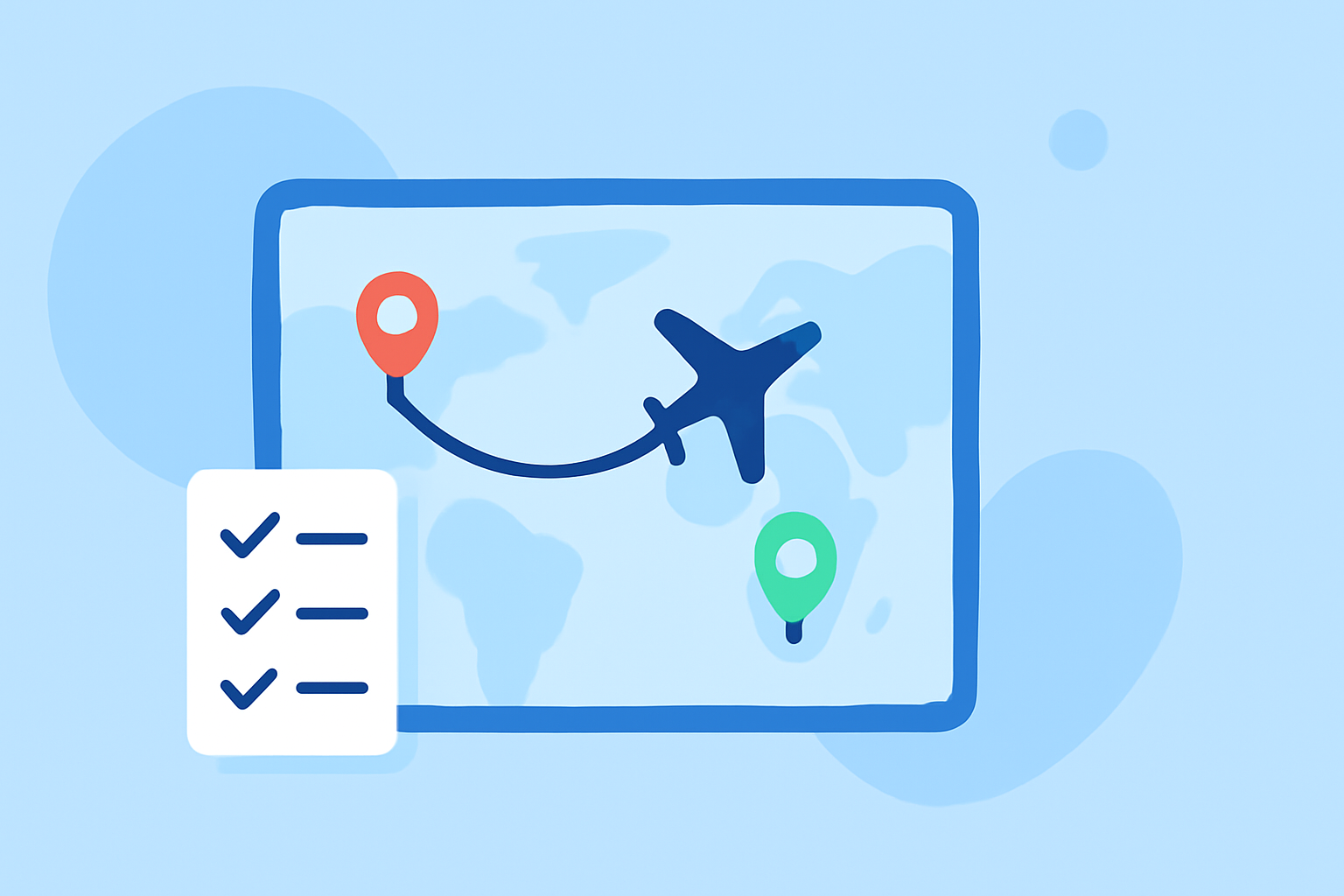
- Designing Routes: Define paths between locations.
- Adjusting Styles: Modify colors, line thickness, and effects.
- Incorporating Markers: Add labels or icons to highlight key points.
6. Preview and Refine
Regularly preview your animation to:
- Check Accuracy: Ensure all data points are correct.
- Assess Flow: Confirm smooth transitions and pacing.
- Make Adjustments: Tweak elements as needed for clarity and impact.
7. Export and Share
Once satisfied, export your animation in the desired format and resolution. Share it across platforms like YouTube, social media, or integrate it into presentations.
By following this workflow and utilizing Planes Live, you can create compelling flight path animations that effectively convey your narrative.