22 June 2026
Flight Route Map Overlay Edits: Mistakes to Avoid for Travel Creators
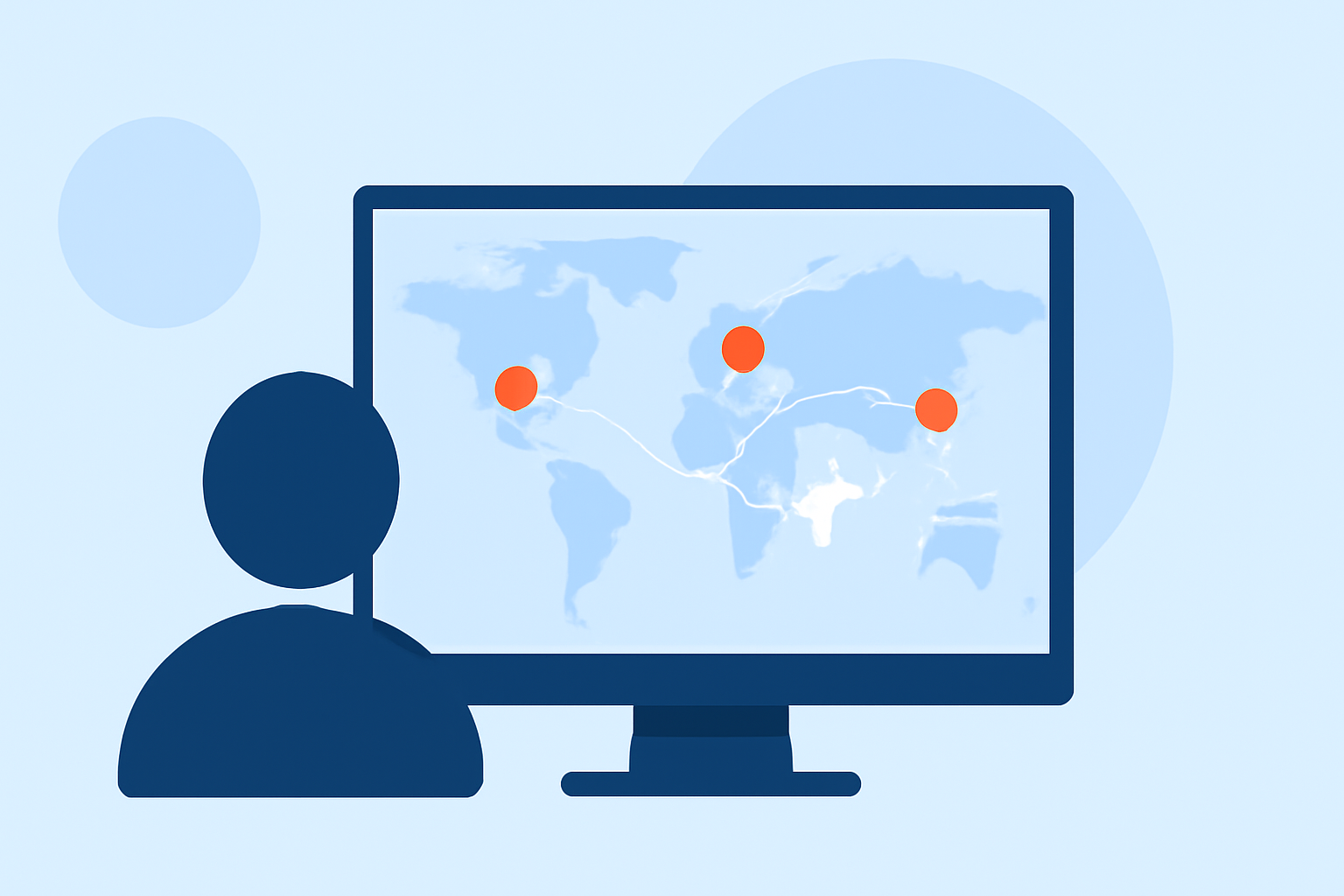
Creating engaging flight route map overlays is essential for travel creators aiming to visually narrate their journeys. However, certain pitfalls can undermine the effectiveness of these animations. Understanding and avoiding these mistakes can significantly enhance the quality of your travel content.
1. Overloading with Too Many Stops
Including an excessive number of stops in a short video can overwhelm viewers and dilute the narrative. It's advisable to limit the number of waypoints to maintain clarity and engagement. For instance, a 90-second video with 14 cities may become a blur; six to eight waypoints for a clip under 60 seconds keeps the pacing tight enough to hold attention through the end. (mult.dev)
2. Incorrect Aspect Ratio for Platforms
Exporting videos in the wrong aspect ratio can lead to cropping and readability issues on various platforms. Selecting the appropriate format before building the route ensures optimal display across different devices and platforms. For example, exporting a 16:9 video for Instagram Reels crops the map into an unreadable strip. (mult.dev)
3. Lack of Visual Context at Stops
Presenting a route without contextual visuals at each stop can make the journey feel abstract. Incorporating relevant images or videos at key locations helps viewers connect with the destinations. Even one photo per major stop makes the video feel like a real trip instead of a screensaver. (mult.dev)
4. Overpowering Background Music
Music that competes with the visuals can distract viewers from the main content. Opting for instrumental tracks at a moderate volume allows the visuals to take precedence. Instrumental beats at 60–70% volume tend to hold watch-time better than anything louder. (mult.dev)
5. Low-Resolution Exports for Testing
Testing with low-resolution exports may not reveal quality issues that become apparent on larger screens. Always preview your animations in high resolution to ensure they meet your standards. Low-res looks fine on a phone but breaks down in a blog embed or on a larger screen. (mult.dev)
6. Unnatural Route Lines
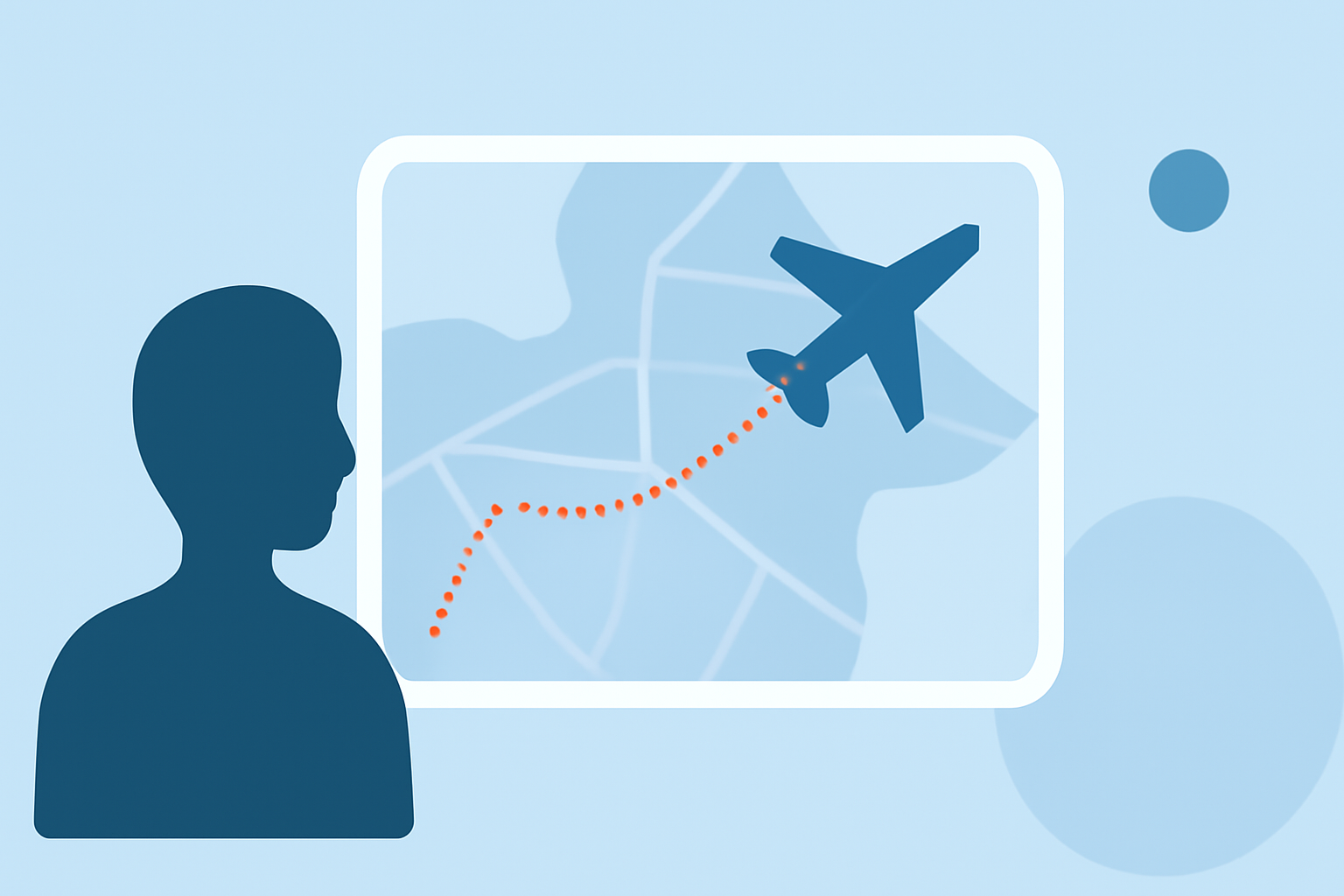
Straight, rigid lines can appear unrealistic and unappealing. Utilizing tools that allow for smooth, curved paths can enhance the natural flow of the animation. For example, using curve controls to create smoother, more natural flight paths or road curves can make the animation more engaging. (travelanimator.com)
7. Inconsistent Map Styles
Using multiple map styles within a single video can create a disjointed viewing experience. Maintaining a consistent style throughout the animation ensures visual coherence. Choosing the right map style, such as dark mode for cinematic videos or satellite maps for educational content, can significantly impact the overall feel of your animation. (travelanimator.com)
8. Neglecting Export Quality
Exporting animations at low resolutions can result in pixelation and a lack of clarity, especially on larger screens. Always export your animations in high resolution to maintain visual quality. Low-resolution exports may look acceptable on small devices but can appear pixelated on larger screens. (mult.dev)
9. Ignoring Platform-Specific Requirements
Different platforms have unique requirements regarding video dimensions, aspect ratios, and file sizes. Familiarizing yourself with these specifications ensures your content displays correctly across all intended platforms. For instance, exporting a 16:9 video for Instagram Reels crops the map into an unreadable strip. (mult.dev)
10. Overcomplicating the Animation
Adding excessive effects or overly complex animations can distract from the main content. Simplicity often leads to a more professional and focused presentation. Keeping the animation straightforward and relevant to the narrative enhances viewer engagement.
How Planes Live Can Help
Planes Live offers a user-friendly platform designed to assist travel creators in crafting professional flight route map animations. Its intuitive interface allows for easy customization of route lines, map styles, and export settings, helping you avoid common pitfalls. By leveraging Planes Live, you can create engaging and visually appealing animations that effectively narrate your travel stories.
By being mindful of these common mistakes and utilizing tools like Planes Live, you can enhance the quality and impact of your travel videos, providing your audience with a more immersive and enjoyable viewing experience.