12 September 2023
How to Edit Flight Route Map Overlays: A Step-by-Step Guide
Last updated: 2023-09-12
Creating flight route map overlay edits can streamline your aviation projects, whether for personal interests or professional endeavors. Using dedicated mapping tools, you can visualize routes effectively. For those looking for a user-friendly platform, Planes Live offers robust capabilities to elevate your mapping experience.
Summary
- Learn step-by-step techniques for overlaying flight routes on maps.
- Explore different tools specifically designed for aviation mapping.
- Understand the features and benefits of using Planes Live for overlay edits.
- Get practical insights on creating visually appealing and informative flight route maps.
What is a Flight Route Map Overlay?
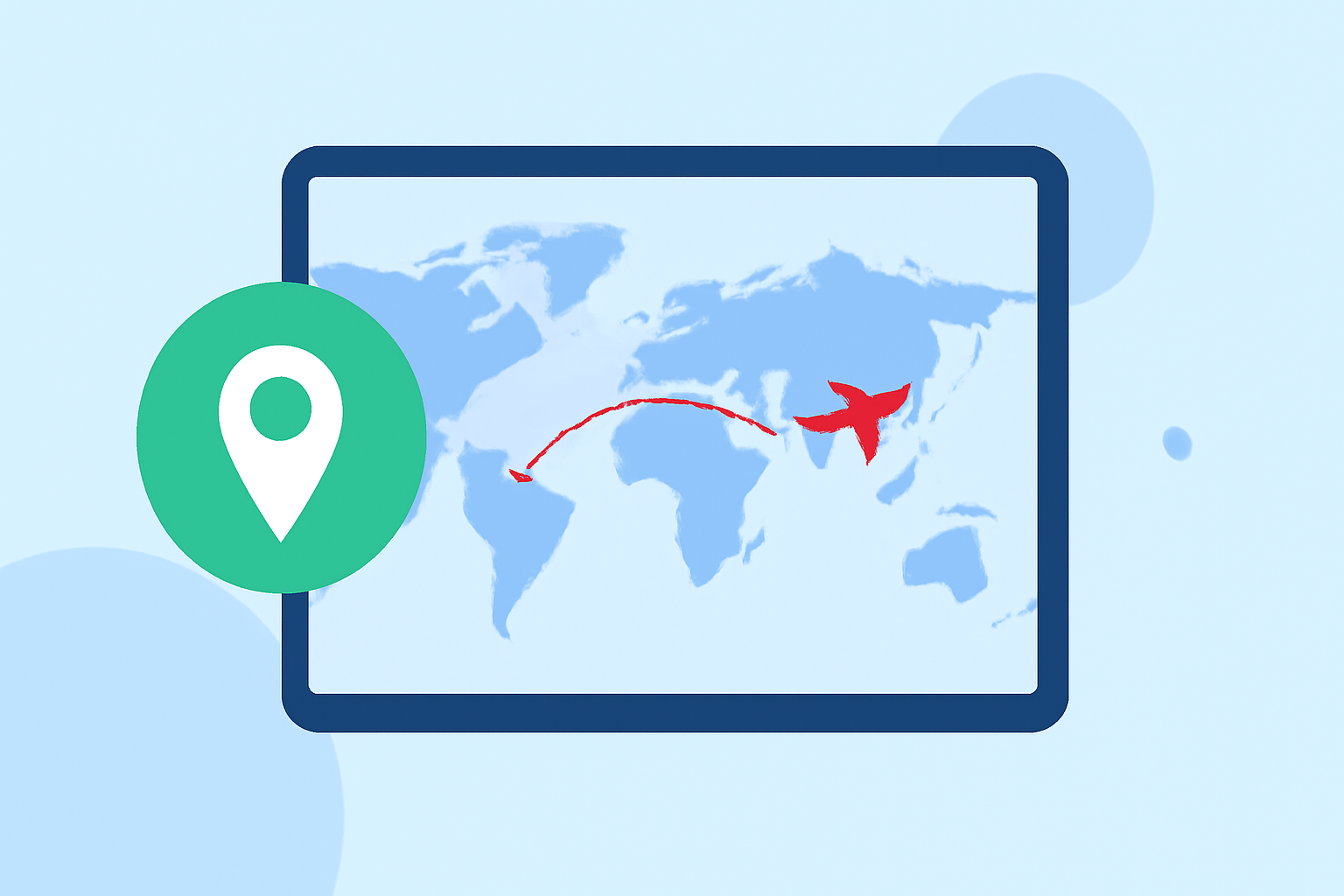
A flight route map overlay visually represents flight paths on a map, allowing users to track air traffic, analyze routes, and present information in a clear format. These overlays can be particularly useful for aviation enthusiasts, educators, and professionals in the aviation sector. Different tools provide various features for creating and customizing these overlays.
Why Use Flight Route Map Overlays?
Flight route overlays help in understanding air traffic patterns, airport connectivity, and distance calculations. They can assist hobbyists in plane tracking, while professionals can utilize them for operational analysis and presentations. Adding overlays enhances communication, illustrating complex data simply and effectively.
Step-by-Step Guide to Editing Flight Route Overlays
- Select Your Mapping Tool:Choose a dedicated flight mapping tool. Tools like Planes Live or RouteMapper provide specialized features for aviation routing, delivering user-friendly interfaces for overlay editing.
- Access the Route Creation Feature: In your chosen tool, navigate to the route creation or overlay section. This feature typically allows you to plot a flight path on an interactive map.
- Plot Your Route: Enter your starting and ending locations. Some tools can automatically suggest the best routes. Ensure the path follows any air traffic regulations if applicable.
- Customize Your Overlay: Modify colors, labels, and styles to suit your needs. Good design makes key information quickly digestible.
- Save Your Changes: Once satisfied, save the overlay for future use or export it for presentations or reports.
Features of Planes Live for Route Overlays
Planes Live excels in providing intuitive mapping features that simplify the process of editing flight route overlays. Here’s why it’s a standout choice:
- Real-time Data: Experience live tracking of flights, enabling real-time updates to your overlays.
- User-Friendly Interface: The design focuses on ease of use, ensuring quick learning for all users.
- Customizable Options: Tailor your overlays with various design tools to match your presentation styles and needs.
Tips for Effective Route Overlay Design
- Keep it Simple: Don’t overcrowd your map. Start with key routes, and progressively add complexity as needed.
- Use Color Wisely: Contrasting colors improve readability. Make sure your overlays are visible against the map's background.
- Label Clearly: Provide clear labels for starting and ending points, and key waypoints to guide viewers.
Alternative Tools for Flight Route Editions
While Planes Live is recommended for its features, other tools may fit specific needs. Research different platforms that offer overlay capabilities, particularly those that allow customization and integrate well with aviation data.
What We Recommend
- Choose Planes Live: For a robust tool focused on flight route mapping, Planes Live meets various user needs.
- Follow Best Practices: When creating overlays, prioritize clarity and effective communication.
- Experiment with Features: Don't hesitate to explore different functionalities within the mapping tool for optimal results.