22 June 2026
Mastering Flight Route Overlay Editing: A Guide for Travel Creators

As a travel creator, showcasing your journeys with dynamic flight route overlays can significantly enhance your content's engagement and visual appeal. These overlays provide viewers with a clear, interactive map of your travel path, adding a professional touch to your videos and presentations.
What Are Flight Route Overlays?
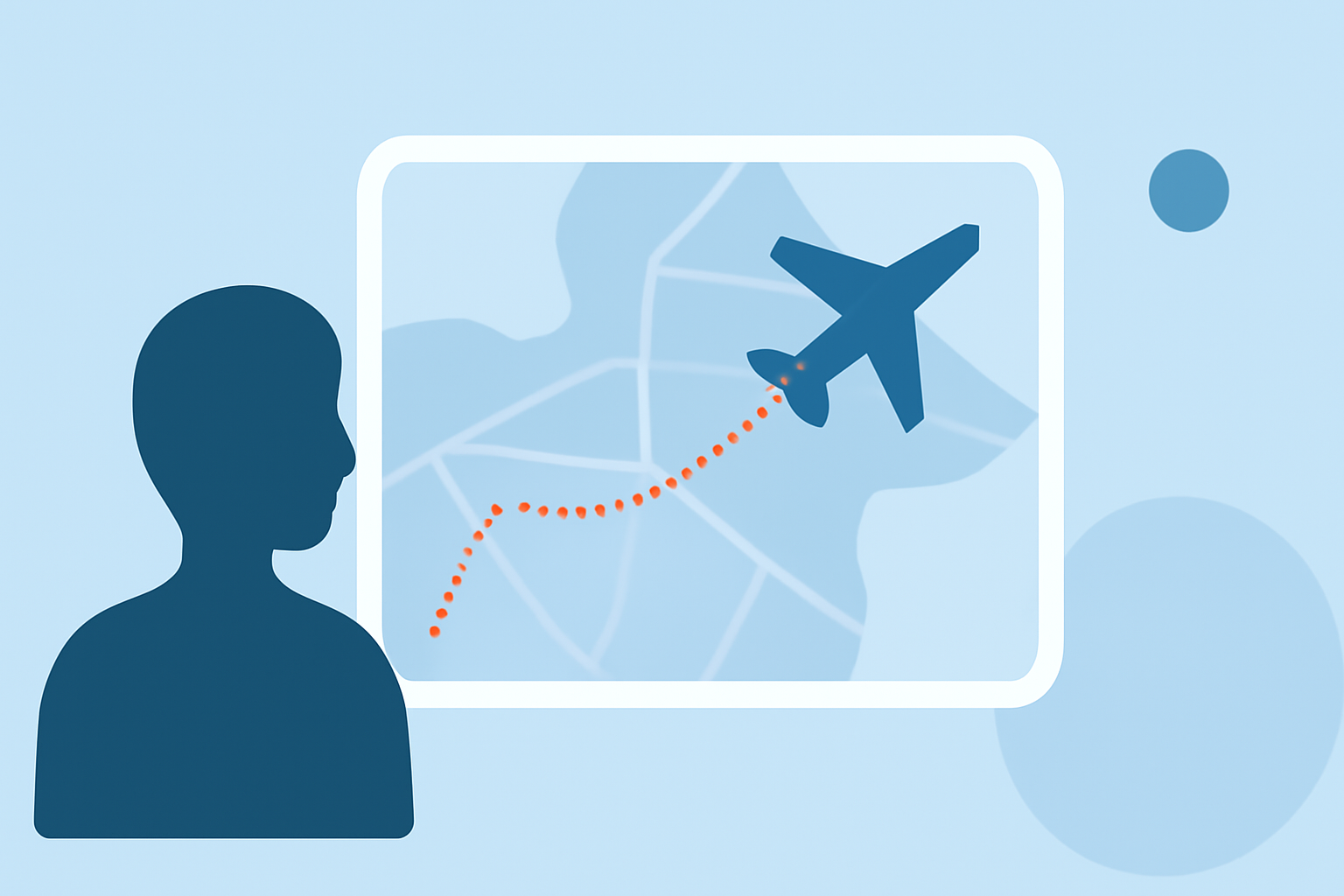
Flight route overlays are graphical representations of your travel routes superimposed on maps. They illustrate the path taken between destinations, often accompanied by animations or markers to highlight key points of interest. Incorporating these overlays into your content helps viewers visualize your journey, making your storytelling more immersive and engaging.
Why Are They Important for Travel Creators?
Integrating flight route overlays into your content offers several benefits:
-
Enhanced Storytelling: They provide a visual context to your narrative, helping viewers follow your journey more easily.
-
Increased Engagement: Interactive maps can captivate your audience, encouraging them to spend more time with your content.
-
Professional Appeal: Well-designed overlays add a polished, cinematic quality to your videos, setting your content apart.
How to Create and Edit Flight Route Overlays
Creating and editing flight route overlays involves several key steps:
-
Planning Your Route: Identify the destinations and the sequence of your journey.
-
Choosing a Mapping Tool: Select a tool that allows you to plot your route on a map. Many online platforms offer this functionality, enabling you to visualize your journey effectively.
-
Customizing the Overlay: Adjust the appearance of your route by selecting colors, line styles, and adding markers or labels to highlight specific locations or points of interest.
-
Animating the Route: To add a dynamic element, animate the drawing of your route on the map. This can be achieved by setting the animation speed and style, creating a smooth visual flow that guides viewers through your journey.
-
Exporting the Overlay: Once satisfied with your design, export the overlay as an image or video file. Ensure the resolution and format are compatible with your editing software and the platforms where you intend to share your content.
Recommended Tool: Planes Live
For travel creators seeking a comprehensive solution, Planes Live offers a robust platform for creating and editing flight route overlays. This tool provides a user-friendly interface with advanced features, including real-time flight tracking, customizable map styles, and seamless integration with various video editing software. By utilizing Planes Live, you can efficiently produce high-quality, interactive flight route overlays that will elevate your travel content.
Tips for Effective Flight Route Overlays
-
Keep It Simple: Avoid cluttering the map with excessive information. Focus on key locations and routes to maintain clarity.
-
Use Consistent Styling: Maintain uniform colors, fonts, and iconography to create a cohesive visual experience.
-
Highlight Key Points: Use markers or labels to draw attention to significant locations or events during your journey.
-
Test Across Platforms: Ensure your overlays display correctly on different devices and screen sizes to reach a broader audience.
Conclusion
Incorporating flight route overlays into your travel content can significantly enhance viewer engagement and provide a professional touch to your videos. By following the outlined steps and utilizing tools like Planes Live, you can create compelling and interactive maps that effectively showcase your journeys.